TV SETTING MENUS | 31
Option Description
System Lock
Turn system lock on/off.
Change Password
Enter the old password, then enter your new password twice. Select 'OK' on-screen
to confirm.
Channel Lock
Press the green button repeatedly to lock/unlock the highlighted channel.
Key Lock
Turn key lock on/off
Clear Lock
Turn clear lock on/off
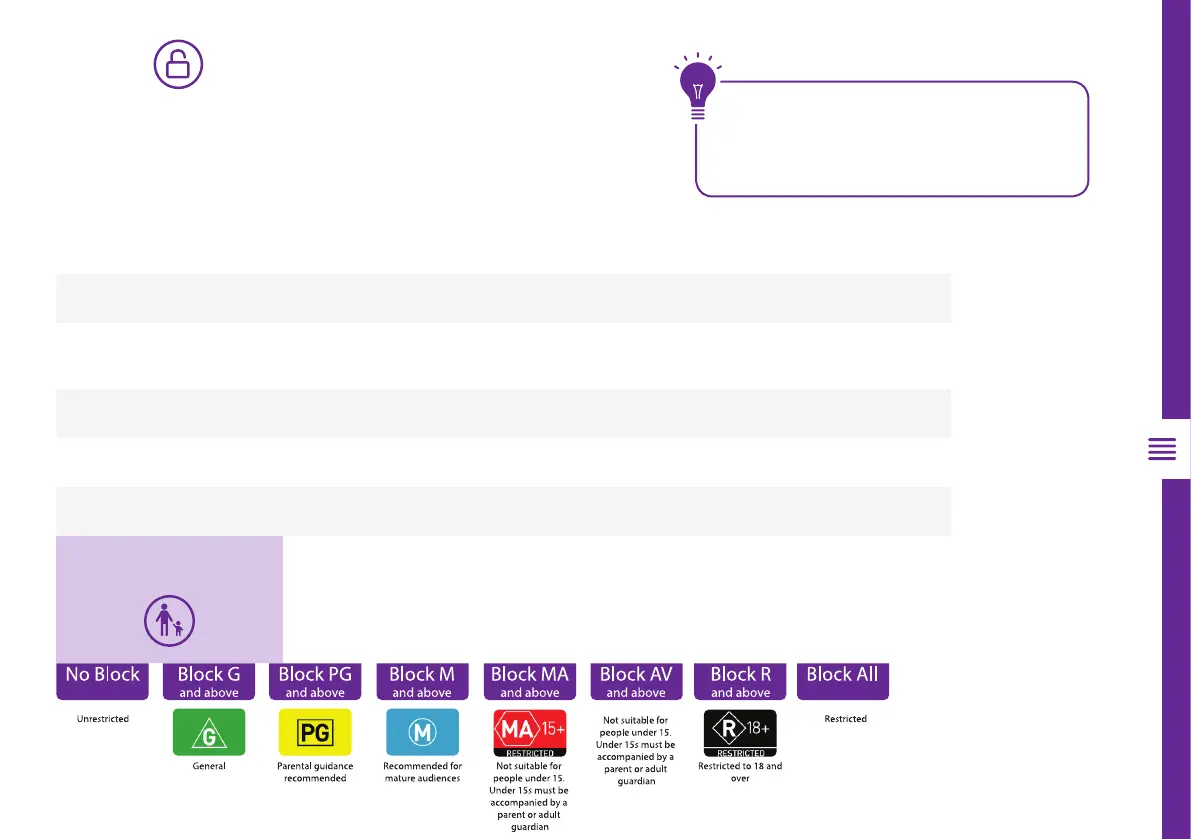
Parental Guidance
This item is used to block access to specific program ratings. See options below.
Lock
Enter the factory password '0000' using the number buttons
on the remote and select 'OK' on-screen. If you changed your
password but forgot it, you can still use the master password.
Factory Password: 0000
Master Password: 4711



 To Next Page