16
LEGACY and Command Control Remote
Operations
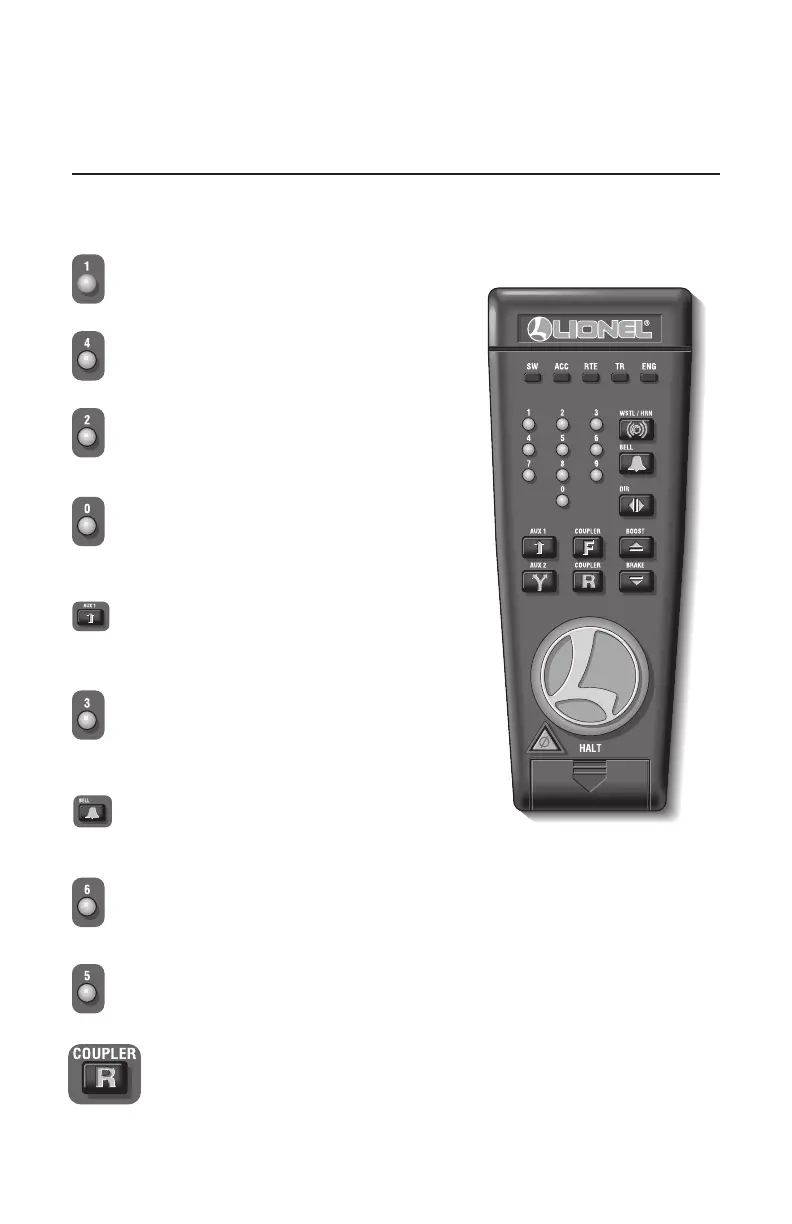
CAB-1 Remote Controller commands
T
he CAB-1 Remote Controller commands are detailed below. The corresponding RailSounds
sound system effects are in bold italic type.
Select Button <1>
Volume up .
Select Button <AUX><2>
Flat wheel sounds ON (while running).
Select Button <AUX><3>
Loading scenarios 1, 2 and 3 See note below for
explanation (only when stationary).
Select Bell
No Sound Activation.
Select Button <6>
Unloading scenario (only when stationary).
Select Button <5>
Shutdown while stopped.
Select Button R coupler
Coupler activates, with coupler sounds.
Select Button <2>
Volume Down.
Select Button <0>
To reset reefer car to initial settings
(unloaded).
Select Button AUX 1
High metallic air release sound.







 To Next Page