9
LEGACY and Command Control Remote
Operations
Setting up your VISION Reefer in your CAB-2 remote continued
Adding Your Reefer to a Train
For best operation, your VISION Reefer car should be assigned to a Train. Be sure it has a different
engine ID from any active locomotives on your layout.
To add a Reefer to a train:
1. Press the TR button and enter a 1 or 2 digit number for your new train. (2, in
this example)
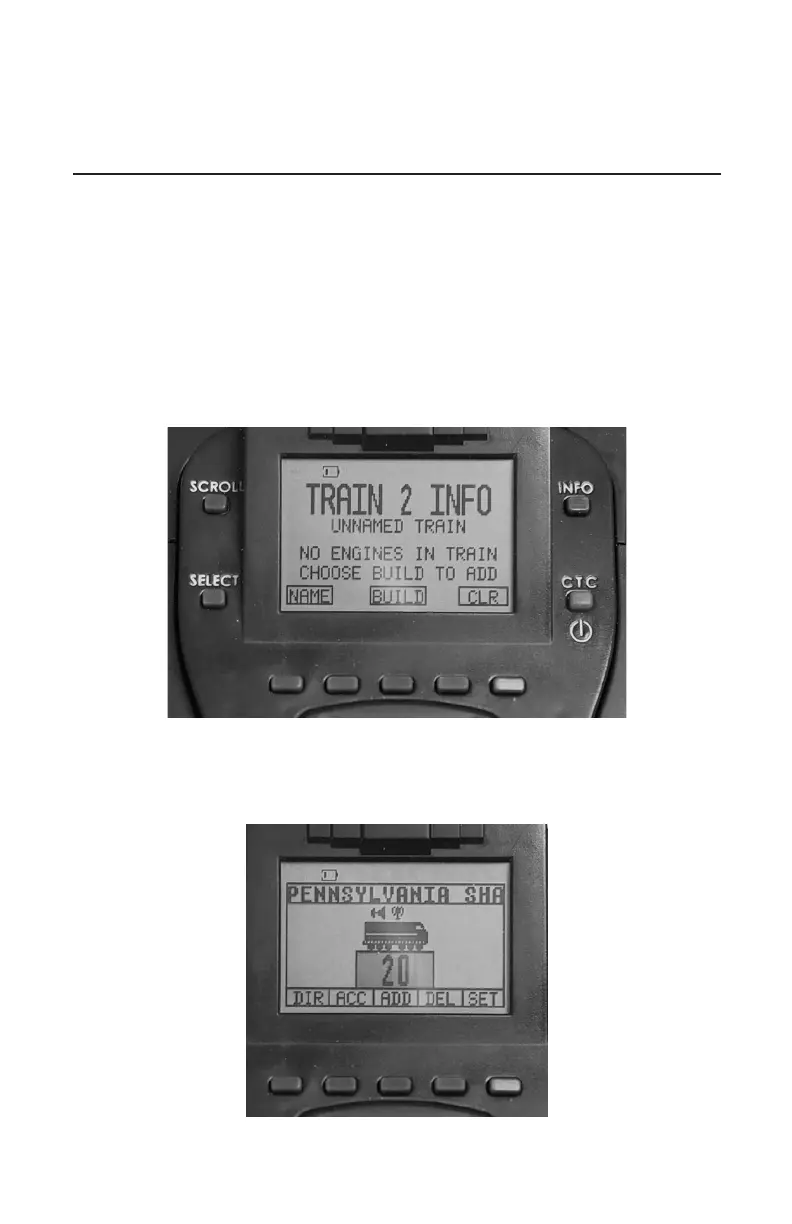
2. Press the INFO button. Your screen will look like this:
3. Press BUILD.
4. Enter the TMCC ID of the locomotive that will head up this train. (20 in this
example)







 To Next Page