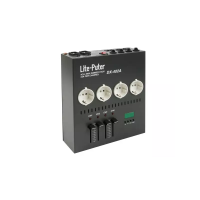
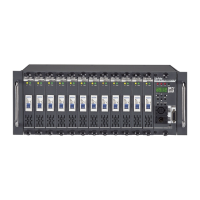
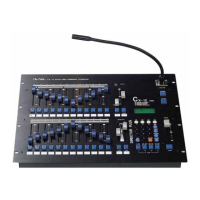
CX-12 DIRECTOR PLUS
PROGRAMMING OPERATION FLOW CHART
NOTE: PRESS “PROGRAM” KEY TO RETURN TO PREVIOUS DISPLAY
PROGRAM KEY
1:scene
part 1
1:load
select f01..f96 Load scene to
load scene 01 channel buffer for modifying.
enter
2:save
select f01..f96 Store channel buffer to
save scene 01 scene memory
enter
Note: enter scene #. by 1)selection key or 2) #. buttons
3:clear
4:more
part 2
1:insert
select f01..f96
insert scene 01
enter
2:delete
select f01..f96
delete scene 01
enter
3:
4more


 To Next Page