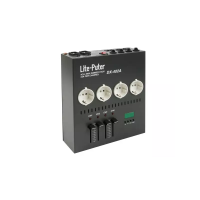
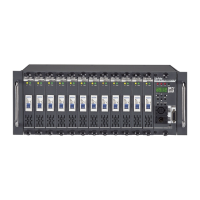
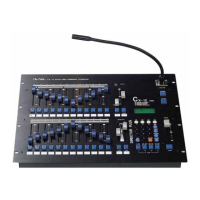
CX-12 DIRECTOR PLUS
OPERATING DESCRIPTION...................... Operating a scene
Scene can be recalled by:
a. Using keys to load scene #
b. Using fader vr to load scene #
A. USING KEYS TO LOAD SCENE #
First adjust all faderVR to 0%
1. Adjust all channel levels to 0% by adjusting master vr to 0%, then pressing
the master key (under the master fader vr)
2. Adjust master vr to 100%
3. Press PROG key ----------->LCD shows: 1. Scene 2. Sequence
4. Press function key#1 (Scene)----> LCD shows 1. Load 2. Save
3.Clear 4.More
5. Press function key#1 (Load)----> LCD shows ; LOAD SCENE 01
6. Press number keys #0, and #1
7. Press ENTER. Scene #01 is now loaded.
B. USING FADER VR TO LOAD SCENE #
1. Adjust all channel levels to 0% by adjusting master vr to 0%, then pressing
the master key (under the master fader vr)
2. Adjust master vr to 100%
3. Press SC/CH key. Red light on page key indicates scene mode. (green light
indicates channel mode) ----->LCD shows: PAGE START SC01.
4. Press PAGE 1 key (faders VR#1~24 = Scenes: SC01~SC24).
5. Adjust fader VR #1 to 100%.


 To Next Page