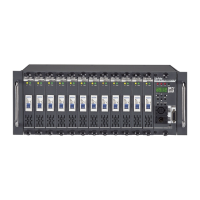
CX-12 DIRECTOR PLUS
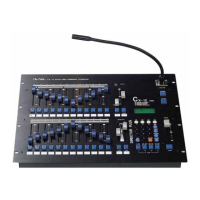
OPERATING DESCRIPTION.............Operating chase
Recall a sequence program to operate chase
A. Press CHASER key-------->LCD shows: SELECT:F01.....F24
B. Use No. keys (01~24), to select sequence program.
C. Press ENTER
D. Adjust CHASER fader VR to desired level.
E. Adjust SPEED fader VR to the desired level.
Note: If level is at 0%, then speed is automatically controlled by audio.
P.S. To stop chaser operatoion:
1. Adjust CHASER fader VR to 0%
2. Press CHASER key twice.


 To Next Page