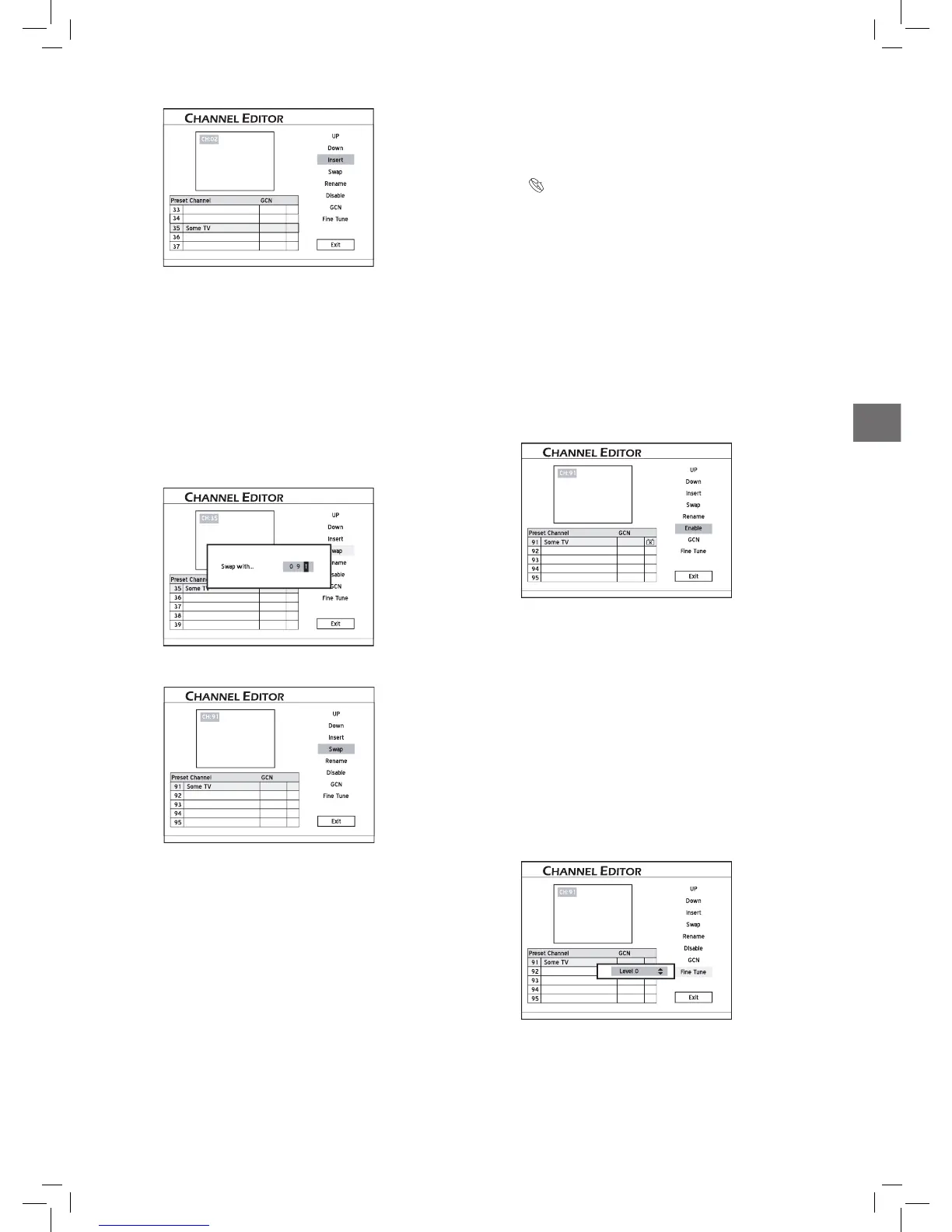
The channel will be moved to the desired location.
4. When completed, press to select ‘Exit’ or
another option to continue, then press ENTER.
After you insert channel(s), numbers of other channels
will change accordingly.
..........................................................................................
Swapping TV Channels
1. Press to select a channel from the list, then press
ENTER.
2. Press to select ‘Swap’, then press ENTER.
Starteww wwwwwwwd_Advanced_02_06
3. Press or the number buttons to enter the
channel number, then press
ENTER.
The channel will be swapped to the designated location.
4. To swap other TV channels, repeat steps 1-3 to
complete the settings.
..........................................................................................
Renaming TV Channels
1. Press to select a channel from the list, then press
ENTER.
2. Press to select ‘Rename’, then press ENTER.
3. The ‘on-screen input keypad’ will be displayed. Follow
the instruction in ‘Using On-Screen Input Keypad’ to
enter characters.
You can enter up to 10 characters for a name.
On-Screen Input Keypad (p.27)
4. When completed, press to select ‘Finish’,
then press ENTER.
..........................................................................................
Enabling/Disabling TV
Channels
You can temporarily remove unwanted channel(s) from
the list created from automatic scanning process or add the
previously disabled channel(s) back to the list.
1. Press
to select a TV channel which you would
like to switch on/off, then press
ENTER.
2. Press to select ‘Enable’ or ‘Disable’, then press
ENTER.
The channel selected will then be switched on or off.
3. To switch on or off other channels, repeat steps 1-2 to
complete the settings.
..........................................................................................
Fine-Tuning TV Channels
After you have performed the channel scanning, you may
like to fine-tune the TV channel signal manually. Follow
the steps listed below to complete the function.
1. Press to select a channel from the list, then press
ENTER.
2. Press to select ‘Fine Tune’, then press ENTER.
3. Press or the number buttons (0-9), then press
ENTER to fine-tune the channel signal.
4. When completed, press to select ‘Exit’ or
another option to continue, then press ENTER.



 To Next Page