MPEG-4
It is illegal to download and use unauthorized copy-
righted materials. Make sure you obtain the permission or
authorization from copyright owners and related third-par-
ties before you start using or watching the videos or files.
If you fail to do so, you may be subject to fines and/or
penalties.
Supported Formats
The MPEG-4 technology allows a large video file, such
as a two-hour movie, to be efficiently compressed without
sacrificing its original video and audio quality. If you
watch an MPEG-4-based movie, there may be subtitle files
saved for playback in addition to the video/audio files.
Please check the table listed below to see whether your
MPEG-4 files are supported by this DVD recorder.
MPEG-4 File Formats Supported
Category Codec
Standard/
Format
File Type
(File Extension)
Movie Video
• DivX
• XviD
.AVI, .DIVX*,
.DIV*
Audio • MP3
• AC3
• LPCM
Subtitle • MicroDVD
• SubRip
.SUB, .SRT,
.TXT**
*Indicates supported by select models only.
Model Comparison Chart(back cover)
**Subtitle files suffixed with one of these extensions
but in format other than ‘MicroDVD’ and ‘SubRip’ are
not supported by this DVD recorder.
Bitmap-based subtitles, such as idx+sub, are not
supported by this DVD recorder.
Playing MPEG-4 Files
1. Follow ‘Playback: Step by Step’ to place the disc in
the DVD recorder.
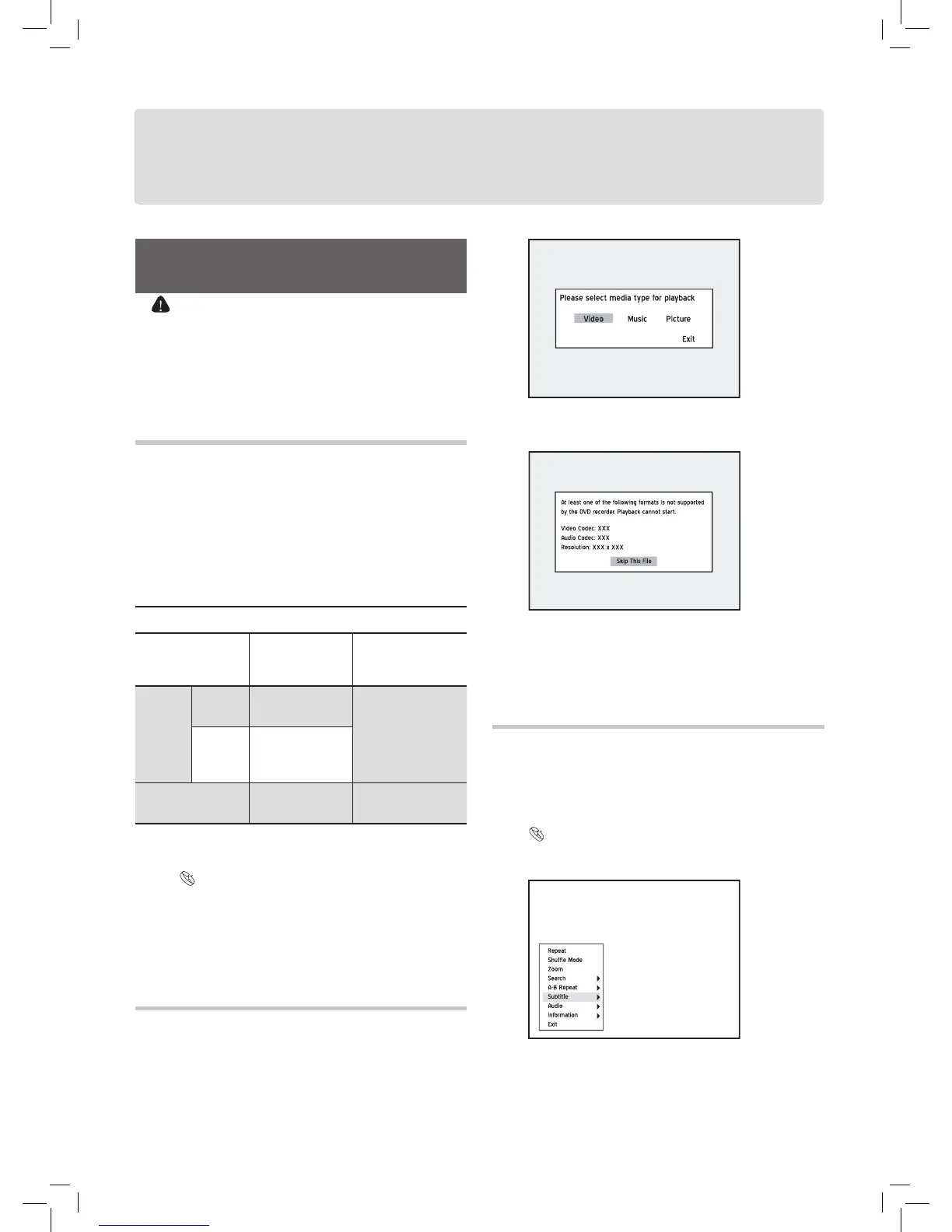
2. A dialogue box offering the file-type options will ap-
pear. Press
to select ‘Video’, then press ENTER.
4. If the disc contains other files, the DVD recorder will
start playing back the next file.
5. Press
STOP to stop playback at a marked stop.
Press PLAY to resume playback from a marked
stop.
Subtitle of MPEG-4 Files
This DVD recorder supports the text-based subtitles when
playing back MPEG-4 videos. Activating the function
through ‘Navigation Menu’ during playback..
Introducing Navigation Menu(p.35)
1. Select ‘Subtitle’, then press ENTER to go to the
sub-menu.
2. Press to switch on or off the subtitle function, or
to select an appropriate coding system for displaying
the subtitle correctly, then press
ENTER.
3. Press NAVI.
again or repeatedly press to exit the
Navigation menu.



 To Next Page