Audio [SVCD]
If the SVCD being played is recorded with multi-tracks
(containing different languages or different types of
sound), you can change the tracks during playback.
Available numbers of track vary depending on the SVCD
you are watching.
..........................................................................................
Sound [SVCD] [VCD]
You can select the output speaker(s) of the sound of a
VCD or SVCD. Select ‘Normal’, if you would like to
listen to the sound from both left and right speaker.
1. Select ‘Sound’, then press ENTER.
2. Select from ‘Normal’, ‘Left’ or ‘Right’, then press
ENTER.
..........................................................................................
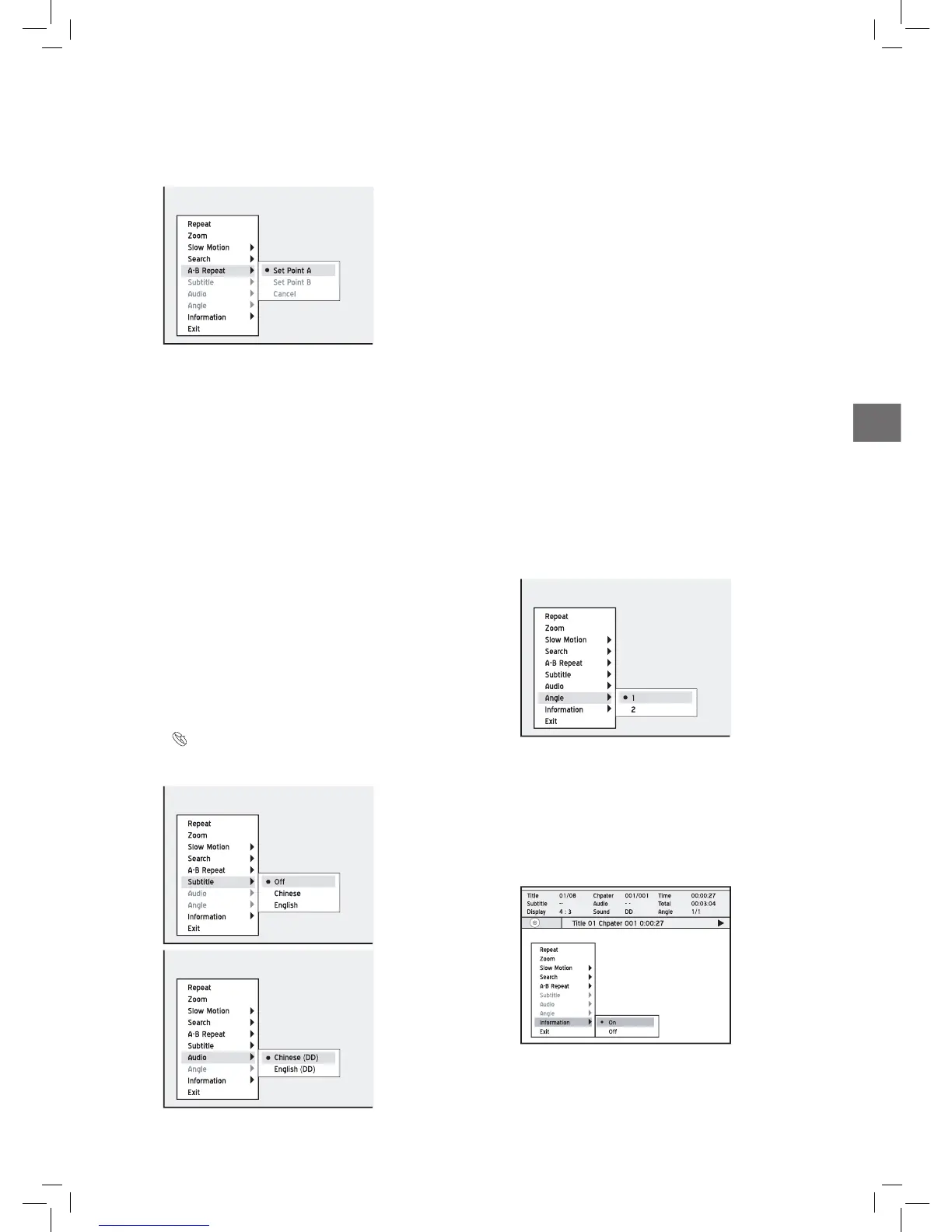
Angle
Some pre-recorded DVD discs contain scenes which have
been shot from different camera angles. You can choose to
view these camera angles during playback.
1. Select ‘Angle’, then press ENTER.
2. Select a camera angle, then press ENTER.
..........................................................................................
Information
During playback, you can select to show the disc informa-
tion on the top of the screen or to hide it.
1. Select ‘Information’, then press ENTER.
2. Select ‘On’ or ‘Off’, then press ENTER.
If you select ‘On’, disc information will be displayed on the top of
the screen.
Different categories of information will be shown
depending on the media type.
A-B Repeat
1. Select ‘A-B Repeat’, then press ENTER.
2.
When playback reaches the beginning of your desired ses-
sion, press to select ‘Point A’, then press ENTER.
3. When playback reaches the end of the desired session,
press to select ‘Point B’, then press ENTER.
Repeat from point A to point B will start.
4. To cancel the repeat mode, press to select
‘Cancel’, then press ENTER.
If you exit the function, setting only point A, the
preset point A will still be valid when you enter the
‘A-B Repeat’ function next time.
The ‘Cancel’ function is only available when both
point A and point B are set.
The ‘A-B Repeat’ setting will be canceled when you
bring the program to a marked stop or a full stop.
..........................................................................................
Subtitle/Audio [DVD]
Some pre-recorded DVD discs have more than one
subtitle/audio language. The language initially selected
for playback will be the one you select when you first set
up the DVD recorder. Nevertheless, you can change the
subtitle/audio language of the disc at any time.
Introducing System Setup (p.14)
1. Select ‘Subtitle’/ ‘Audio’, then press ENTER. All the
available subtitle/audio languages will be displayed.
2. Select a language, then press ENTER.



 To Next Page