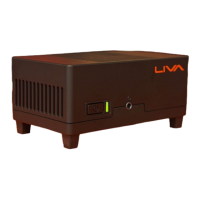
LIVA Z2 SMALL FORM FACTOR PC USER MANUAL
49
Chapter 3
Installing the Windows OS
There are two ways to install the Windows OS:
1. Install Windows OS via Windows official DVD.
2. Install Windows OS via USB flash drive.
a) Create an ISO file from the Windows 10 DVD.
This free program from Microsoft properly formats your flash drive
and then copies the contents of the Windows 10 installation ISO
file to the flash drive.
b) Boot from the USB device that you just created to start the
Windows 10 installing process.
You need to change the booting priority in BIOS in order to
boot from USB device. Enter into BIOS and select the Boot
in menu (or press the hotkey F7), set USB drive as the first
booting priority.
Chapter 3
Using the Motherboard Software


 To Next Page