EasyManua.ls Logo

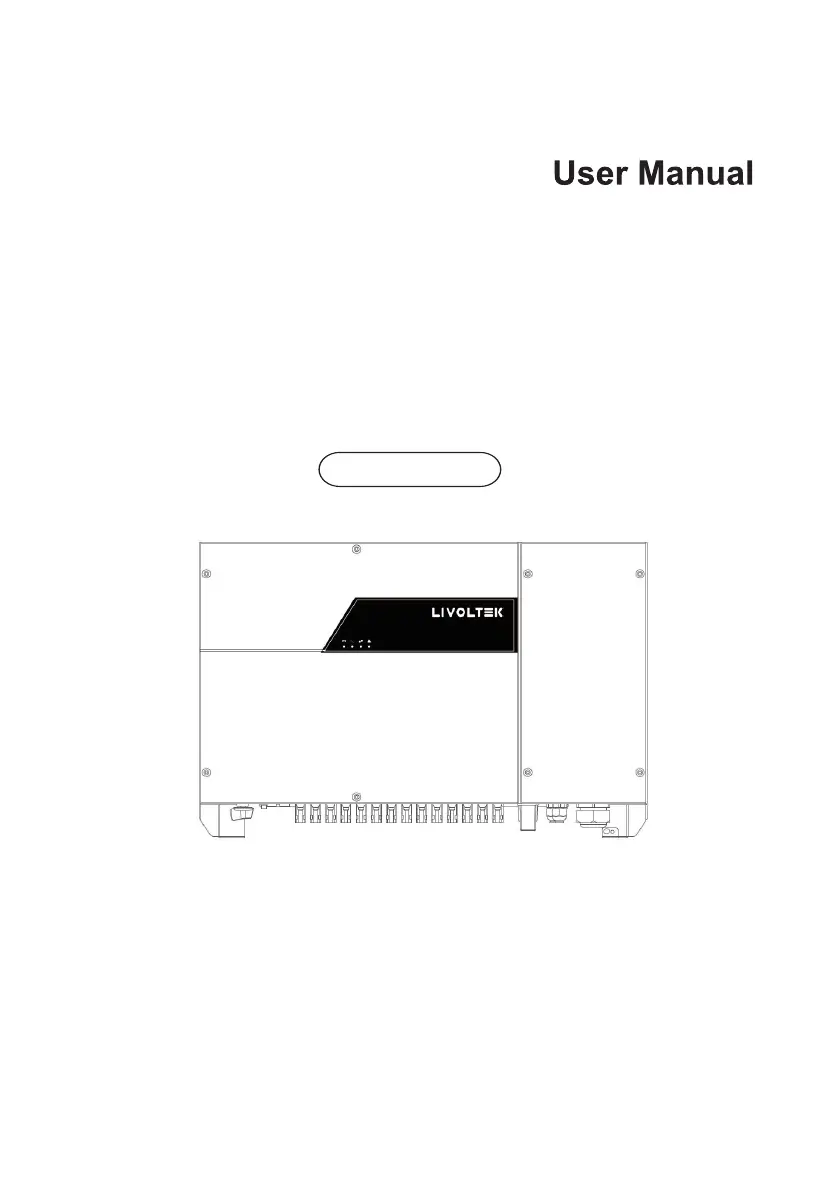
LIVOLTEK GT3-50K - User Manual

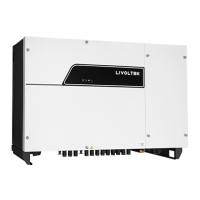
LIVOLTEK GT3-50K
43 pages
Print Icon
To Next Page IconTo Next Page
Loading...
GT3 50K-60K
Ver 00.

Questions and Answers

  • J
    Julie GrayAug 19, 2025
    Why does my LIVOLTEK Inverter show a Grid Over Voltage error?
    • K
      Kathryn MillerAug 19, 2025
      If the LIVOLTEK Inverter shows a 'Grid Over Voltage' alarm, it could be due to the grid voltage exceeding its normal range. If this happens once, it might be a temporary issue with the power grid, requiring no action. However, if the alarm appears repeatedly, contact your local power station. With their approval, you can adjust the electrical protection settings on the inverter via the APP. If the alarm continues, check if the AC circuit breaker or AC terminals are disconnected, or if there is a power outage.
  • E
    Erika ChoiAug 21, 2025
    What to do if my LIVOLTEK GT3-50K is off grid?
    • L
      Laura JohnsonAug 21, 2025
      If your LIVOLTEK Inverter is off-grid, it could be due to a power grid fault or the DC switch tripping. Wait for the power to be restored. Also, turn the DC switch to the 'ON' position. If the DC switch trips frequently, contact your dealer.
  • A
    audrey29Aug 23, 2025
    What does 'Residual Current Abnormal' mean on my LIVOLTEK GT3-50K?
    • B
      Brittany CummingsAug 25, 2025
      If your LIVOLTEK Inverter displays a 'Residual Current Abnormal' alarm, it indicates that the insulation resistance against the ground at the input side has decreased, leading to a high residual current. If this alarm occurs once, it might be a temporary issue with external circuits. The inverter should automatically return to normal operation once the problem is resolved. However, if the alarm persists or occurs frequently, check if the insulation resistance against the ground of the PV strings is too low.
  • T
    Tracy MaloneAug 26, 2025
    How to fix PV Over Voltage on LIVOLTEK GT3-50K Inverter?
    • A
      Amanda RiveraAug 26, 2025
      If your LIVOLTEK Inverter is showing a 'PV Over Voltage' error, it means the voltage from your PV modules is too high. To fix this, check the number of PV modules connected and adjust them if necessary to be within the inverter's acceptable range.
  • A
    Audrey BatesAug 28, 2025
    Why is my LIVOLTEK Inverter showing zero power generation with a yellow alarm?
    • K
      kellyryanAug 28, 2025
      If your LIVOLTEK Inverter's remote monitoring system shows zero power generation and a yellow alarm light, the cause is a communications outage. If you're using a modem or data logger, try rebooting it. If it still doesn't work after rebooting, contact your dealer.
  • J
    Jasmine DavenportAug 30, 2025
    Why does my LIVOLTEK GT3-50K Inverter remote monitor display no output voltage?
    • J
      Julia RossAug 30, 2025
      If the remote monitor displays no output voltage for your LIVOLTEK Inverter, it could be due to the output switch tripping. Check if the DC switch is damaged, and if not, switch it to the 'ON' position. If it still doesn’t work, contact your dealer.
  • M
    Michael EvansSep 2, 2025
    What causes a BUS Under Voltage error on a LIVOLTEK GT3-50K?
    • L
      Linda KellySep 2, 2025
      If your LIVOLTEK Inverter displays a 'BUS Under Voltage' alarm, it indicates an abnormal internal energy control imbalance, possibly triggered by rapid changes in PV strings or grid conditions. If the alarm appears occasionally, the inverter should automatically return to normal operation after the fault is corrected. If the alarm occurs repeatedly, contact your dealer for technical support.
  • A
    Alejandra WardSep 4, 2025
    What to do if LIVOLTEK GT3-50K displays PV Under Voltage error?
    • D
      David PachecoSep 4, 2025
      If your LIVOLTEK Inverter shows a 'PV Under Voltage' error, it means the voltage from your PV modules is too low. This can happen when sunlight is weak, in which case no action is needed. However, if it happens when sunlight is strong, check for short circuits or open circuits in the PV strings.
  • S
    samuel70Sep 6, 2025
    What does 'Insulation Resistance Abnormal' mean for LIVOLTEK GT3-50K?
    • A
      Anthony NelsonSep 6, 2025
      If your LIVOLTEK Inverter shows 'Insulation Resistance Abnormal', it means there's a short circuit between the PV strings and the protection ground, or the PV strings are in a moist environment. Check the insulation resistance against the ground for the PV strings and fix any short circuits. If the insulation resistance is low in rainy conditions, adjust the Insulation resistance protection settings in the APP.
  • L
    Lauren SmithSep 8, 2025
    Why does my LIVOLTEK GT3-50K remote monitor show zero power generation?
    • S
      Stephen CoffeySep 8, 2025
      If your LIVOLTEK Inverter's remote monitor displays zero power generation, it's likely due to a communications outage. If you are using a modem or data logger, please reboot it. If it still doesn't work after rebooting, contact your dealer.

Summary

Forward

Application Model

Identifies the inverter's intended use cases and models.

Intended Audience

Specifies the target users for this manual.

Safety Precautions

Personnel Safety

Ensures safe operation by qualified personnel.

PV Inverter Protection

Guidelines for protecting the inverter and its information.

Installation Safety

Precautions to ensure safe installation of the inverter.

Electrical Connections

Safety guidelines for connecting electrical components.

Operating and Commissioning

Safety procedures for operating and commissioning the inverter.

Maintenance

Safety precautions for performing maintenance on the inverter.

Additional Information

Advice on contacting the dealer for unforeseen risks or issues.

Overview of the Inverter

Functional Models

Describes the inverter's features and model variations.

Network Application

Explains how the inverter connects to power grids and networks.

Outline and Dimensions

Details the physical appearance, layout, and measurements of the inverter.

Working Modes

Explains the different operational states of the inverter.

Storage

Installation

Checking the Outer Packing

Procedures for verifying the inverter's packaging upon receipt.

Moving the 50 K;60 K

Safe procedures for physically relocating the inverter.

Identify the PV Inverter

Guidance on how to identify the inverter using its nameplate.

Installation Requirements

Details requirements for determining installation position, mode, and environment.

Support-mounting the Inverter

Detailed steps for mounting the inverter using a support structure.

Installation Self-check

Checklist for verifying correct inverter installation.

Electrical Connections

Connecting Protection Ground (PGND) Cables

Instructions for connecting the protective ground cables.

Connecting AC Output Cables

Guidelines for connecting the AC output cables to the inverter.

Connecting the PV Strings

Instructions for connecting the DC input PV strings to the inverter.

Connecting Communication Cables

Details on how to connect communication cables for monitoring and control.

Installation Verification

Checklist to verify the correct and secure installation of the inverter.

System Operation

Powering ON the Inverter

Steps to safely power up the inverter and begin operation.

Powering OFF the Inverter

Procedures for safely shutting down the inverter.

User Interface

Maintenance

Routine Maintenance

Outlines regular checks and tasks for maintaining the inverter.

The Inverter Troubleshooting

Provides measures for common fault alarms and troubleshooting scenarios.

Removing the Inverter

Step-by-step guide for safely removing the inverter from its installation.

Disposal of the Inverter

Technical Specifications

LIVOLTEK GT3-50K Specifications

General IconGeneral
Start-up Voltage200 V
MPPT Voltage Range200-1000 V
Max. Input Current per MPPT26 A
Number of DC Inputs per MPPT2
Total Harmonic Distortion (THD)< 3%
AC Overcurrent ProtectionYes
DC Reverse Polarity ProtectionYes
Insulation MonitoringYes
Residual Current MonitoringYes
Output Overvoltage ProtectionYes
Grid MonitoringYes
Anti-islanding ProtectionYes
Protection DegreeIP66
Rated AC Output Power50000 W
Max. AC Apparent Power55000 VA
Rated AC Voltage400 V
Grid Frequency50 Hz / 60 Hz
Power Factor Adjustment Range0.8 leading to 0.8 lagging
DC SwitchYes
Operating Temperature Range-25°C to 60°C

Related product manuals