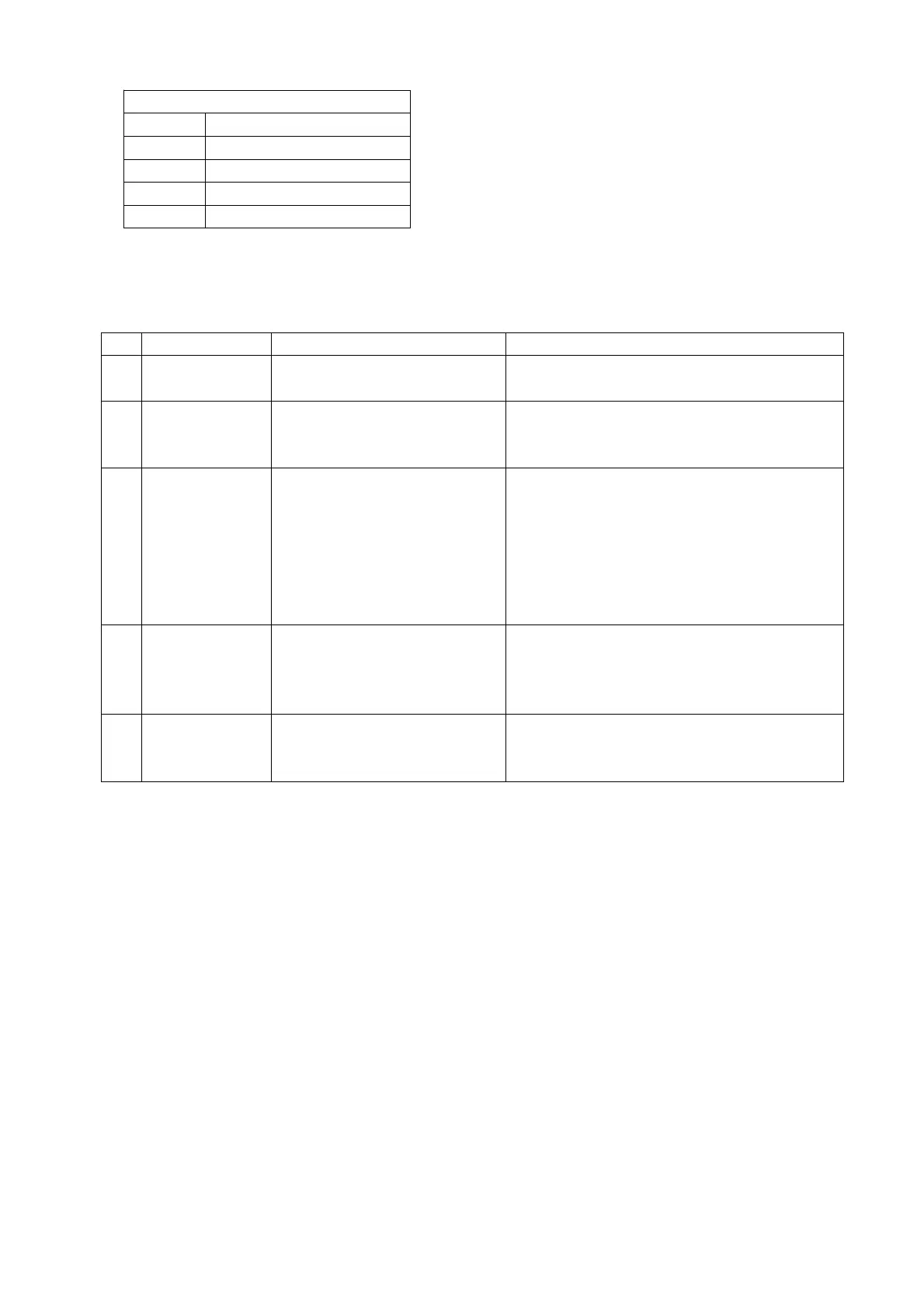
10.CHANGINGTHEPAPER
10.1 Pull the lever to open the cover of the printer. Place the paper roll. Make sure the flap is at the top of the
printer, facing towards you. Hold on to the paper when closing the printer. Push the cover closed firmly.
11.TROUBLESHOOTINGOF WEIGHINGUNIT
-The load is too big for the scale
-Remove the load immediately.
Textis not printed
clearly on the
ticket
-Battery voltage is too low
-The fork shoe is touching the
bottom part of the scale
-Cable in junction box is loose.
-1 of the load cells is broken
-Remove anything that restricts the movement of
the scale.
-Check the connection in junction box after
confirming safe.
-Stand on the 4 corners of the scale. The load cell
in the corner with a different weight should be
replaced.
Indicatorcan’t be
turnedon.
-Battery voltage is too low.
-Battery life is complete.
-Charger is damaged.
-Charge the batteries.
-Replace rechargeable battery with new ones.
-Check charger output voltage replace charger
with new one.
-Battery is damaged.
-Charger is damaged.
-Replace rechargeable battery with new ones.
-Check charger output voltage replace charger
with new one.


 To Previous Page