Resetting the Lock
Use tool 2 (or a similar shaped item) to press the Reset Button located in the door-facing side of
the outside module. Hold the button in for 3 seconds to set the lock to factory default. A series
of beeps will indicate that the Resetting was successful.
Changing the Batteries
Use Tool 3 to unscrew the cylindrical ring located at the handle base of the back of the lock.
Remove the ring and the back cover to expose the battery compartment.
Tools
The following 3 tools are included with this lock to help you easily change the batteries, re-key the
cylinder or replace the cylinder.
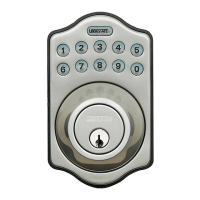
This manual only applies to LockState model LS-6600 and not to any other LockState lock.



 To Next Page