5 - Installation
5.1 - Install the device
Unpack the device while leaving the transport straps in place.
Place the device in the location where it will be used.
Remove transport straps and remaining packaging materials.
Connect the power cord to the line output at the required voltage (see type plate).
Remove all objects from the device.
Switch on the unit with the on/off button and wait until the self-test is carried out. The product is ready
for use after you have heard a series of “beeps”.
- Use the on/off button in order to switch the ergometer off.
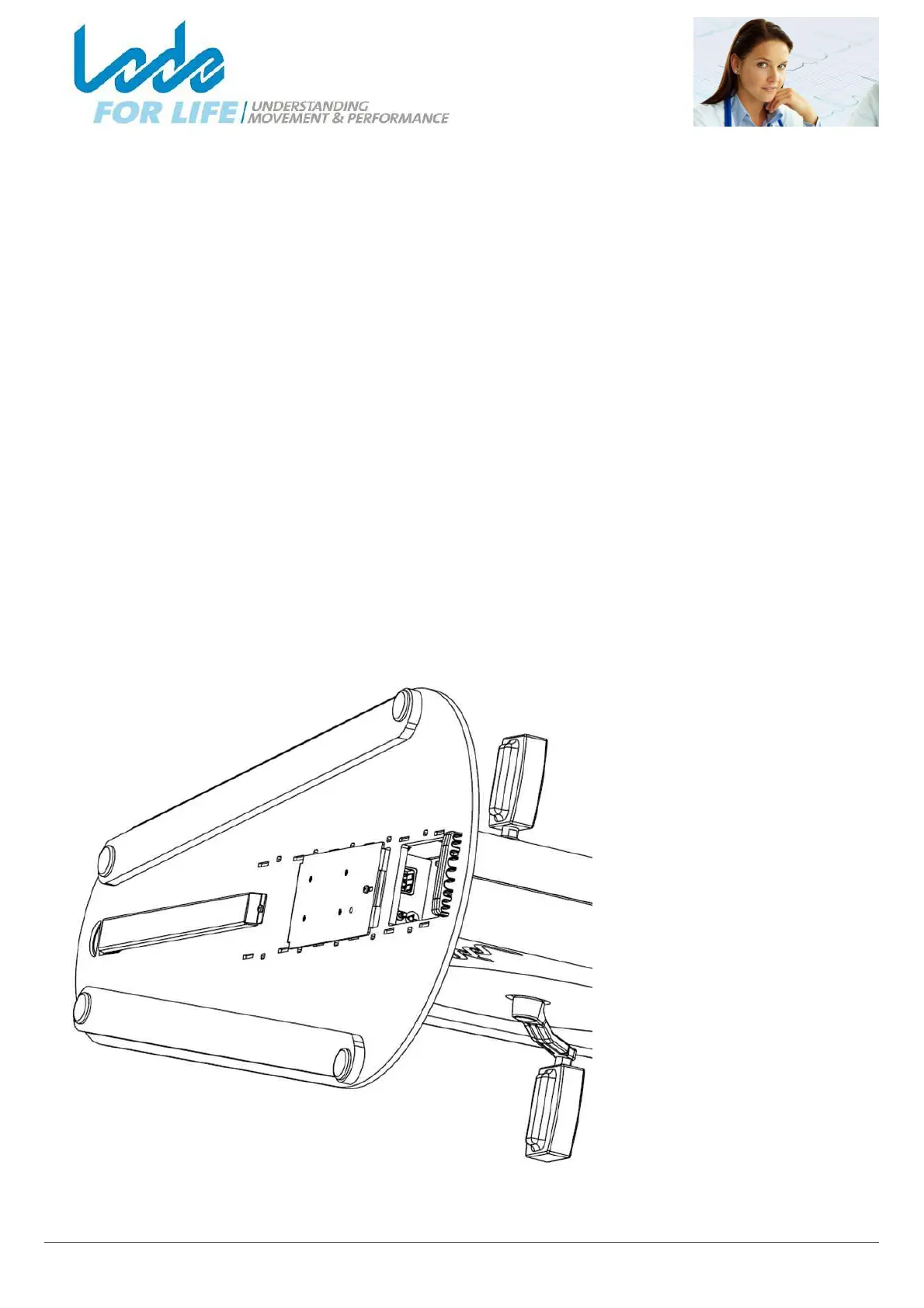
5.2 - Connecting cables
The connection for the power
cord and optional connectors
for external devices are hidden
on the lower side of the device.
Tilt the device carefully to the
side and leave it resting on the
handlebar.
You can now connect the cables
and guide them through the
cable guide.
Place the device upright
carefully again.



 To Next Page