EasyManua.ls Logo

Loewe Concept 1700 - Station Search and Storage; Manual Channel Search

Loewe Concept 1700
Print Icon
To Next Page IconTo Next Page
To Previous Page IconTo Previous Page
Loading...
Note:
You
can
exit
from
the
setting
menu
and
clear
ali
screen
displays
at
any
time
by
pressing
the
@)
button.
Station
search
and
_
storage.
In
order
to
be
able
to
select
the
TV
programmes
later
directly
with
the
numeric
keys
on
the
remote
control
_unit
or
the
programme
change
buttons
©,
@),
the
local
TV
stations
must
first
be
stored.
Up
to
100
programme
memory
locations
(from
00
to
99)
can
be
used
to
store
the
channel
numbers
of
the
TV
stations.
There
are
two
different
ways
of
storing
the
stations:
By
locating
the
various
stations
using
the
station
search
run
or,
if
you
know
the
channel
numbers
of
the
local
stations,
by
entering
the
channel
numbers
directly
using
the
numeric
keys.
You
will
certainly
also
be
able
to
obtain
the
channel
numbers
from
your
dealer.
For
cable
channels,
information
is
also
available
from
the
local
post
office
and/or
from
the
operator
of
the
cable
system.
But
before
you
start
to
search
and
store
TV
channels,
first
a
few
words
about
TV
standards
and
TV
channels.
In
the
UK
and
in
many
other
countries,
e.g.
Germany,
Switzerland,
Austria,
the
Benelux
countries,
Scandinavia,
Spain
and
Italy,
PAL
is
the
normal
TV
standard.
Your
set
is
adjusted
to
this
standard
at
the
factory.
38
Your
new
TV
set
is,
however,
also
equipped
for
reception
of
other
standards,
such
as
SECAM-L
(French
standard),
SECAM-D/K
(Eastern
European
standard)
and
NTSC
(US
American
standard).
If
you
wish
to
receive
programmes
broadcast
in
one
of
these
standards,
you
must
first
set
the
correct
standard
and
then
search
the
station
channel
or
enter
the
channel
number
directly.
TV
stations
broadcast
in
VHF
and
UHF
frequency
bands
(indicated
in
the
menu
by
“V/UHF“),
in
cable
systems
additionally
also
in
the
“special
channel
band“
(indicated
in
the
menu
by
“S-Chan").
Switching
over
TV
standards.
Open
the
sliding
cover
of
the
remote
control
unit
to
its
fullest
extent.
Call_up
the
“Main
menu"
by
pressing
the
button.
Select
the
menu
line
“Station
search
and
storage”
using
the
blue
arrow
buttons
@,
@
on
the
remote
control
unit.
This
line
must now
appear
against
a
blue
cursor
bar_
(blue
background).
Press
the
button
again,
the
blue
cursor
must
jump
to
“Station”.
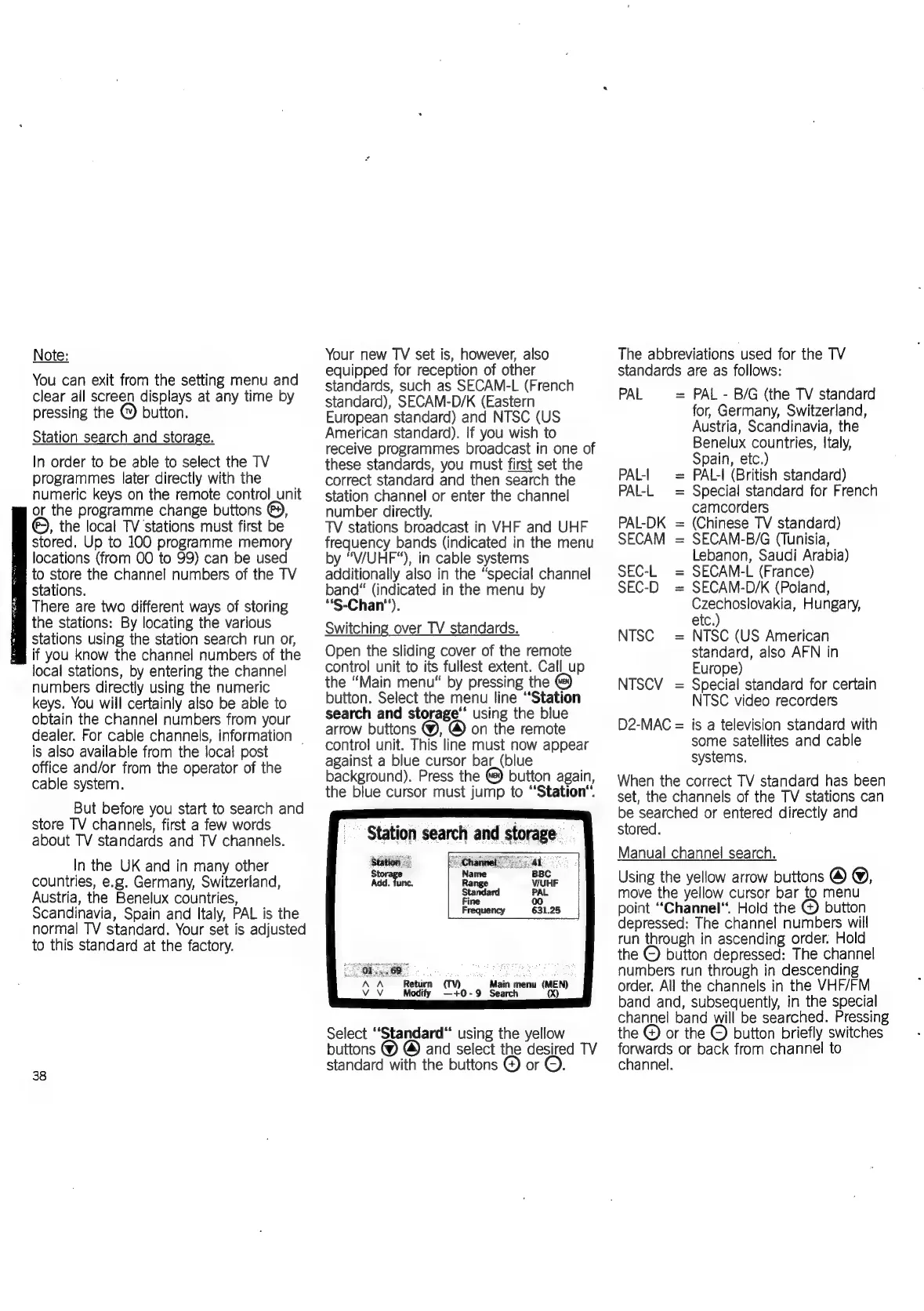
Station
search
and
storage.
station
oe
Ad.
fun
Return
(TV)
Mod
Main
menu
(MEN)
~+0-9
Search
Select
Standard“
using
the
yellow
buttons
@& @)
and
select
the
desired
TV
standard
with
the
buttons
@
or
©.
The
abbreviations
used
for
the
TV
standards
are
as
follows:
PAL
=
PAL
-
B/G
(the
TV
standard
for,
Germany,
Switzerland,
Austria,
Scandinavia,
the
Benelux
countries,
Italy,
Spain,
etc.)
PAL-|
=
PAL-I
(British
standard)
PAL-L
=
Special
standard
for
French
camcorders
PAL-DK
=
(Chinese
TV
standard)
SECAM
=
SECAM-B/G
(Tunisia,
Lebanon,
Saudi
Arabia)
SEC-L
SECAM-L
(France)
SEC-D
=
SECAM-D/K
(Poland,
Czechoslovakia,
Hungary,
etc.)
NTSC
(US
American
standard,
also
AFN
in
Europe)
NTSCV
=
Special
standard
for
certain
NTSC
video
recorders
D2-MAC
=
is
a
television
standard
with
some
satellites
and
cable
systems.
When
the
correct
TV
standard
has
been
set,
the
channels
of
the
TV
stations
can
be
searched
or
entered
directly
and
stored.
NTSC
Manual
channel
search.
Using
the
yellow
arrow
buttons
@
@,
move
the
yellow
cursor
bar
to
menu
point
“Channel,
Hold
the
©
button
depressed:
The
channel
numbers
will
run
through
in
ascending
order.
Hold
the
©
button
depressed:
The
channel
numbers
run
through
in
descending
order.
All
the
channels
in
the
VHF/FM
band
and,
subsequently,
in
the
special
channel
band
will
be
searched.
Pressing
the
©
or
the
©
button
briefly
switches
forwards
or
back
from
channel
to
channel.

Related product manuals