EasyManua.ls Logo

Loewe Concept 1700 - Operation and Control; Basic Control Functions; Childproof Safety Features; Programme-Specific Childlock

Loewe Concept 1700
Print Icon
To Next Page IconTo Next Page
To Previous Page IconTo Previous Page
Loading...
Operation.
This
section
of
the
operating
manual
deals
with
the
set
functions
which
are
used
both
immediately
after
switching
on
for
the
first
time
and
again
and
again
during
normal
viewing;
these
are
basic-
ally
programme
selection
and
the
adjustment
of
picture,
colour
and
sound.
Switching
ON
and
OFF.
On
the
set.
If
the
set
has
been
switched
off
with
the
main
“Power“
button
[1]
(5),
press
the
“Power
button
again
to
switch
on.
The
programme
stored
at
programme
memory
location
01
appears
on the
screen.
Always
switch
off
the
set
at
the
“Power“
button
if
it
is
not
going
to
be
used
for
a
prolonged
period,
e.g.
overnight,
before
going
on
vacation,
but
also
during
thunderstorms!
With
the
remote
control
unit.
If
the
set
has
been
switched
on
with
the
main
“Power
button
[]
((),
switch
off
to
“Standby”
with
the
OFF
button
©
on
the
remote
control
unit.
A
small
red
dot
now
lights.
Part
of
the
electronic
system
remains
switched
on
in
this
mode
so
that
the
set
can
be
switched
on
again
with
the
remote
control
unit.
To
switch
on,
press
the
@
button.
The
last
programme
selected
appears
on
the
screen.
“You
can
also
switch
on
with
one
of
the
numeric
keys
©)
to
@);
a
single-digit
programme
number
is
thereby
selected
.directly.
Childproof
safety
feature.
The
TV
set
can
be
protected
against
unauthorised
switching
on,
e.g.
by
children,
in
one
of
two
ways:
“General
childproof
safety
feature't
If
this
is
activated,
the
set
can
only
be
switched
on
to
“Standby“
with
the
main
“Power
button.
The
set
can
naturally
be
switched
on
with
@)
button
on
the
remote
control
unit.
For
this
reason,
the
remote
control
unit
should
then
be
kept
out
of
the
reach
of
unauthorised
persons.
“Programme-specific
childproof
safety
feature“.
You
can
protect
specific
programmes
from
unauthorised
selection.
Unprotected
programmes
can
continue
B
be
selected
on
the
control
unit
of
the
set.
Activating
“General
childproof
safety
feature“.
Call
up
the
main
menu
with
the
button.
Select
the
menu
line
“Special
functions’
using
the
blue
arrow
button
Call
up
the
sub-menu
“Gen.
childlock‘'
and
briefly
press
the
button.
Set_‘‘Gen.
childlock
ON“
using
the
©
or
©
button.
Press
the
memory
button
©.
Now
press
the
@
button
and
the
menu
disappears
from
the
screen.
Switch
off
the
set
with
the
main
“Power
button
[7]
(©).
From
now
on
the
set
cannot
be
switched
on
without
the
remote
control
unit.
Deactivating
“General
childlock
safety
feature“.
Call
up
sub-menu
“Gen.
childlock™
and
set
“Gen.
childlock
OFF‘.
Store
with
the
memory
button
®).
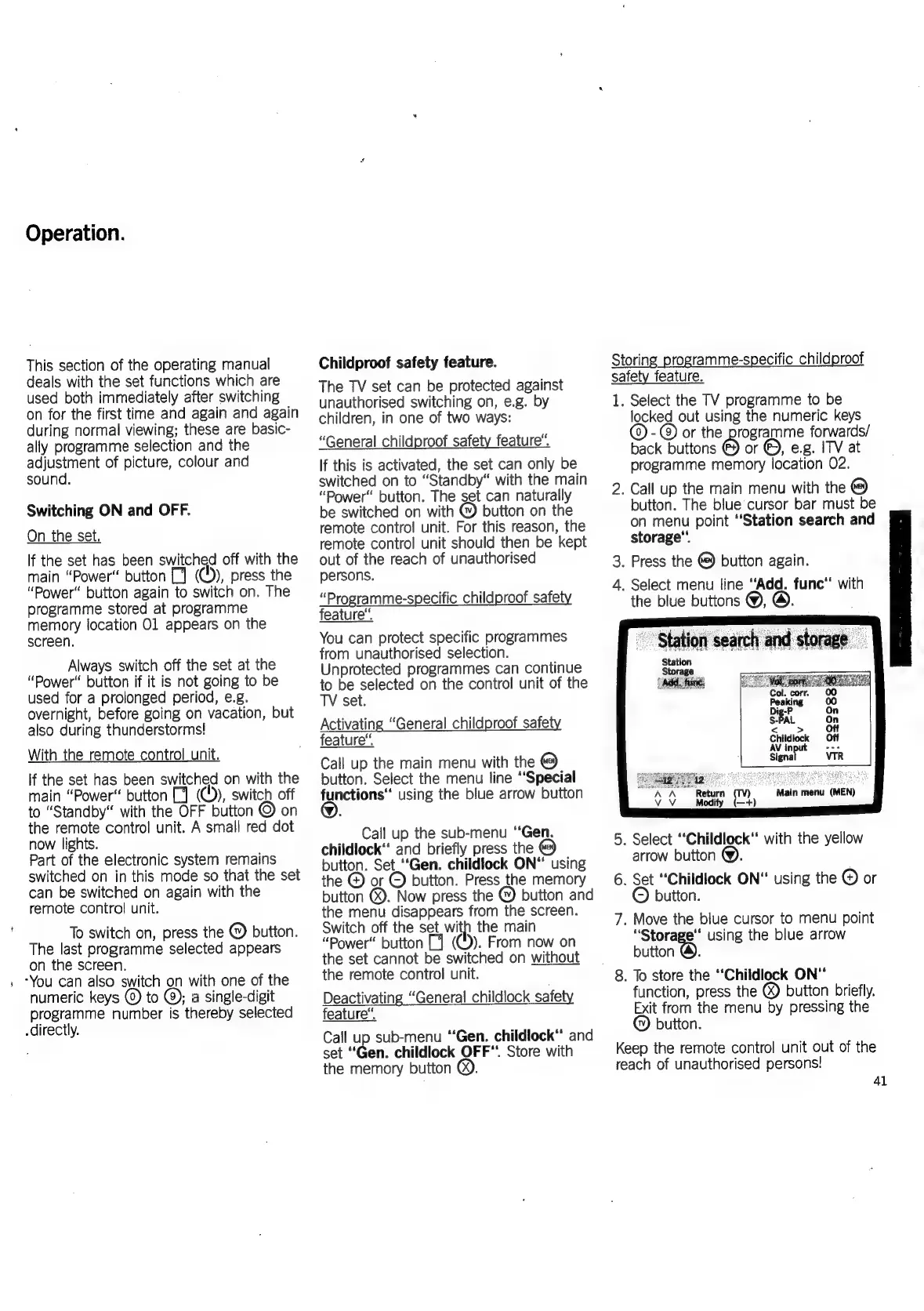
Storing
programme-specific
childproof
safety
feature.
1.
Select
the
TV
programme
to
be
locked
out
using
the
numeric
keys
©)
-
@)
or
the
programme
forwards/
back
buttons
@)
or
@),
e.g.
ITV
at
programme
memory
location
02.
2.
Call
up
the
main
menu
with
the
button.
The
blue
cursor
bar
must
be
on
menu
point
“Station
search
and
storage’
3.
Press
the
button
again.
4.
Select
menu
line
“Add.
func“
with
the
blue
buttons
@,
Station
search
and
storag
Station
Storage
5.
Select
‘‘Childlock’
with
the
yellow
arrow
button
@.
6.
Set
“Childlock
ON"
using
the
©
or
button.
7.
Move
the
blue
cursor
to
menu
point
“Storage”
using
the
blue
arrow
button
@).
8.
To
store
the
“‘Childlock
ON*
function,
press
the
®
button
briefly.
Exit
from
the
menu
by
pressing
the
button.
Keep
the
remote
control
unit
out
of
the
reach
of
unauthorised
persons!
41

Related product manuals