EasyManua.ls Logo

Loewe Concept 1700 - Timer Functions; Appointment Reminders; Sleep Timer Function; On-Screen Display Configuration

Loewe Concept 1700
Print Icon
To Next Page IconTo Next Page
To Previous Page IconTo Previous Page
Loading...
Timer
functions.
Appointment
display,
appointment
volume,
If
you
wish
to
be
reminded
of
an
appointment
at
a
particular
time,
you
can
enter
a
time
at
which
the
set,
as
long
as
it
is
switched
on,
will
remind
you
of
your
appointment
by
a
flashing
message
being
displayed
on
the
screen.
The
appointment
display
functions
only
as
long
as
a
station
with
teletext
is
being
received.
The
“Timer
functions’
menu
can
be
called
up
during
normal
viewing
with
the
©
button.
Move
the
yellow
cursor
bar
to
“Alarm
time’.
Activate
the
function
with
the
©
or
©
button.
A
time
is
displayed.
Enter
your
appointment
time
using
the
numeric
keys,
e.g.
19:59.
In
addition
to
the
optical
appointment
indicator,
an
acoustic
signal
can
also
be
activated.
Select
line
‘Alarm
volume".
Adjust
the_
desired
appointment
volume
with
the
or
©
button.
A
setting
of
OO
means
no
acoustic
signal,
a
setting
of
63
is
the
maximum
volume.
The
set
outputs
the
acoustic
signal
on
setting
for
control
purposes.
If
you
do
not
wish
for
an
acoustic
signal,
set
the
‘Alarm
volume”
to
OO.
Store
the
Alarm
time
and,
if
desired,
appointment
volume
by
pressing
the
®
button.
Exit
from
the
menu
by
pressing
the
@
button.
When
the
appointment
time
is
reached,
“Alarm
time
19:59“
is
displayed
punctually
at
.
the
top
or
bottom
of
the
screen
and,
if
selected,
the
acoustic
signal
is
audible.
The
“Alarm
time“
remains
displayed
and
_can
be
cancelled
with
the
@
button.
The
appointment
display
and,
if
selected,
the
acoustic
signal
is
repeated
at
the
same
time
every
day.
The
“appointment
volume“
is
independent
of
the
volume
selected
for
television
viewing.
To
switch
off
the
“Appointment
display“
function:
Press
button
&
and
select
line
“Alarm
time‘.
Set
to
“Alarm
time
OFF“
with
the
©
or
©
button.
Sleep
timer.
With
this
function
you
can
decide
how
long
the
set
should
remain
on
until
it
switches
automatically
to
“Standby.
The
time
can
be
input
in
increments
of
30
minutes
up
to
a
maximum
of
4
hours.To
set
the
time:
Press
button
@
and
move
the
yellow
cursor
to
“Sleep
timer”.
Select
the
time
with
the
@
or
button.
The
menu
informs
you
continuously
of
the
remaining
time.
If
the
sleep
timer
function
is
not
required,
set
to
“OFF''
Store
the
setting
by
pressing
the
button.
A
warning
message
is
displayed
on
the
screen
one
minute
before
the
set
switches
to
“Standby”.
Note:
The
sleep
timer
function
operates
even
when
receiving
a
station
without
teletext.
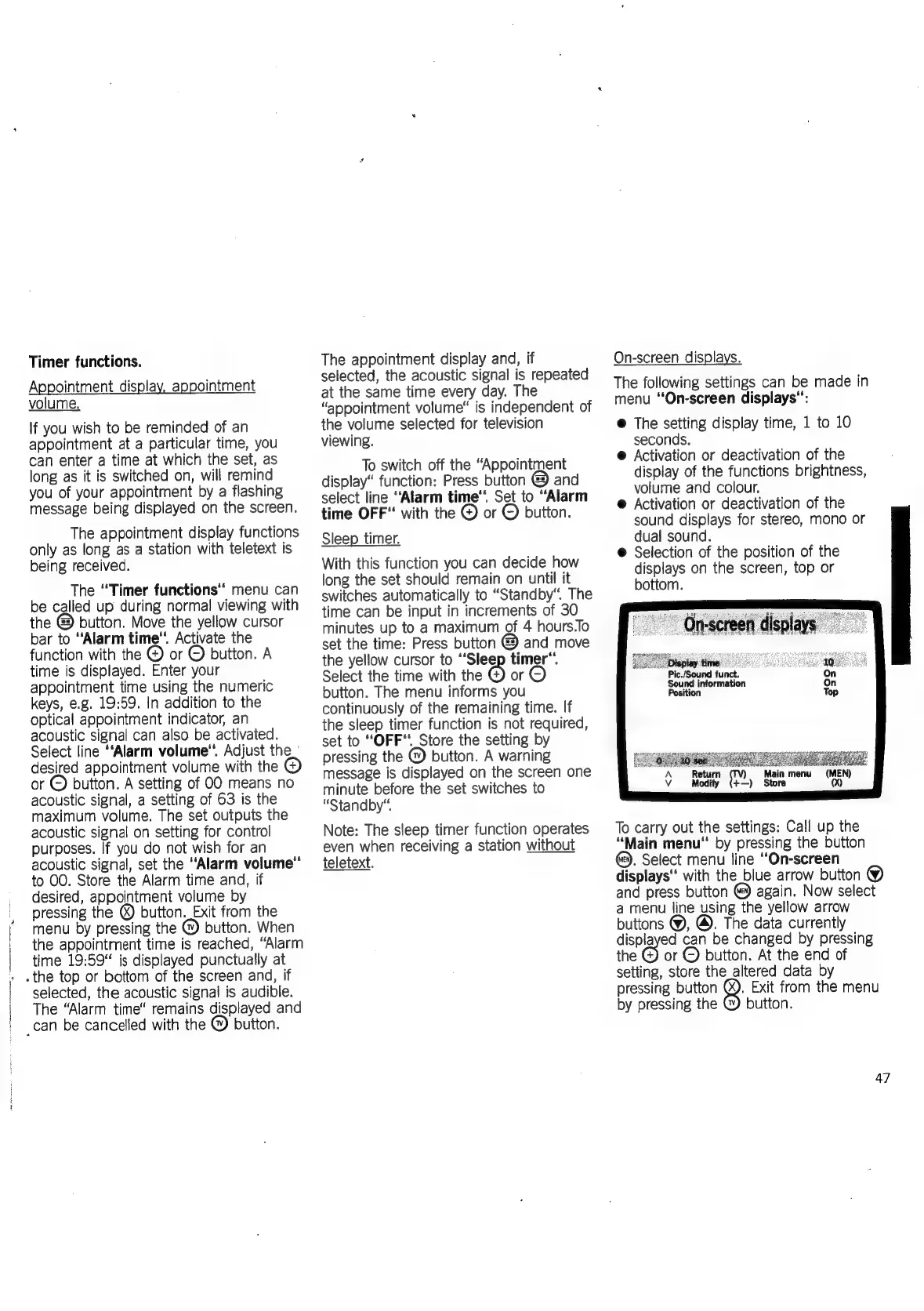
On-screen
displays.
The
following
settings
can
be
made
in
menu
“On-screen
displays":
@
The
setting
display
time,
1
to
10
seconds.
@
Activation
or
deactivation
of
the
display
of
the
functions
brightness,
volume
and
colour.
@
Activation
or
deactivation
of
the
sound
displays
for
stereo,
mono
or
dual
sound.
@
Selection
of
the
position
of
the
displays
on
the
screen,
top
or
bottom.
Pic./Sound
funct.
iti
A
Return
Vv
Modify
(+—)
Sto
"
Orrscreen
dsplays
Display
time
Sound
information
Position
ara
ueryarserest
(MEN!
oy
:
To
carry
out
the
settings:
Call
up
the
“Main
menu‘
by
pressing
the
button
@).
Select
menu
line
“On-screen
displays"
with
the
blue
arrow
button
@
again.
Now
select
a
menu
line
using
the
yellow
arrow
buttons
@,
@.
The
data
currently
and
press
button
displayed
can
be
changed
by
pressing
or
©
button.
At
the
end
of
the
setting,
store
the
altered
data
by
.
Exit
from
the
menu
pressing
button
by
pressing
the
button.
47

Related product manuals