EasyManua.ls Logo

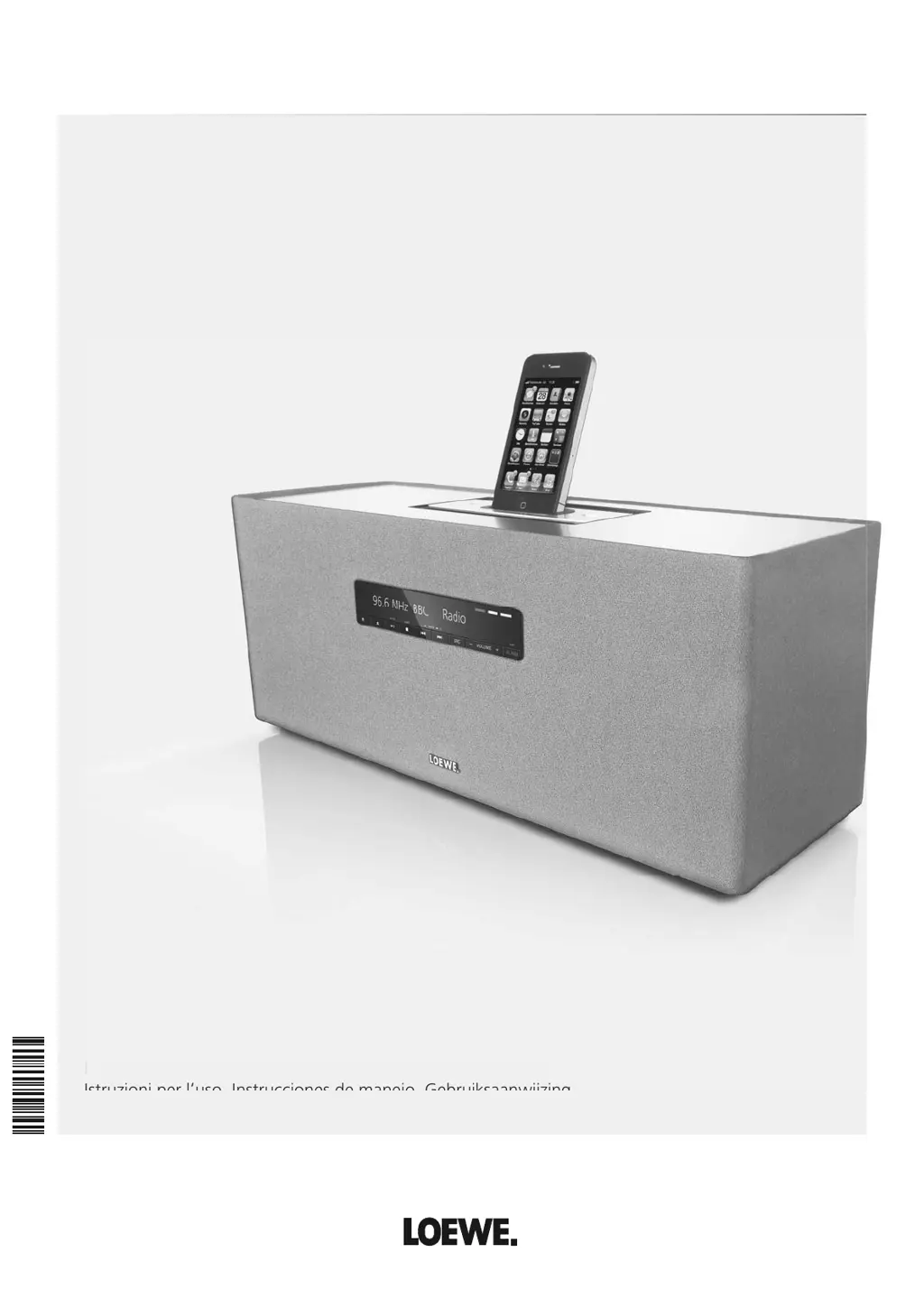
Loewe SoundBox - User Manual

Loewe SoundBox
76 pages
Go to English
Print Icon
To Next Page IconTo Next Page
Loading...
233-35040.000
Loewe Audiodesign.
SoundBox
Bedienungsanleitung, Operating instructions, Mode d‘emploi,
Istruzioni per l‘uso, Instrucciones de manejo, Gebruiksaanwijzing
Be
d
ienungsan
l
eitung, Operating instructions, Mo
d
e
d‘
emp
l
oi,
Istruzioni per l‘uso Instrucciones de manejo Gebruiksaanwijzing
_35040_Loewe_Soundbox_Buch_DE-NL.indb 1 16.08.2011 10:59:49

Table of Contents

Questions and Answers

  • C
    Cory OwenAug 15, 2025
    What to do if the time display is flashing on my Loewe SoundBox and it cannot be operated?
    • H
      herbertjohnsAug 15, 2025
      If your Loewe Stereo System displays a flashing time and you can't operate it, check the CLOCK switch on the rear of the unit. If it's in the SET position, switch it to ON or OFF.
  • M
    Megan CarrollAug 18, 2025
    Why is CD playback not possible on my Loewe SoundBox Stereo System?
    • K
      Kayla LawrenceAug 18, 2025
      If your Loewe Stereo System is unable to play CDs, first, make sure a disc is inserted. If a disc is inserted, ensure it's a compatible type that can be played by the system. Check the disc for dirt and clean it if necessary. Also, verify that the disc is inserted correctly, with the playback side facing the rear. If the disc still cannot be loaded, try switching the unit on before inserting the disc into the drive.
  • T
    travisbrownAug 22, 2025
    What to do if my Loewe SoundBox Stereo System has no sound?
    • J
      Jeffrey GonzalezAug 22, 2025
      If your Loewe Stereo System is not producing any sound, first, ensure that the volume isn't set to the minimum. If it is, turn it up. Also, check if the mute function is activated and deactivate it by pressing V+ on the remote control, then adjust the volume. Another potential cause might be a headphone connected to the system. If a headphone is connected, remove it. Finally, examine the input cable connections for any defects and ensure they are correctly connected. If the problem persists, the cable itself may be defective.
  • D
    Dr. Philip WileyAug 25, 2025
    Why does my Loewe SoundBox switch off automatically?
    • K
      Katie BurnsAug 26, 2025
      If your Loewe Stereo System unit switches off automatically, it might be due to several reasons. The unit may enter Standby mode to conserve energy after 60 minutes of inactivity with CD or USB playback. Also, the sleep function might be active, so switch the unit on again. Another reason might be that the iPod function is selected without an iPod being docked; in this case, dock the iPod or select a different mode. Finally, the unit might have an energy-saving function enabled, requiring you to manually switch it on again.
  • A
    Albert MarksAug 28, 2025
    Why is the radio reception disrupted on my Loewe Stereo System?
    • J
      Jodi HubbardAug 28, 2025
      If your Loewe Stereo System is experiencing disrupted radio reception, ensure the antenna cable is firmly inserted into the socket. If it is loose or damaged, replace it with a new one.
  • M
    Mr. Kevin OwensAug 31, 2025
    How to troubleshoot disrupted iPod operation on Loewe Stereo System?
    • T
      Tina BuckAug 31, 2025
      If your Loewe Stereo System is having issues with iPod operation, remove the iPod and carefully re-insert it into the dock until it's properly connected.
  • K
    Katrina CastroSep 4, 2025
    What to do if a media file cannot be played on my Loewe SoundBox?
    • T
      Tina CrawfordSep 4, 2025
      If your Loewe Stereo System can't play a media file, it's likely due to an unsupported file format. To resolve this, convert the file to a compatible format using a converter program on your computer.
  • A
    Alyssa LopezSep 7, 2025
    Why does my Loewe Stereo System stop iPod playback and play another title?
    • C
      Carl MurphySep 7, 2025
      If your Loewe Stereo System stops iPod playback and starts playing another title, the “Shake to Shuffle” function on your iPod is likely enabled. Deactivate this function on your iPod.
  • C
    cynthia81Sep 12, 2025
    Why is USB playback not possible on my Loewe Stereo System?
    • T
      Tracy GardnerSep 12, 2025
      If USB playback is not possible on your Loewe Stereo System, it could be due to a few reasons. The combination of the file and directory name might be too long; ensure it doesn't exceed 250 characters by shortening the names. Another reason could be an incompatible file format on the USB storage medium; format it to FAT16/32. Finally, the number of files or directories might exceed the maximum allowed; reduce the number of files or directories.

Summary

Control elements

Assist remote control

For your safety

Set-up

Connection

Guide to connecting the FM antenna, audio sources, and power supply to the unit.

Start-up

Inserting batteries

Steps for opening the battery compartment and inserting LR 03 (AAA) batteries.

Setting the remote control

Instructions for setting the remote control to operate other Loewe devices.

Connecting to the mains supply

Procedure for connecting the unit to a 230V 50Hz wall socket.

Switching on;off

How to turn the SoundBox on and off using the unit or remote control.

Basic settings

CD;USB play

Playing from external audio sources

iPod operation

Connecting the iPod

Steps for connecting an Apple iPod or iPhone to the SoundBox dock.

Wake-up function

Sleep function

Troubleshooting

Technical Data

Loewe SoundBox Specifications

General IconGeneral
Frequency range- Hz
RMS rated power- W
Audio output channels- channels
Signal-to-Noise Ratio (SNR)90 dB
AUX inYes
BluetoothNo
Headphone connectivity-
USB 2.0 ports quantity1
Supported radio bandsFM
Preset stations quantity50
Apple docking compatibilityiPhone, iPod
AC input voltage220 - 240 V
Power source typeAC
AC input frequency50 Hz
Power consumption (standby)0.5 W
Power consumption (typical)8 W
Product colorBlack
Volume controlDigital
Disc loading typeSlot
Weight and Dimensions IconWeight and Dimensions
Depth156 mm
Width465 mm
Height192 mm
Weight5000 g

Related product manuals