11 -
Local network
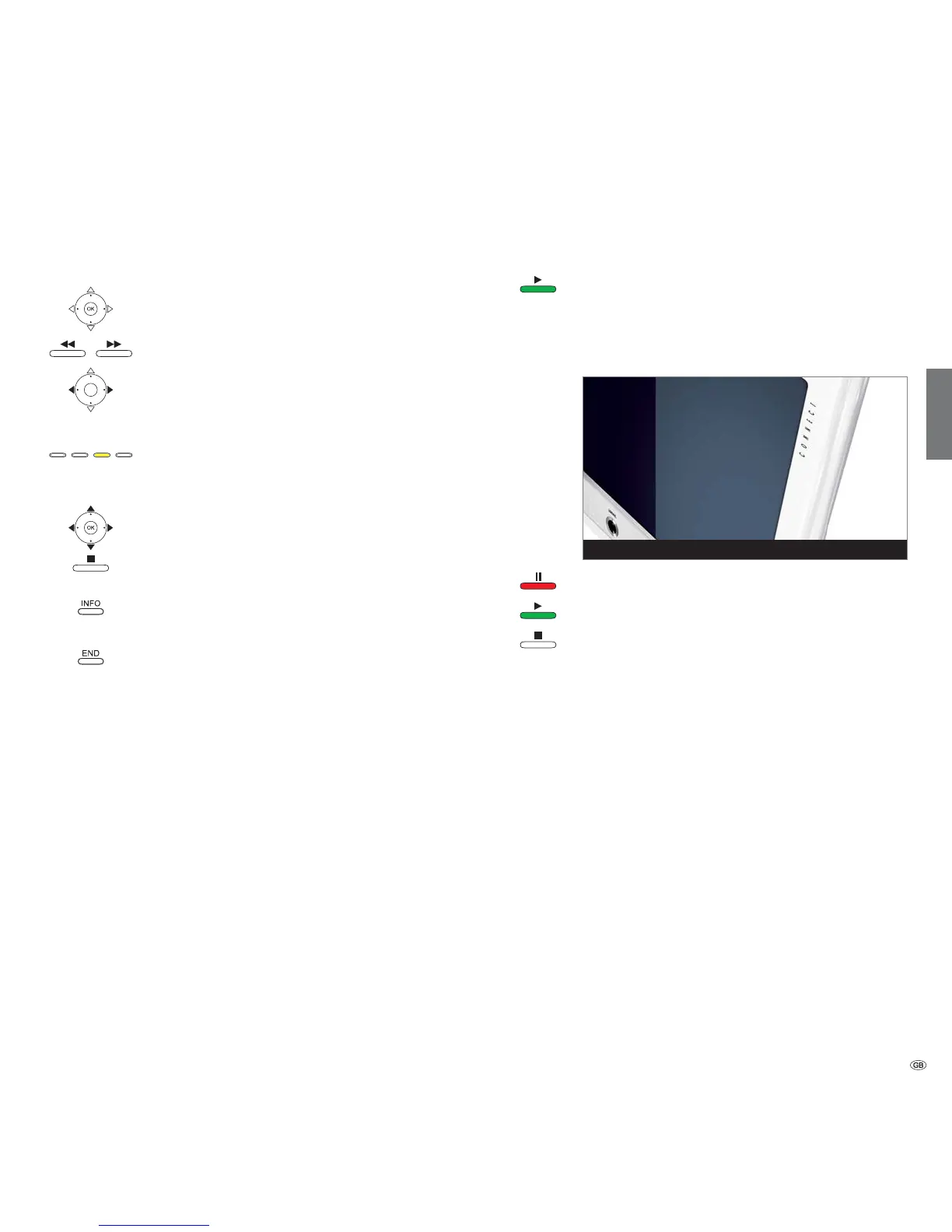
Full screen mode
➠ A picture has been selected.
OK Go to / close full screen mode.
Show previous / next picture.
Rotate picture by 90 degrees to the left/right.
➠ Photos shown in a slide show (see right hand column)
can only be turned to view in the pause mode.
Yellow button: Zoom picture.
Enlargement factors x2, x4, and x8 are possible.
Press the key several times.
At the 4th press return to original size.
Select photo section in zoom mode with .
Exit the zoom mode to the photo overview with OK or
the STOP button.
INFO: Show / hide photo information (e.g. recording date,
camera model used, picture format etc.).
END: Temporarily show / hide file names and number of
files in the folder.
➠ Permanent display of this information can be set in the
MediaNetwork-Menu (page 9).
Slide show
PLAY button: Start slide show.
➠ from photo overview: Start slide show with marked
picture.
➠
in full screen mode: Start slide show with displayed
picture.
PAUSE button: Pause slide show.
PLAY button: Continue slide show.
STOP button: Stop slide show and return to overview.
2 / 106 <Loewe_2_highres> Slide show
english








 To Next Page