EasyManua.ls Logo

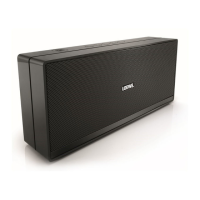
Loewe We. HEAR 2 - Speaker Parts and Controls; Button Functions Overview; Microphone and Connectivity Ports

Loewe We. HEAR 2
Print Icon
To Next Page IconTo Next Page
To Previous Page IconTo Previous Page
Loading...
14 We. HEAR 2
english
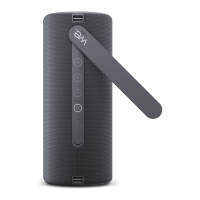
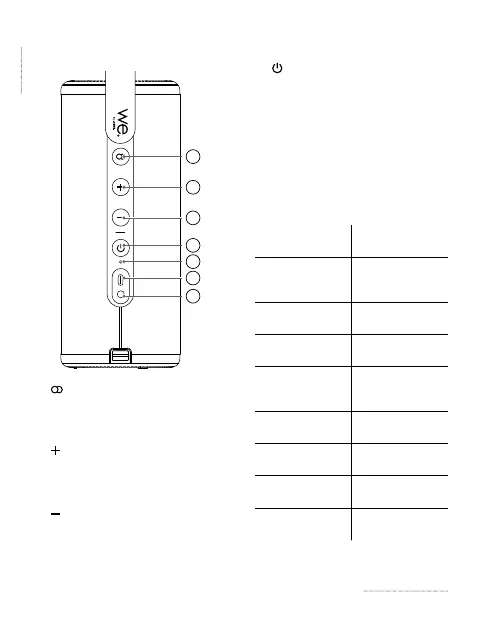
2 Speaker parts
6
7
1
2
3
4
5
1. 

hold to disconnect from the paired
Bluetooth device.
2.

volume level. In the Bluetooth
mode, press and hold to skip to the
next track.
3.

volume level. In the Bluetooth
mode, press and hold to jump to the
previous track.
4.


once to pause/resume current track.
5. Microphone
 
for charger
7. 


LED indicator
state
Status

Speaker is in
Bluetooth pairing
mode

Connected via
Bluetooth



pairing mode


with another
speaker

Connected via
audio cable





charged

Speaker is turned


Table of Contents

Related product manuals