12
be used by the EPSi should be included in that folder. The EPSi ignores all
subfolders in “EPDA”.
5.3. File Naming Convention
The EPSi differentiates impulse response files by looking for a 3 digit indexing
prefix in the file name. When an SD Card is inserted, the EPSi searches for all
files having that prefix and the .WAV extension and then creates a sorted list that
can be scrolled through as the first parameter (1.Sd). The EPSi only looks for 3
digits at the beginning of the file name. The rest of the file name is ignored.
Note: If two Wave files have the same 3 digit prefix, the EPSi lists only one of
them - picking the one somewhat randomly.
On a computer a file name might look like this:
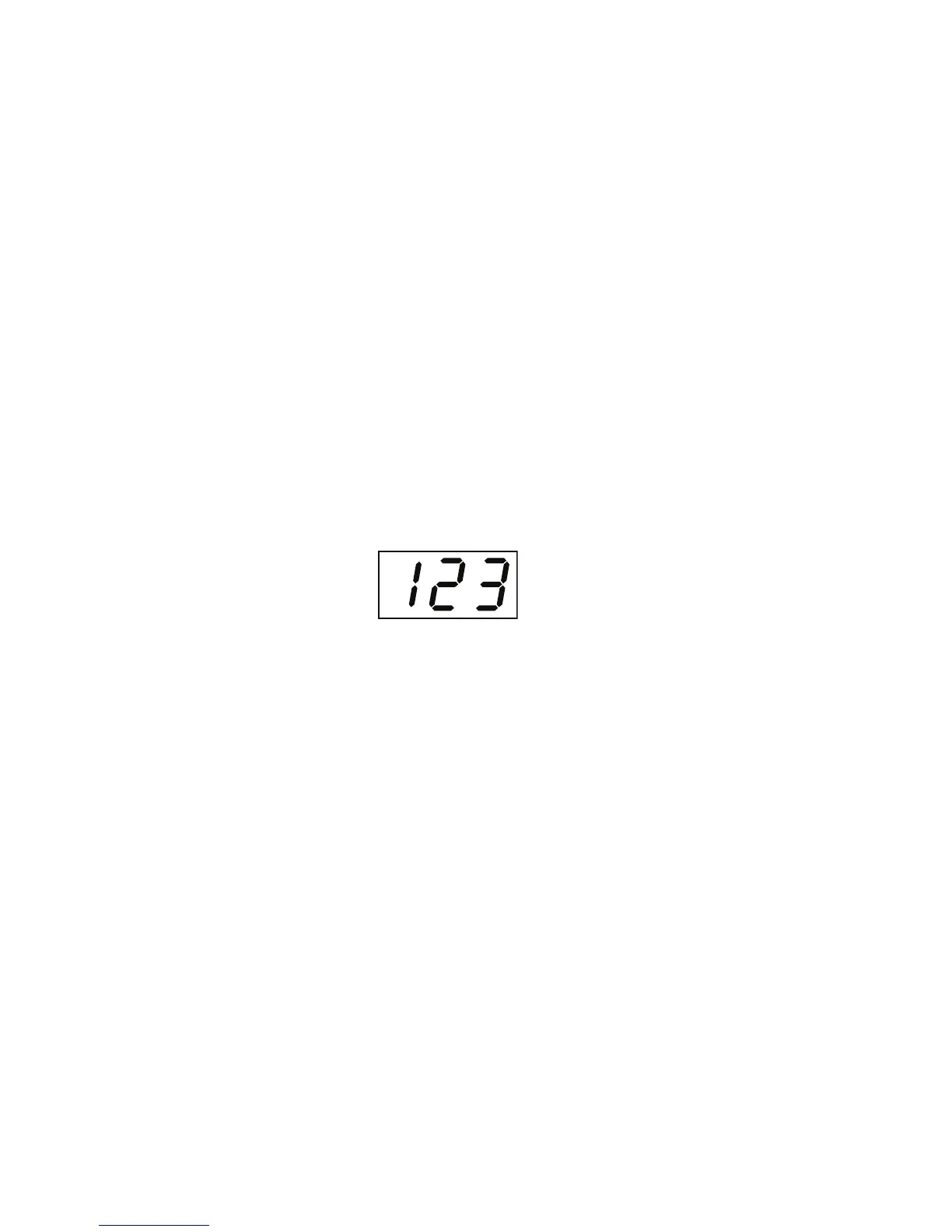
123 impulse response name.wav
The EPSi shows the file as:
Note: The indexing prefixes in a list of files do not need to be contiguous. The
EPSi only displays any combination of the 1000 available (000 to 999) that
actually exists in the EPDA folder.


 To Next Page