13
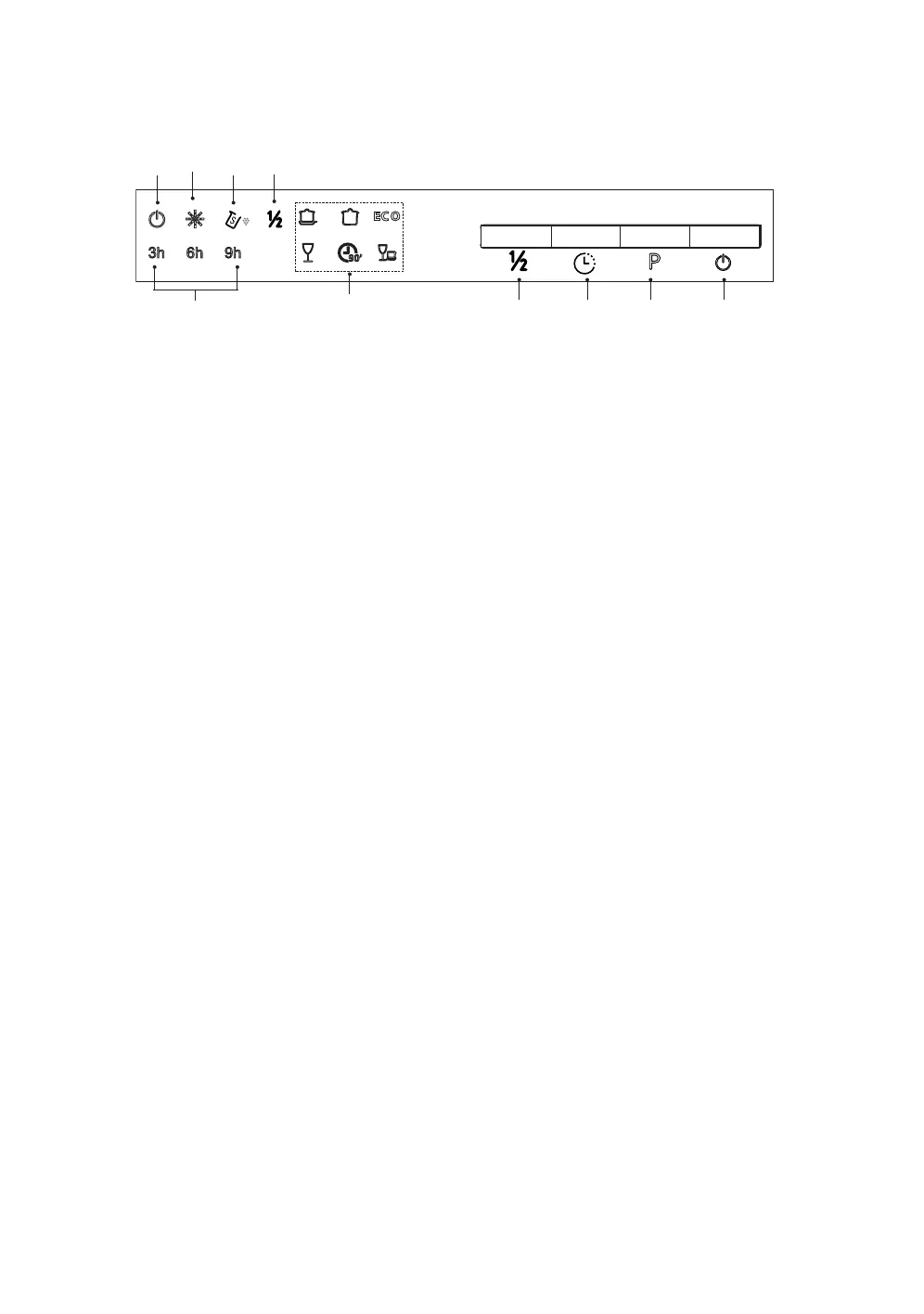
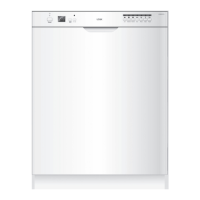
Control Panel
1. ON/OFF button
To turn on/o the power supply.
2. Programme button
To select a wash programme.
3. Delay button
To delay the wash starting time: 3 hours, 6 hours or 9 hours.
4. Half load button
To choose half load washing of 6 place setting or less. Half load washing function only applies
to intensive, universal, ECO, Glass and 90 min programme.
5. Programme indicators
6. Half load indicator
7. Add salt indicator
8. Add rinse aid indicator
9. ON/OFF indicator
10. Delay indicators
6h
3h
9h
EC O
1
5
6
234
7
8
9
10
LID45W20_IB_Final200727.indd 13LID45W20_IB_Final200727.indd 13 27/7/2020 4:23 PM27/7/2020 4:23 PM


 To Next Page