14
5. Updating the remote
After you enter your device and Activity information, the software saves your
information and shows the Finish Setup page. It also transfers the information to your
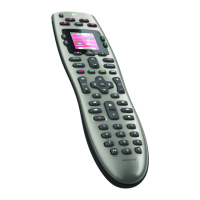
Harmony 650. After the software updates your remote, you’re ready to test your setup.
For specic details about testing your setup, see the chapter on Testing your Setup.


 To Next Page