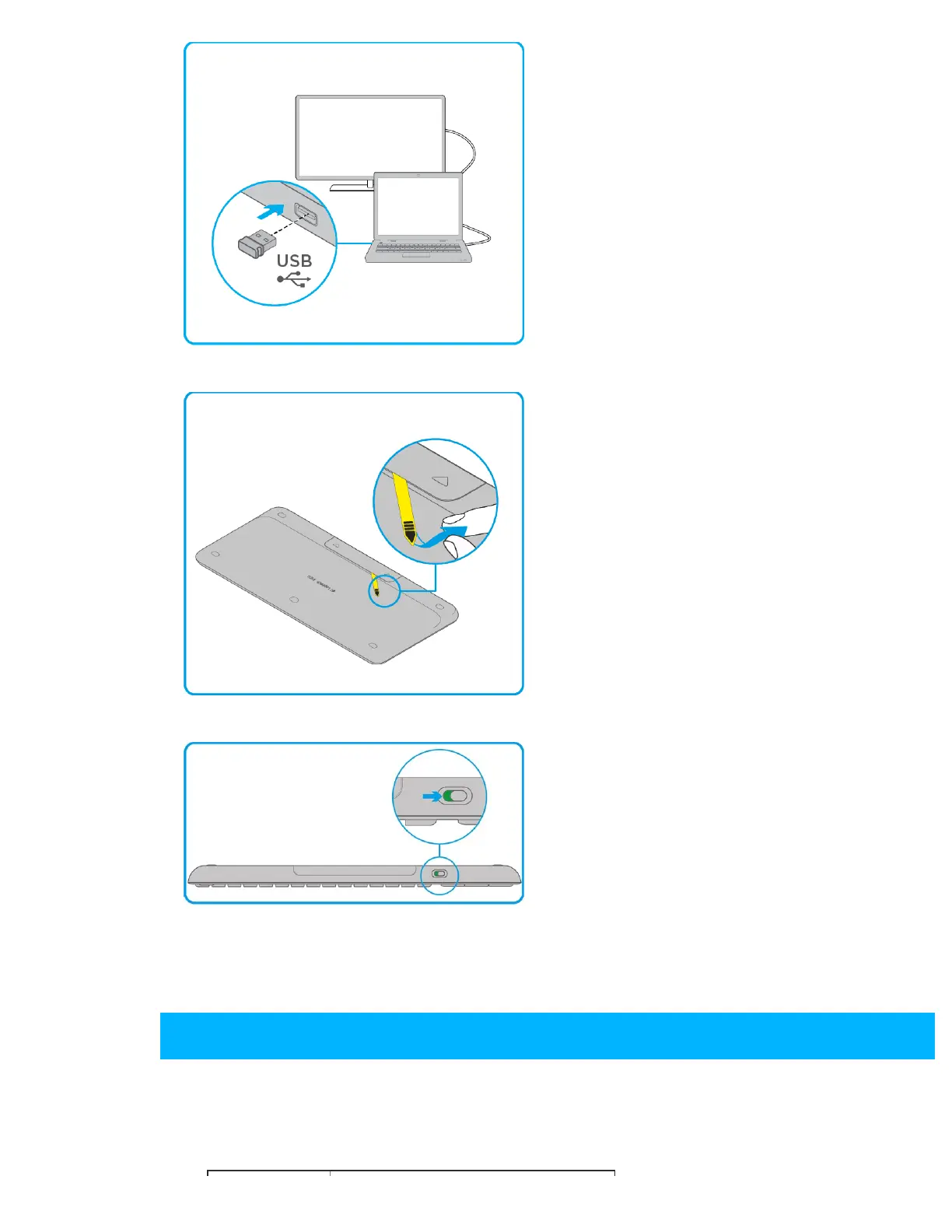
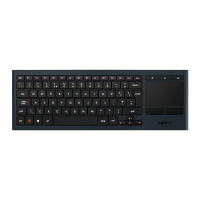
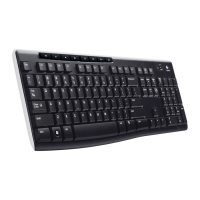
Wireless Touch Keyboard K400 Plus Setup Guide
https://www.logitech.com/en-au/manuals/11916#section6[11/16/2018 11:30:15 AM]
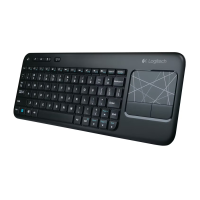
Step 2: Pull to remove the yellow battery
tab.
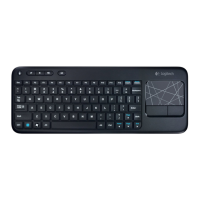
Note: Make sure that your keyboard
switch is in the ON position. The
ON/OFF switch is located at the top of
the keyboard.
Your keyboard is ready to use.
Shortcut Keys
Shortcut and function keys streamline navigation, media control and keyboard
functions.


 To Next Page