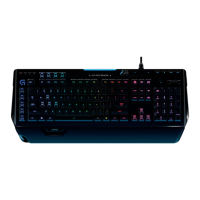
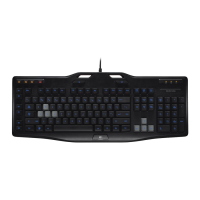
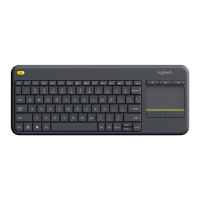
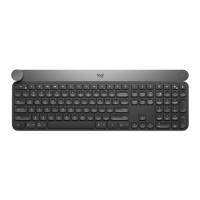
G910 ORION SPECTRUM - RGB MECHANICAL GAMING KEYBOARD
12 Español
USB
CONFIGURACIÓN
DELPRODUCTO
1. Enciende la computadora.
2. Conecta el teclado
a un puerto USB.
3. Descarga e instala Logitech
®
Gaming Software desde
www.logitech.com/
support/g910-rgb.
CARACTERÍSTICAS
DELPRODUCTO
TECLAS G PROGRAMABLES
•
Las nueve teclas G programables
y las tres teclas M ofrecen hasta
27funciones exclusivas por juego.
•
Personaliza las teclas G mediante
Logitech Gaming Software.
Para grabar una macro:
1. Pulsa la tecla MR.
2. Pulsa una tecla G.
3. Pulsa las teclas que deben
registrarse.
4. Pulsa la tecla MR.
Para grabar una segunda macro
enla misma tecla G, pulsa M2
yrepite los pasos 1–4. Para una
tercera macro, pulsa M3 y repite
lospasos 1–4.
Descarga e instala Logitech
Gaming Software desde
www.logitech.com/
support/g910-rgb.


 To Next Page
 Loading...