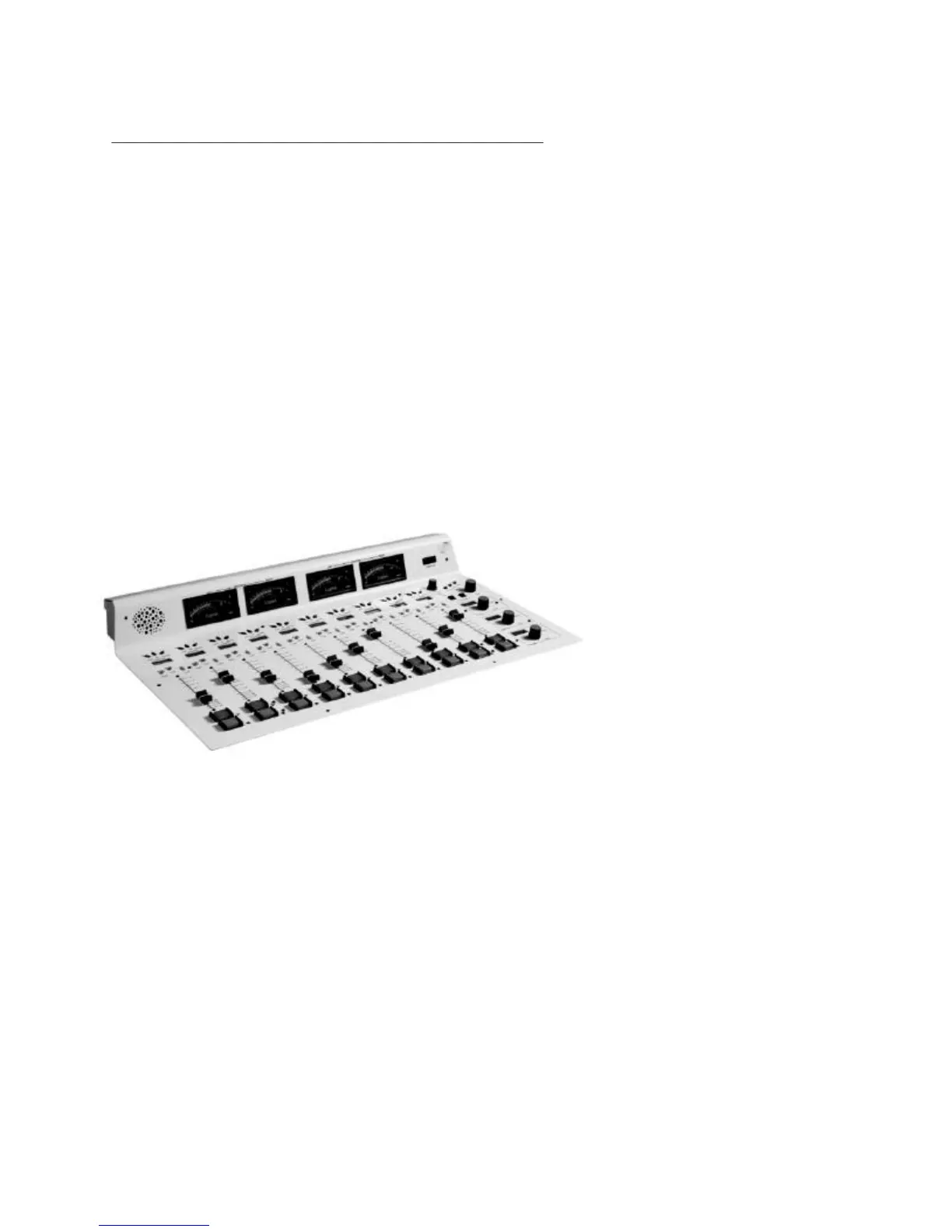
ROC 10 and ROC 5 Control Surfaces
Installation
The ROC control surfaces may be flush mounted in a table or cabinet. Logitek
also offers a decorative wood trim kit that provides a more elegant look to the
installation. Contact Logitek for more information about this accessory. See the
Appendix for the cutout instructions.
The control surface is designed
to drop through a hole cut in
the mounting surface. Flanges
on the front and side of the tray
hold the unit in place. If the
optional wood trim has not
been purchased, then the edges
of the hole must be routed out
so that the top of the tray
flanges are flush with the top
of the mounting surface. This
way the console will appear to
sit flat on the table top. The
tray mounting flanges can be
screwed to the table top using
#4 flat head wood screws.
Connection of the Control Surface is easy and requires only two cables.
The first is a standard computer style AC power cord designed for North
American power standard. If you require special power cables contact Logitek.
Unless marked otherwise, the ROC is factory set for 110 VAC power. The unit
can be set for 220VAC by changing the switch on the power supply to the
position marked “220VAC”. This card is mounted inside the enclosure next to
the power entry socket.
Logitek Digital Consoles ROC-10/ROC-5 Control Surface
7


 To Next Page