Operation
The ROC control surfaces are designed to be very familiar in look and feel to a
traditional console. Training time is much the same as for any other console.
Many of the differences are seen in the configuration process and are not obvious
to the operator. Following is a description of the user operated controls.
Faders
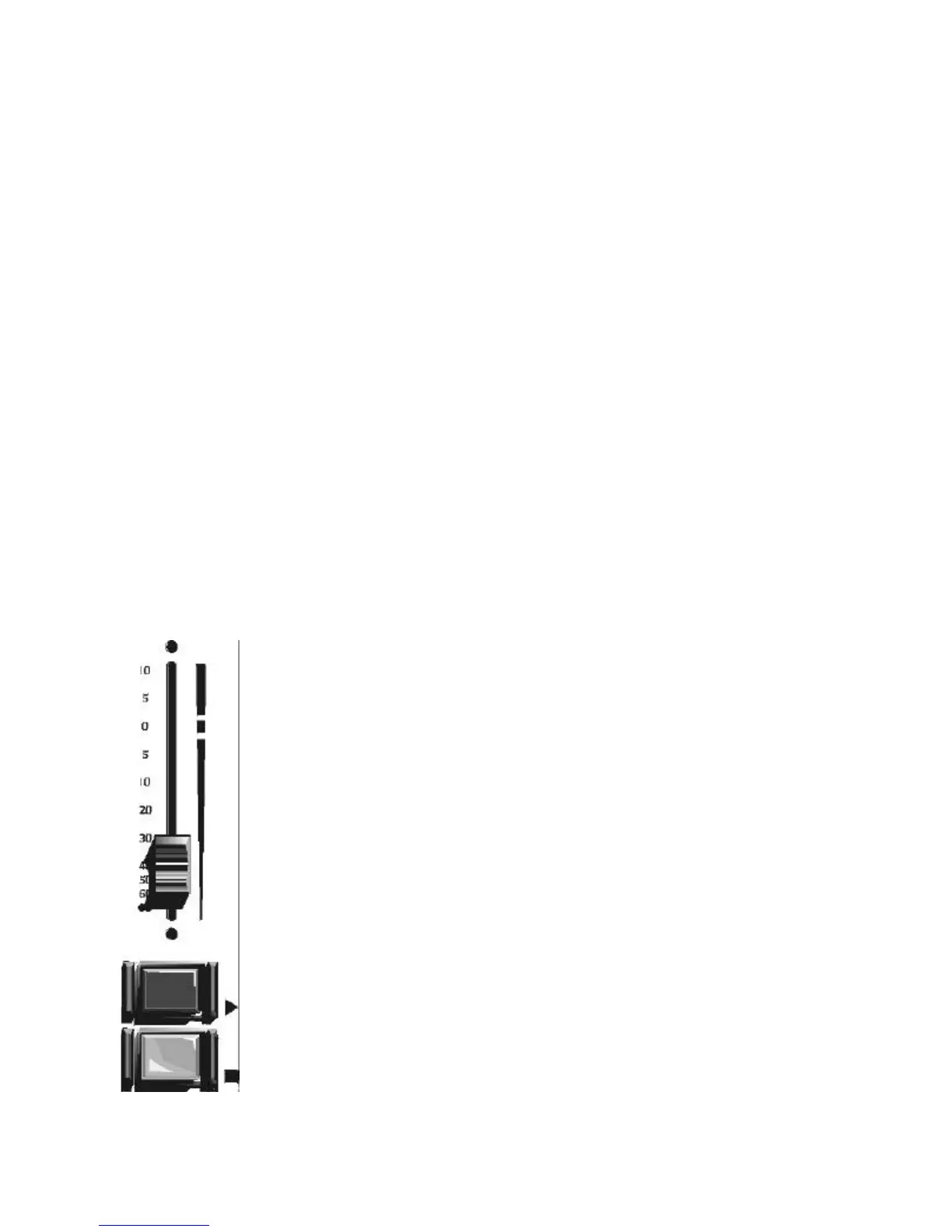
Layout of the faders can be seen at left. The stock faders are 100 mm. Sellmark
slide pots. Since the faders are only controls, no audio passes through them.
They only contain control voltage which is used to change levels in the Audio
Engine. The faders operate as step attenuators with 256 steps from top to bottom.
Penny & Giles faders are available as an option. These faders provide a smoother
feel than the stock units.
Faders may also have “click down” cue switching by setting the Cue @
Inf function in the configuration software. When the fader is brought to
within .1 inch of the bottom of its travel, the selected input will be sent
to the cue amplifier. This action is independent of the On and Off
buttons so raising the fader out of cue will not change the current state of
those buttons unless Fader Start is activated in configuration. The Cue
@ Inf is enabled or disabled for each input not for the fader. The “click
down” cue action will depend on the input selected.
Since audio does not pass through the physical faders, they will not
become noisy with wear. Any “scratchiness” of the fader as it moves is
averaged out with a special processing algorithm in the system. If a
fader becomes worn, you will notice a slowing of the fader response to
level changes. This is a sign that it is time to change the fader.
Logitek Digital Consoles ROC-10/ROC-5 Control Surface
9


 To Next Page