LogTag TRIX-8 V2 Work Instruction Manual Revision 10.17 Page 32/44
2.12 LogTag Check & Final Test
Reason for test stage:
To check & verify LogTag product function during and after temperature stress test and setup product for
shipping.
Equipment required:-
• PC installed with Windows 7 and the Logtag Check & Final test software package Installation
version 2.8 revision 82 or later
• USB interface with integrated temperature sensor.
Setup:-
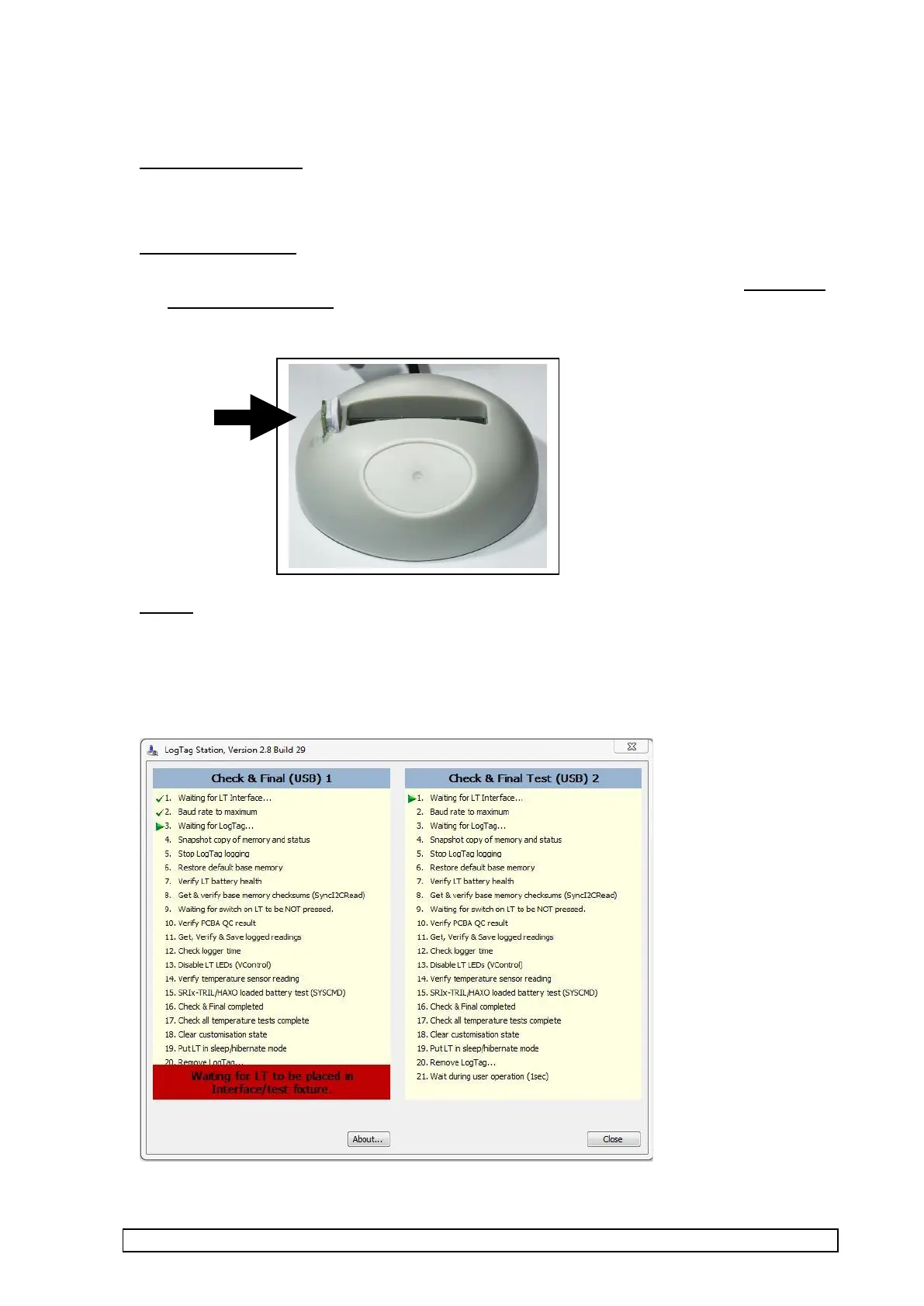
1. Turn on PC and start up “Check and Final Test ” software (by selecting or double clicking “TRIX
Check and Final Test (USB)” icon on desktop).
2. Plug in interface(s), The screen should display as below with prompt for placing LT (LogTag) into
interface.



 To Next Page