LogTag TRIX-8 V2 Work Instruction Manual Revision 10.17 Page 6/44
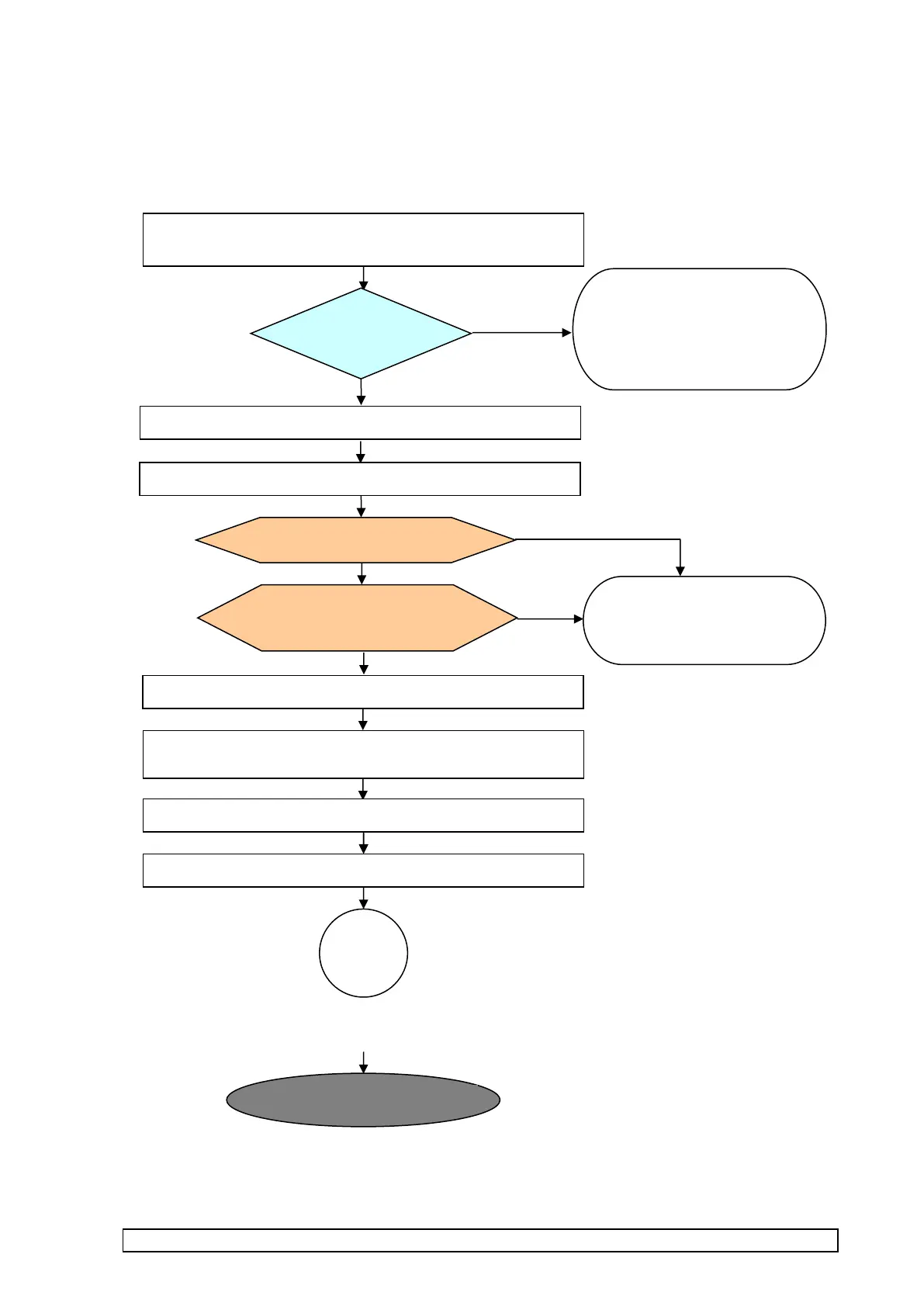
Summary flowchart of LogTag TRIX-8/16 assembly
MANUFACTURING PHASE 1 : PCBA assembly and mounting in case
SMD mounting (section 1.1)
Paste/SMD mounting/Reflow/PCB break out from panel
INSPECTION
Solder quality (1.1)
Mark PCBAs that fail for
rework and place panel in
marked container with this
inspection reference.
Undertake correction action
to correct soldering problem.
COMPUTER TEST (1.5)
TEST FIXTURE: PCBA Test &
Calibrate
Mark PCBA with QC failure
tag detailing reason for
failure and place in separate
marked container
Mounting in case/swaging interface contacts rivets (1.6)
Mount & solder on thermistor (1.8)
Apply RTV & conformal coat (1.9)
Separate PCBAs from panel (section 1.2)
Bend legs and solder on electro-cap and solder LINK on
PCBA (1.7)
Clean residue around sensor circuit and crystal area (1.3)



 To Next Page