LogTag UTRIX Work Instruction Manual Revision 1.07 MP Release Page 18/52
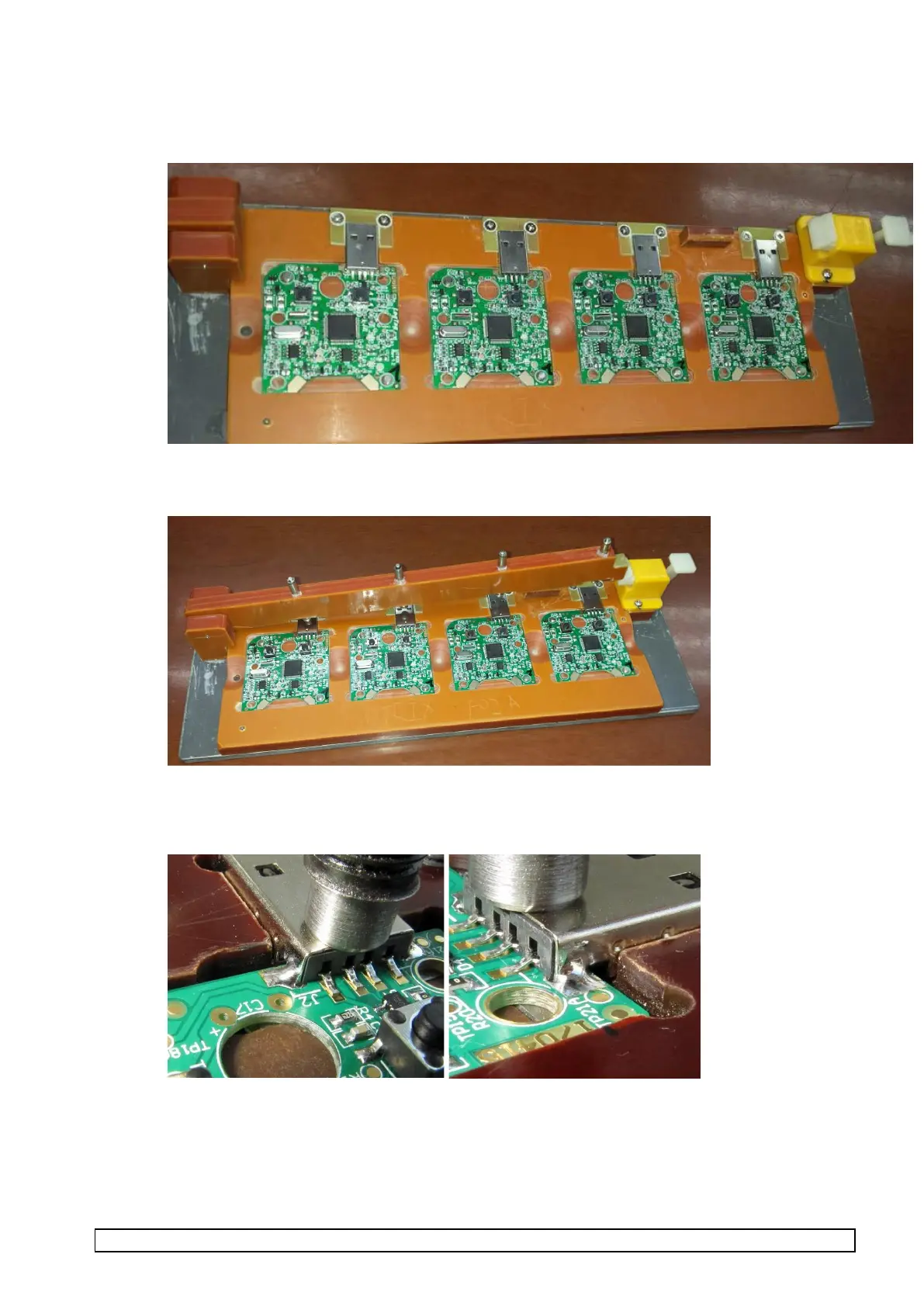
1.8 Solder USB connector
1. Place 4 boards into the USB connector soldering jig
2. Lower clamp arm onto the 4 PCBAs until it clips into place
3. Top solder the two side tabs of the USB connector ensuring the solder fully wets to the side of the
USB connector. Do NOT solder the 4 data pins of the USB connectors at this point
4. Raise lever to enable PCBA to be removed



 To Next Page