LogTag UTRIX Work Instruction Manual Revision 1.07 MP Release Page 25/52
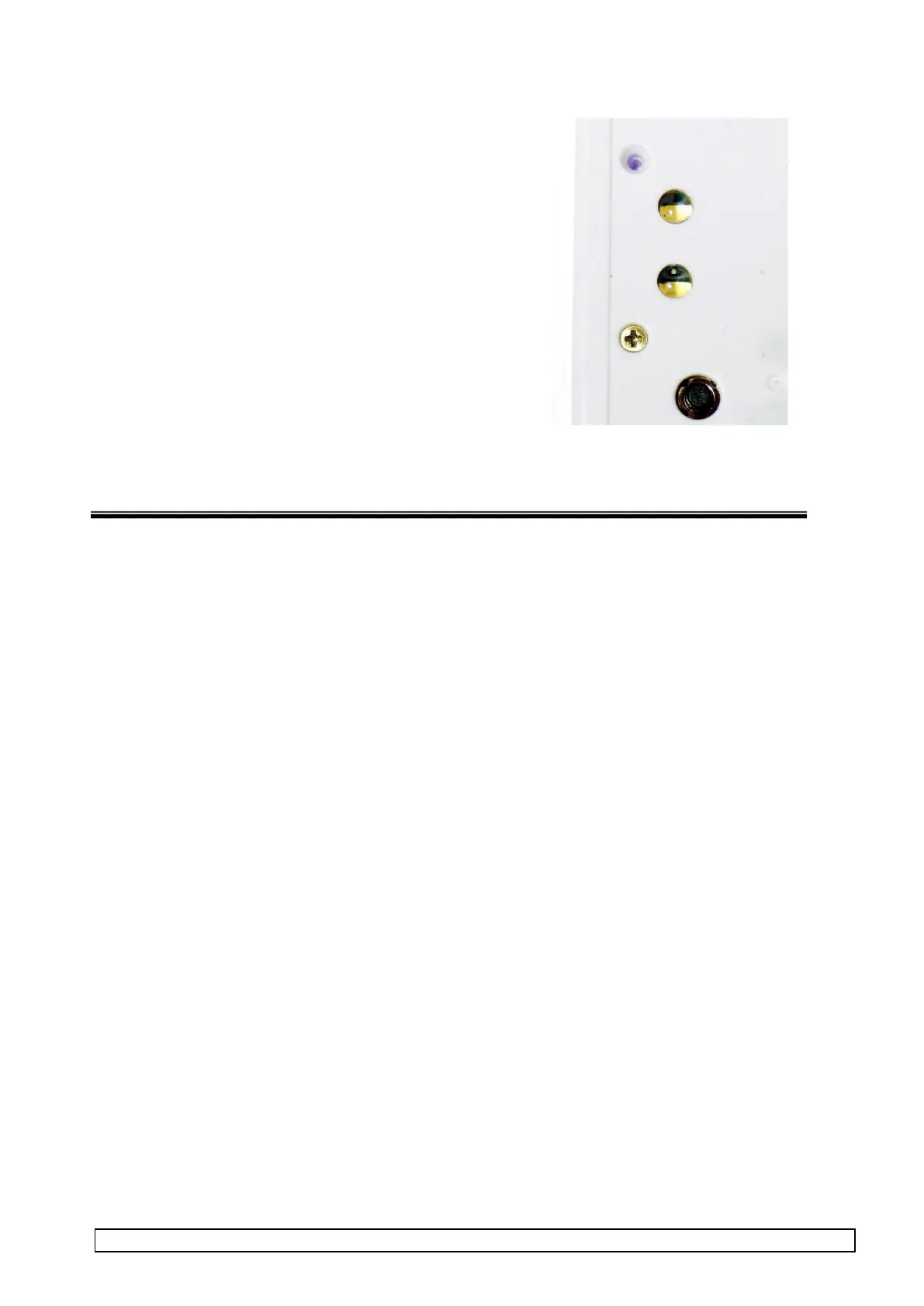
2.3 Press light pipes into LED holes
Press the two light pipe LED lenses into the LED holes
NOTE:
Light pipes have a domes outer face and a hole on the inner
face.
The light pipe and hole are both tapered so should lock into
place and not be loose.
CHECK: The light pipes do not shake loose and they
sit below the front surface.



 To Next Page