LogTag UTRIX Work Instruction Manual Revision 1.07 MP Release Page 29/52
Setup:
• Turn on PC and ensure the time & date is correct.
• Connect the LTI Production interface to the PC.
• Connect one end of the USB extender cable to the PC (The other end will be is used to connect to
UTRIX’s under test.)
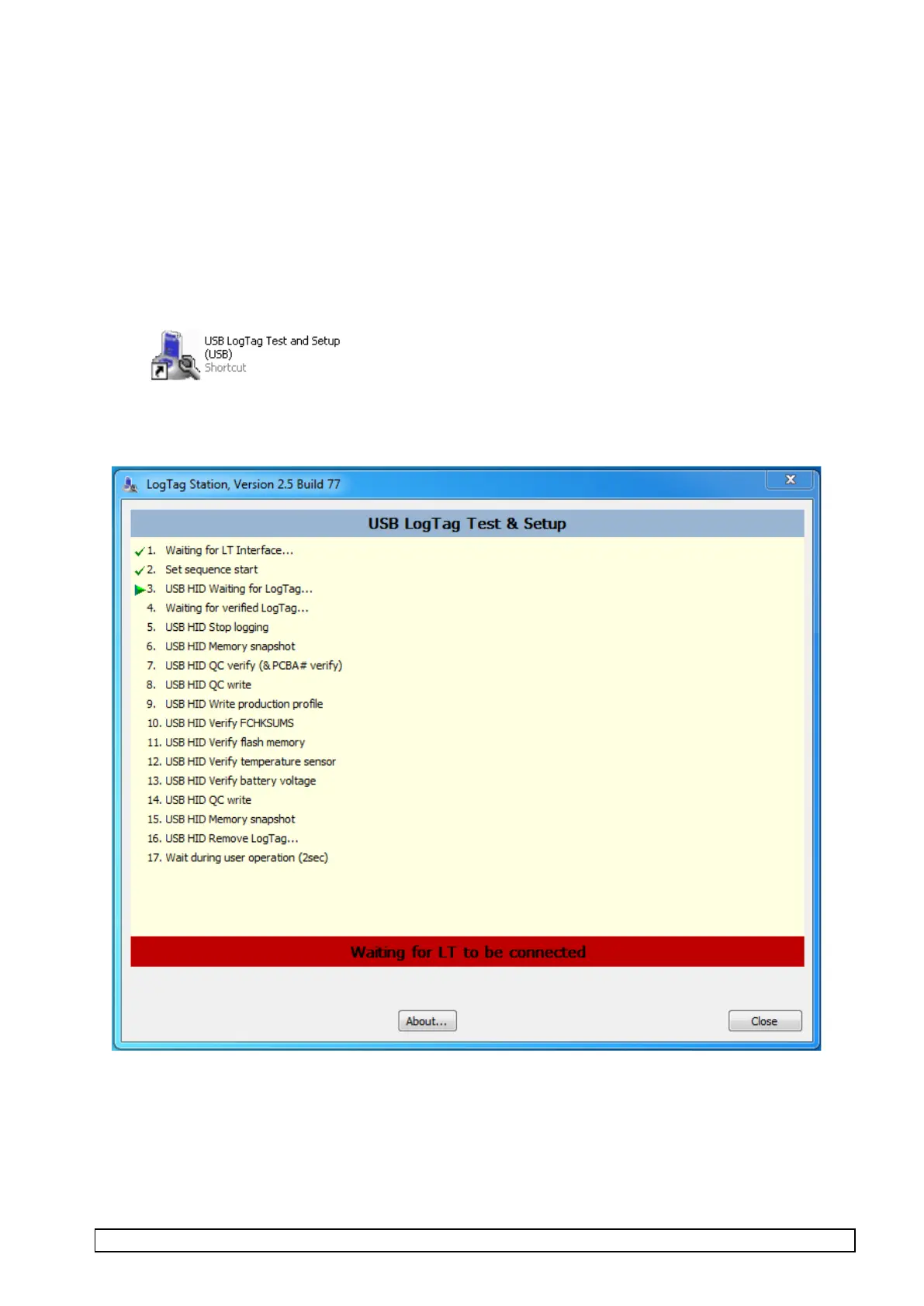
• Start up “USB LogTag Test and Setup (USB)” test software (by selecting or double clicking USB
LogTag Test and Setup (USB) icon in the “PCBA Test” folder on desktop).
The screen should display as below with prompt for placing unit into test fixture.



 To Next Page