LogTag UTRIX Work Instruction Manual Revision 1.07 MP Release Page 28/52
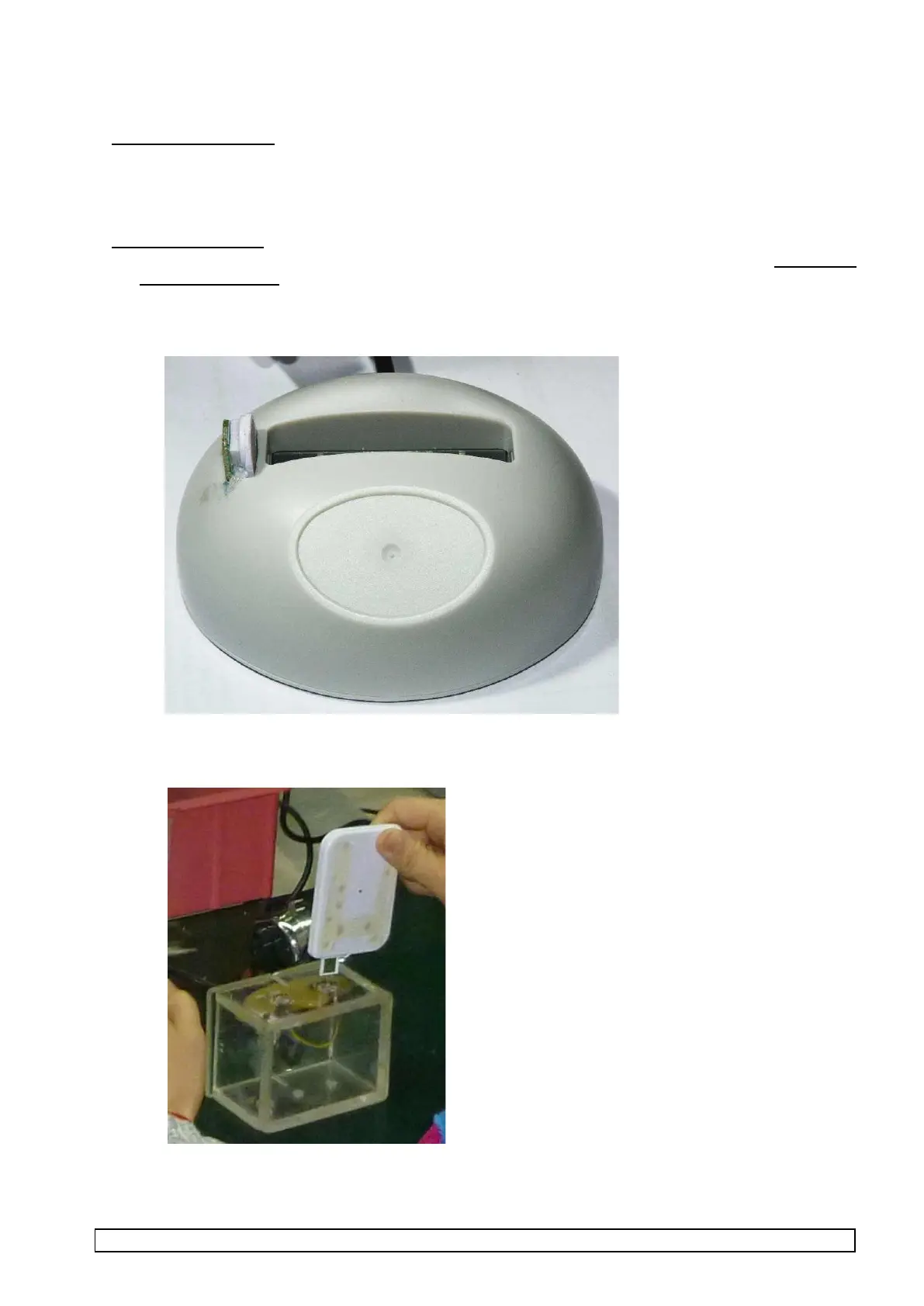
2.7 Perform ‘USB LogTag Test and Setup (USB)’
Reason for test stage:
To verify assembled LogTag product functions and to setup product for recording during and after
temperature cycle test.
This is a specific test for all USB HID products.
Equipment required:
• PC installed with Win 7 and the USB LogTag Test and Setup (USB) test software package Installation
version 2.8 build 3 or later
• PC must have at least two USB ports available.
• LTI/USB production reader with integrated temperature sensor.
• USB extender base with cable (USB-A male to USB-A female).



 To Next Page