LogTag UTRIX Work Instruction Manual Revision 1.07 MP Release Page 34/52
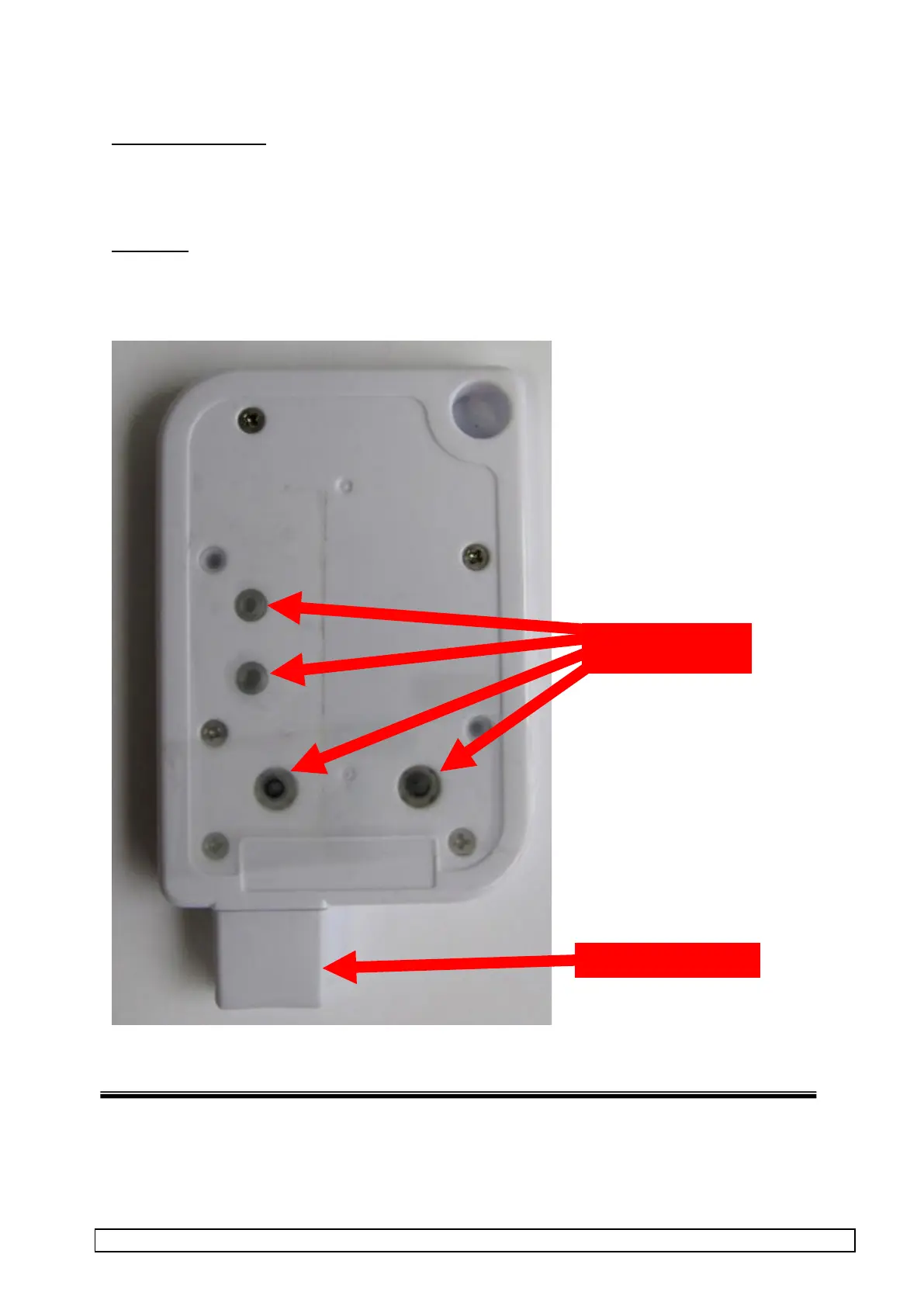
2.9 Apply protection tape and fit USB cap
Reason for this step:
To protect inside electronics of un-labelled product from condensation and to prevent light pipes from
dropping out during freezer cycling.
Procedure
1. Apply clear tape over LED & Switch holes as shown.
2. Fit the USB protective Cap.



 To Next Page