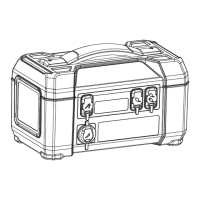
How to Charge
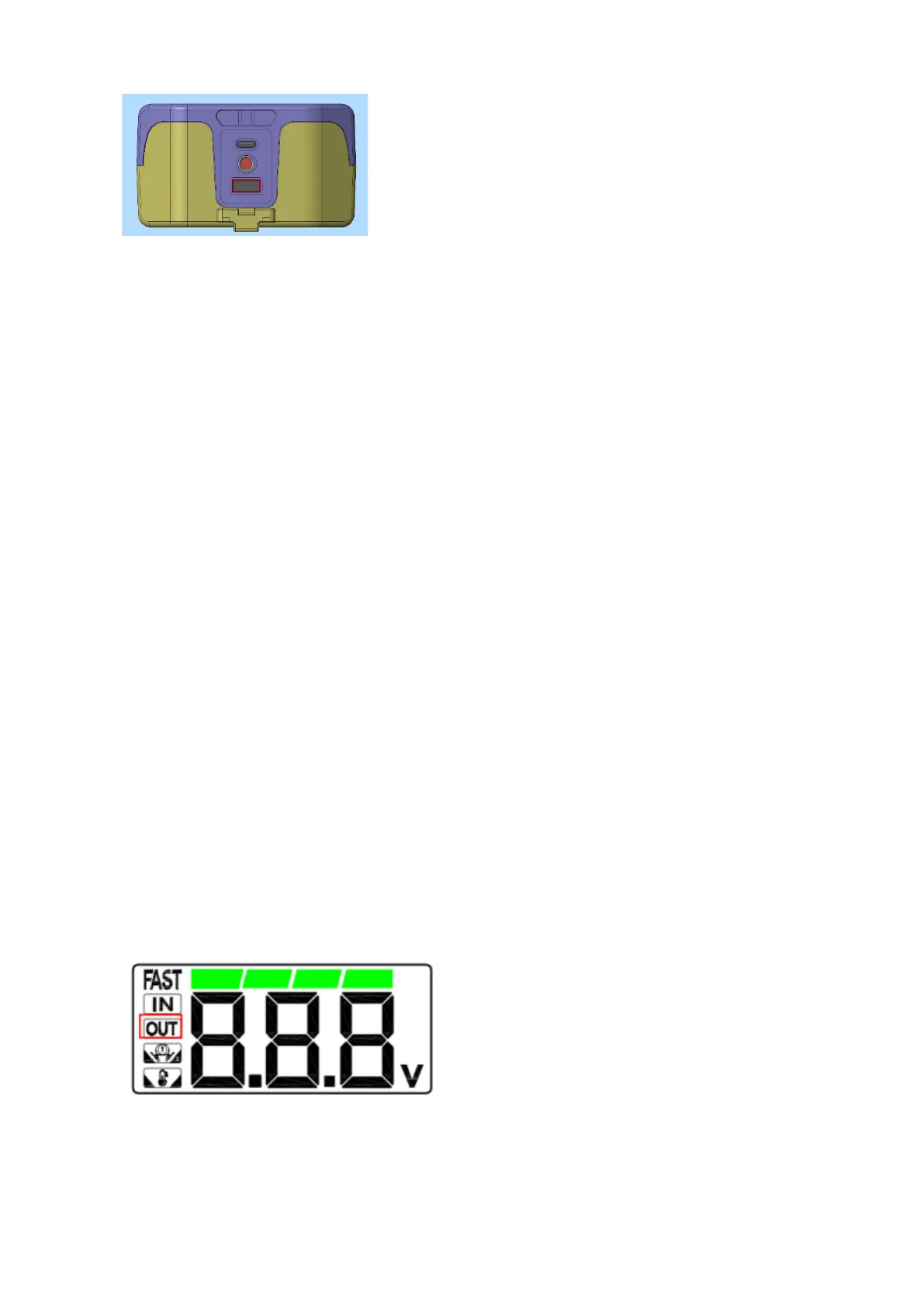
Ready to charge: power adapter that supports PD protocol, USB-C To USB-
C cable Cigarette lighter plug to DC wires;
Two Charging Ways:
1. Using the USB cable to connect the power adapter with USB-C charging
port of the product
2. Using the cigarette lighter plug to DC wires to connect the car cigarette
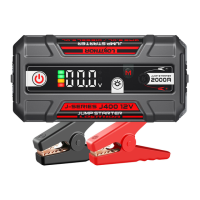
lighter and DC input port of the product. The battery indicator on the screen
is on in marquee, the IN icon is on, indicating that the product
is charging
normally,if the FAST symbol is on means fast charging. When the power of
the product is exhausted or in the case of low power, please charge it in time
to prevent abnormal battery undervoltage. Long-term zero battery state may
cause the product to fail to charge.
Charge Your
Phone with USB-A
Ready to charge your phone:USB-A To USB-C cable, mobile phone (if the
mobile phone supports 9V2A of QC3.0 protocol, it can support 9V2A fast
charge). Connect the A port of the USB cable to the product, and the C port
to the Type-C charging port of the mobile phone. After the charging is
successful, the "OUT" icon of the product flashes (Note: When the USB-C
output is used alone to charge the electrical device successfully, the OUT
icon flashes, When USB-C and USB-A are outputting at the same time, the
OUT icon will light up).



 To Next Page