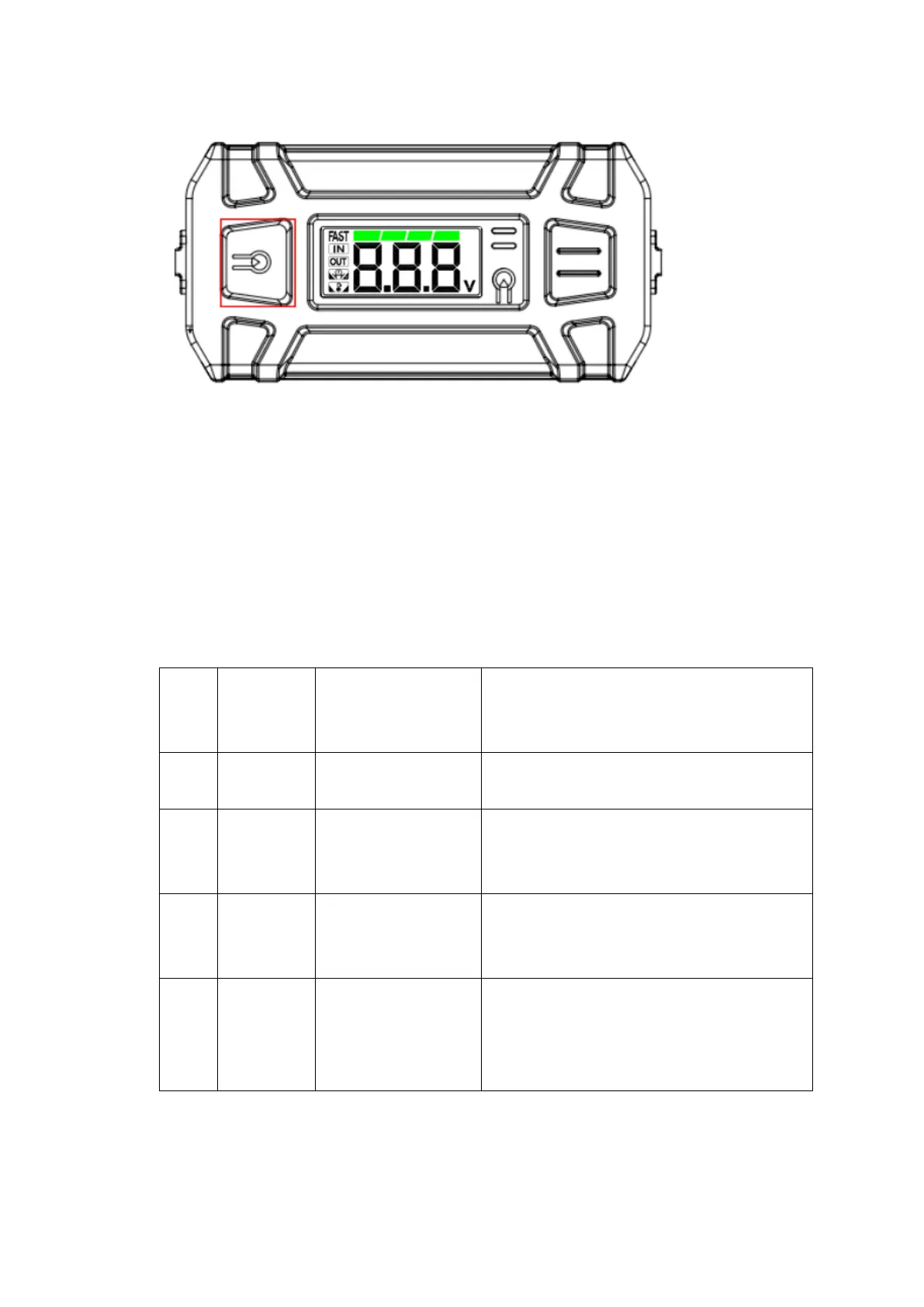
· 1. Press the "LED light control" button for 1 second, the LED
light will
turn on
2. Short press the "LED light control" button to switch modes:
light,
strobe, SOS, off
3. Press the "LED light control" button for 2 seconds to turn the LED
light off
NO Error
code
Code Explanation Cause /
Solution
1
100
Voltage error
Return to factory for repair
2 110
Over-voltage
protection
Discharge the battery
3 150
Over temperature
protection
Wait for the device to cool down
4 160
Low temperature
protection
Low temperature environment which
need to increase the temperature
LED Light Function
Troubleshooting



 To Next Page