(2) LaserGRBL Software Operation
LaserGRBL is an easy-to-use and fully free software for laser
engraver only running on Windows.
Download
a) Find LaserGRBL software in attached SD card(path:
/software), Or download from the link:
https://lasergrbl.com/download/
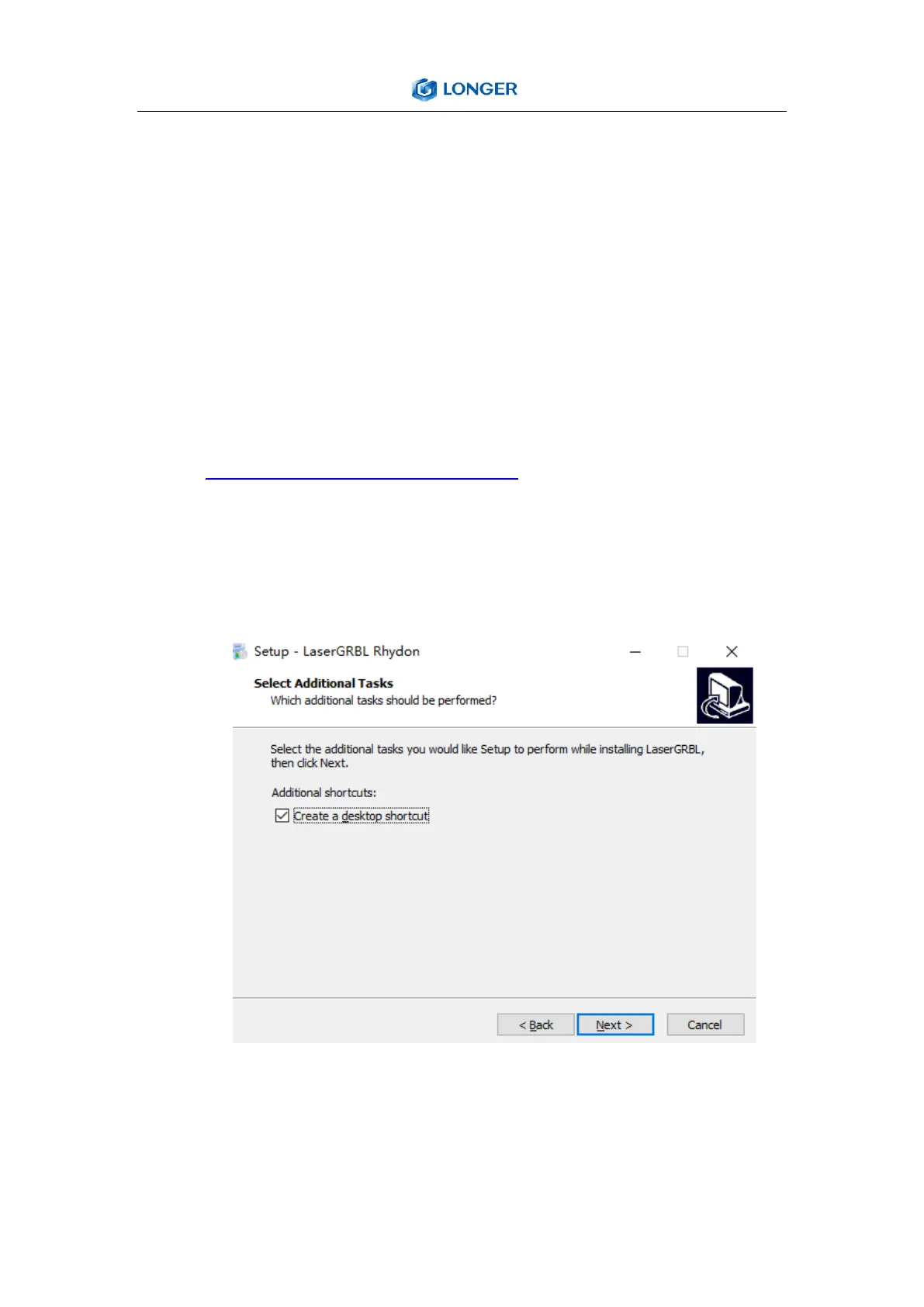
b) Double-click the software installation package to start the
software instalation, and keep clicking Next>until
theinstallation is complete.
c) After installing laserGRBL, power up the LASER B1, press the
power switch button, and connect the laser engraver and
computer via USB cable.



 To Next Page