
 Need help?
Do you have a question about the Lorex Fusion N845 Series and is the answer not in the manual?
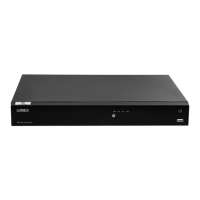
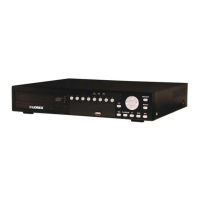
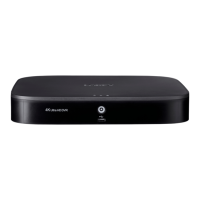
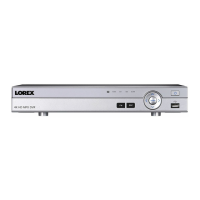
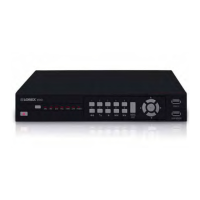
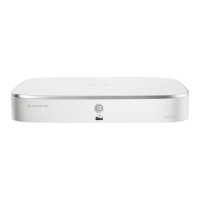
Identifies and explains the ports on the front of the recorder.
Identifies and explains the ports on the back of the recorder.
Connect the recorder to your Wi-Fi router using the provided Ethernet cable.
Connect a USB mouse for operation and a USB flash drive for updates.
Connect the recorder to a television using an HDMI cable for viewing.
Connect the power adapter to the recorder and a wall outlet.
Power on the Wi-Fi camera and start the connection process via the app.
Access recorder settings to search and add the Wi-Fi camera.
Input the Wi-Fi camera's password during the connection setup.
Configure or disable duplicate notification alerts from Wi-Fi cameras.



 To Next Page
 General