EasyManua.ls Logo

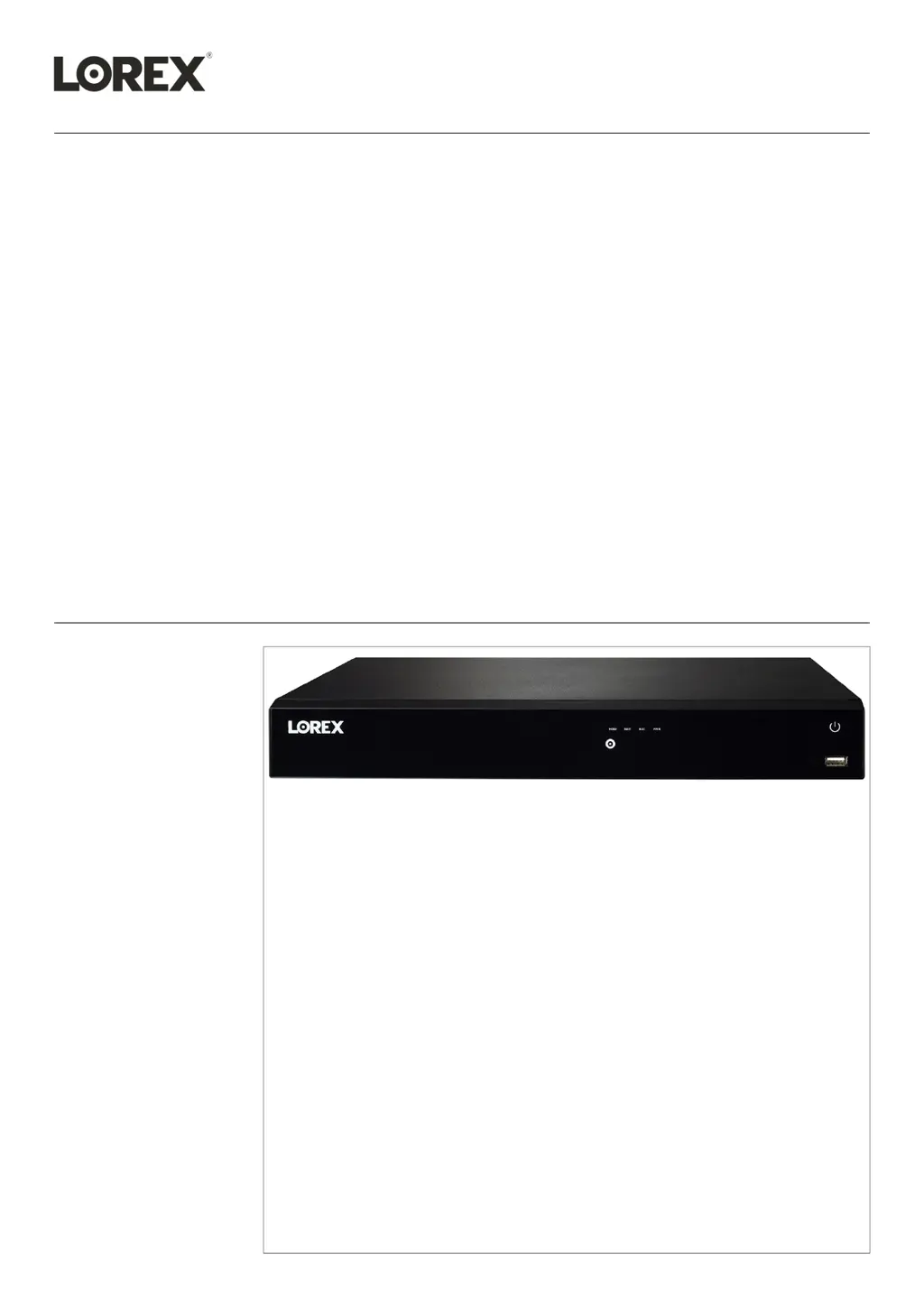
Lorex N862A63B - User Manual

Lorex N862A63B
120 pages
Print Icon
To Next Page IconTo Next Page
Loading...
User Manual
N862 Series

Table of Contents

Questions and Answers

  • J
    Jason BryanJul 28, 2025
    What to do if my Lorex N862A63B DVR system is not receiving power?
    • C
      cjensenJul 28, 2025
      If your Lorex DVR system isn't powering up, first, check that the cable from the power adapter is correctly and securely connected to the back of the unit. Also, ensure the system is powered on by checking for lit LED indicators on the front. If connected to a power bar or surge protector, bypass it and plug directly into the wall outlet. Verify the outlet has power by testing it with another device.
  • C
    Charles BoydAug 1, 2025
    What to do if there is no picture on my monitor/TV connected to Lorex DVR?
    • C
      Corey Robles PhDAug 1, 2025
      If you're not seeing a picture on your monitor/TV after connecting it to the Lorex DVR system, try these steps: First, power off both the monitor/TV and the DVR. Then, power on the monitor/TV, and after that, power on the DVR. Also, make sure that you have selected the correct input channel on your monitor/TV to which the DVR is connected. Finally, check the video cable connections to both the DVR and the monitor/TV to ensure they are secure.
  • E
    Evan CastilloAug 5, 2025
    Why does my Lorex N862A63B DVR system beep during motion detection?
    • C
      carrieyoungAug 6, 2025
      The Lorex DVR system beeps during motion detection because motion detection is enabled and the alarm buzzer is activated. To stop the beeping, uncheck the Buzzer option in the motion detection configuration screen.
  • A
    Ashley AdamsAug 9, 2025
    Why is my Lorex N862A63B hard drive not detected?
    • M
      Michael MendozaAug 9, 2025
      If the hard drive is not detected by the Lorex DVR system, it might be due to loose or improperly connected hard drive cables. Remove the housing and check that hard drive cables are firmly connected. Alternatively, there may be no hard drive installed in the system. In this case, open the housing and install a compatible hard drive, and remember to format the drive after installation.
  • M
    Michael WhitneyAug 13, 2025
    What to do if my Lorex N862A63B mouse is not detected?
    • H
      Haley HallAug 13, 2025
      If the mouse is not detected by the Lorex DVR system, ensure the mouse cable is firmly connected to one of the USB ports. If that doesn't work, power off the system by disconnecting the power cable, then firmly connect the USB mouse to a USB port and reconnect the power cable to the DC 12V port on the rear panel to reset the system.
  • A
    agarciaAug 18, 2025
    What to do if there is no picture on selected channels of my Lorex N862A63B?
    • K
      Kathleen RogersAug 18, 2025
      If there's no picture on selected channels or the camera picture isn't displayed on your Lorex DVR, check the camera video cable and connections. Disconnect and reconnect the cable at both the DVR and the camera. Try moving the camera to another channel or use another cable. Also, ensure that the camera is compatible with the recorder. If you have multiple PTZ cameras connected to the recorder’s PoE ports, the camera power requirement may surpass the recorder’s power output. Lorex PTZ cameras come with a power adapter, which you can use to power the camera instead of the recorder’s PoE ports.
  • A
    Andrew MyersAug 22, 2025
    Why am I not receiving email notifications from my Lorex N862A63B?
    • S
      shirley92Aug 23, 2025
      If you are not receiving email notifications from your Lorex DVR, first ensure you have configured email notification. Also, make sure that Send Email is checked for any events you want to be notified of.

Lorex N862A63B Specifications

General IconGeneral
ModelN862A63B
Compression FormatH.265/H.264
Video OutputHDMI, VGA
Audio SupportTwo-way audio support
Channels8 channels
Storage CapacityUp to 6TB
Network ConnectivityEthernet (RJ-45)
Remote AccessLorex Home app
Power Supply12V DC
Audio Input/Output1 channel input, 1 channel output
Operating Temperature-10°C to 50°C

Related product manuals