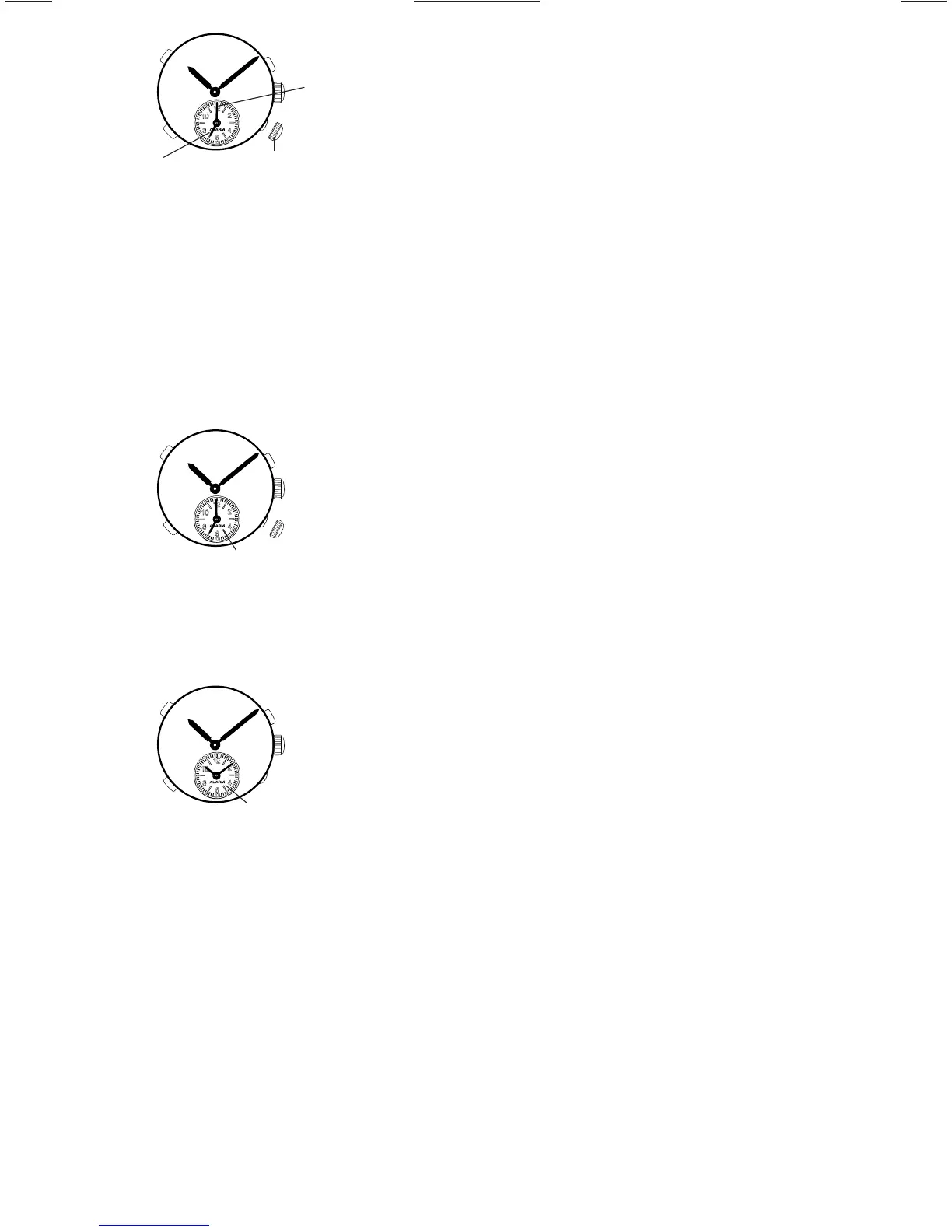
Alarm time setting
Alarm
minute hand
1. Pull out Crown 2 to the first click.
2. Press button “C” repeatedly to set the desired
alarm time.
* With each press of button “C”, the alarm
hands move one minute. They move quickly
if the button is kept pressed.
3. Push Crown 2 back in to the normal position.
Note:
If Crown 2 is pulled out to the first click
within one minute after being pushed back
in to the normal position, the alarm sounds.
Crown 2
First click
Alarm
hour hand
C
Alarm engagement/disengagement
● To engage the alarm, pull out Crown 2 to
the first click.
Alarm hands indicate the
designated alarm time.
* The alarm rings at the designated time
for 20 seconds.
To stop it manually, press any one of the buttons,
or push Crown 2 back in to the normal position.
● To disengage the alarm, push Crown 2
back in to the normal position.
Alarm hands indicate
the current time.
Note:
If Crown 2 is pulled out to the second click,
the designated alarm time is canceled with a
beep.
* In that case, set the alarm hands to the time
indicated by the center hands again, push Crown
2 back in to the normal position, and then, pull it
out to the first click and set the desired alarm
time again.
* However, if Crown 2 is pushed back in to the
normal position before the warning beep stops,
the designated alarm time will not be canceled.
Crown 2
Crown 2



 To Next Page