Copyright (c) 2017 Loupedeck Ltd. All rights reserved.
Mouse Tool: Horizontal (Clarity) to increase/decrease
slider value.
Color control
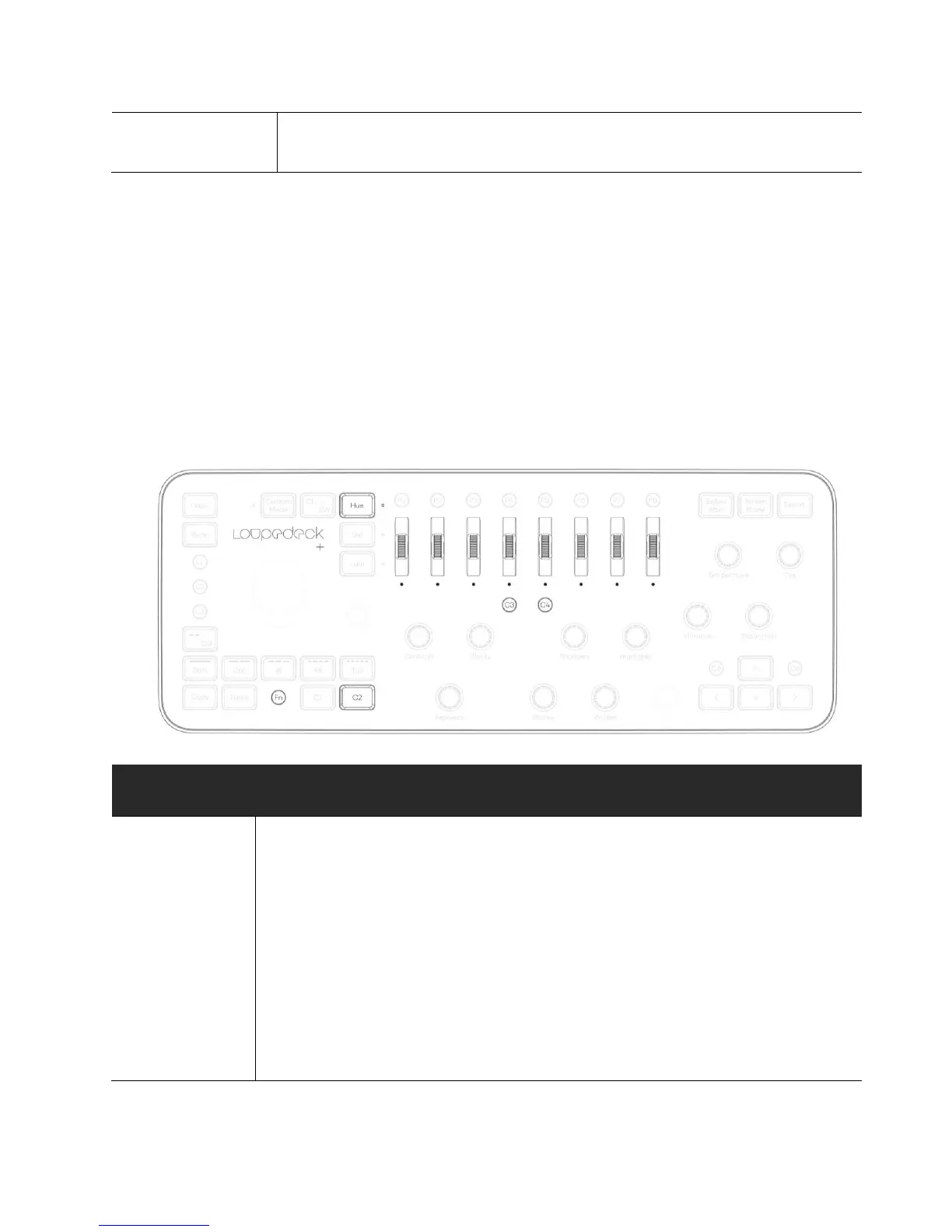
Selecting an adjusting color (hue/sat/lum) has been set to HSL Scrolls, when HUE is selected. HUE
Scrolls are activated when LED light is on next to the HUE button.
There is also quick access to main colors by pressing corresponding scroll. When FN is pressed
color adjustments for background color are activated.
For making color selections more convenient, Photoshop’s Color window should be open at all
times.
BUTTON / DIAL /
SCROLLING WHEEL
Adjusting
foreground &
background
color
Red Scroll,
Orange Scroll,
Yellow Scroll,
FN
Foreground color:
Rotate Red Scroll to adjust hue.
Rotate Orange Scroll to adjust saturation.
Rotate Yellow Scroll to adjust luminance.
Background color:
Rotate FN+Red Scroll to adjust hue.
Rotate FN+Orange Scroll to adjust saturation.
Rotate FN+Yellow Scroll to adjust luminance.



 To Next Page