CUSTOM MODE
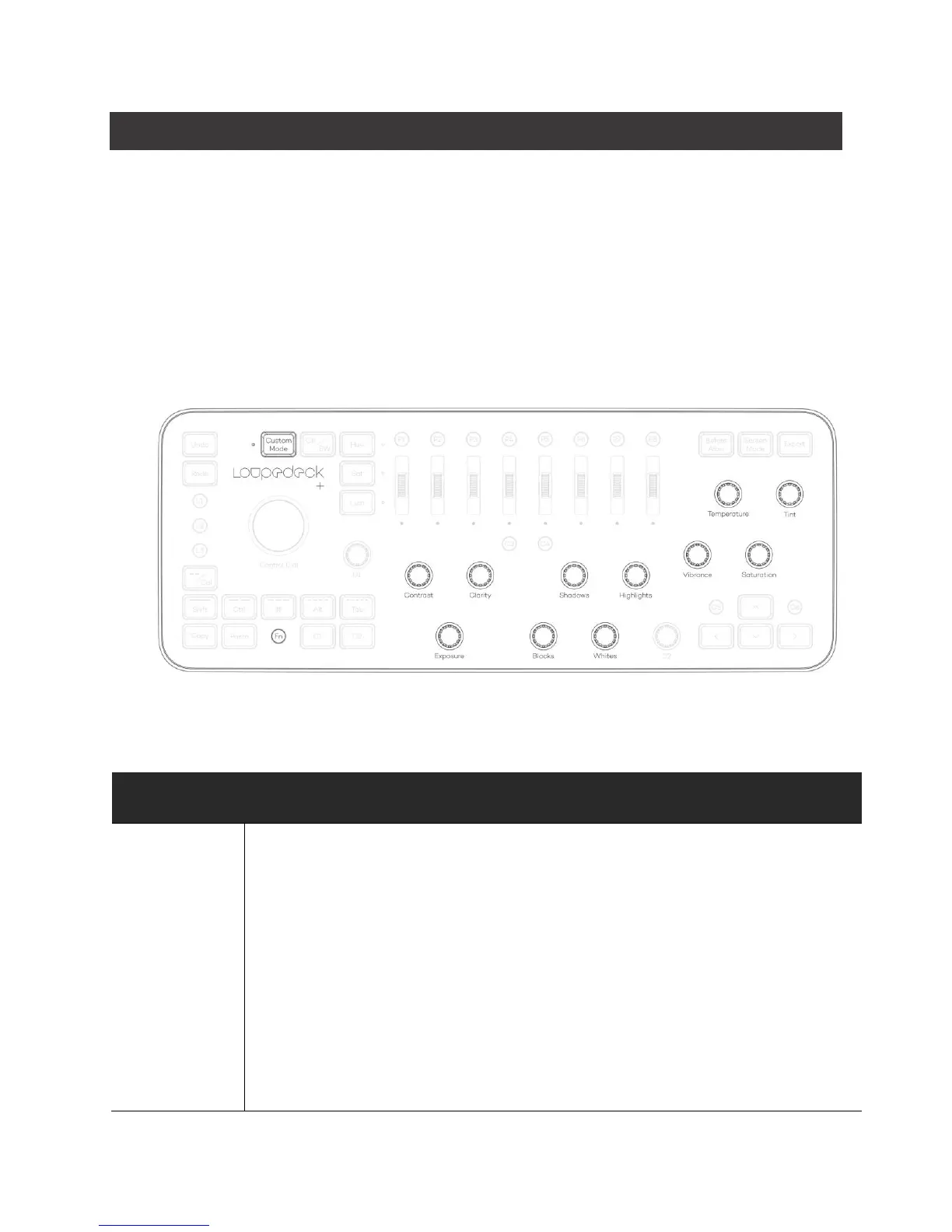
Loupedeck+ has a new Custom Mode where you can modify all the basic dials to your own
personal preferences.
The Little LED light next to the Custom Mode button indicates when Custom Mode has been
activated. Press Custom Mode again to jump back to normal mode, so you can use Loupedeck in
the classic way.
Assigning Custom Mode works the same way as signing every other function with our
configuration software.
Custom mode has a set of factory default functions that expand the usage of some tools like
brush and color controlling.
Adjust foreground color:
Rotate Exposure to adjust Color hue.
Rotate Contrast to adjust color saturation.
Rotate Clarity to adjust color luminance.
Adjust background color:
Rotate FN+Exposure to adjust color hue.
Rotate FN+Contrast to adjust color saturation.
Rotate FN+Clarity to adjust color luminance.



 To Next Page