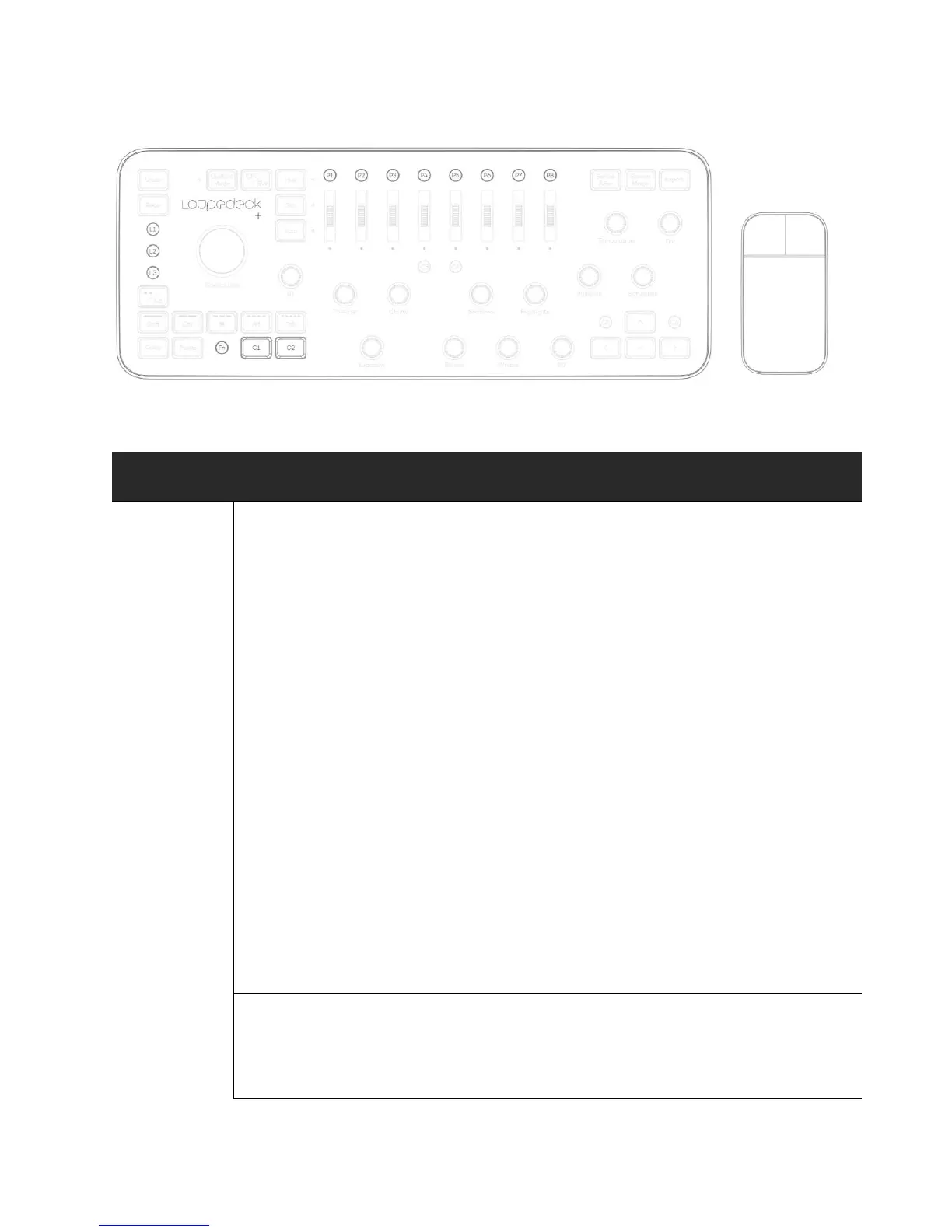
Press L1 to access Brush tool
Press FN+L1 to access Eraser tool
Press L2 to access Lasso tool
Press FN+L2 to access Free Transform tool **
Press L3 to access Clone Stamp tool ***
Press FN+L3 to access Spot Healing Brush tool
* When Brush (or a similar tool) is selected: HSL Scrolls (LUM
selected) can be used to control Brush attributes. More info on
pages 10-11.
** Free Transform tool is multifunctional compared to Move
Tool, but if you only need to move Lassoed areas, we suggest
you change FN+L2 function to Move Tool.
*** Clone Stamp is more accurate than Patch Tool. However, the
Patch Tool blends fixed areas with copied area and is faster to
use. If you prefer fast area blending we suggest you swap the L3
function with P3 (Patch Tool).
Press C1 to use Hand Tool for moving a zoomed area.
Press C2 to switch between current and previous tool. *



 To Next Page