9
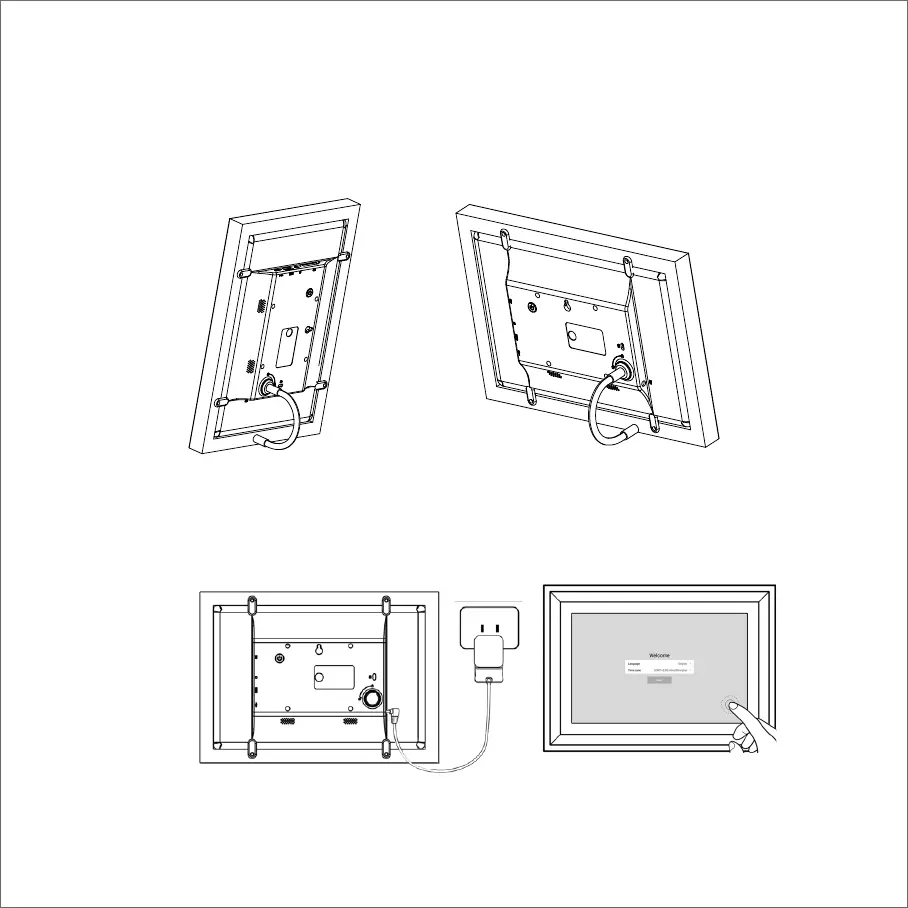
2 Bend the kickstand to stand and to support the frame, position the frame in either portrait or landscape
orientation. Don’t worry: the kickstand has a rigid design and can also be angled to position your frame view
perfectly.
NOTE: You can adjust the frame to a fitting angle by bending the kickstand. We suggest you bend the kickstand
the way as below demonstration.
3 Connect the frame into the DC connector, and plug the power adaptor into the wall socket, the frame will turn
on automatically, then you can follow the on-screen instructions.



 To Next Page