6
E: Micro USB Port
For after sale service only.
F: Power Adaptor DC-IN (5V)
Plug in power adaptor for power.
G: Loudspeakers
Built-in loudspeakers for videos.
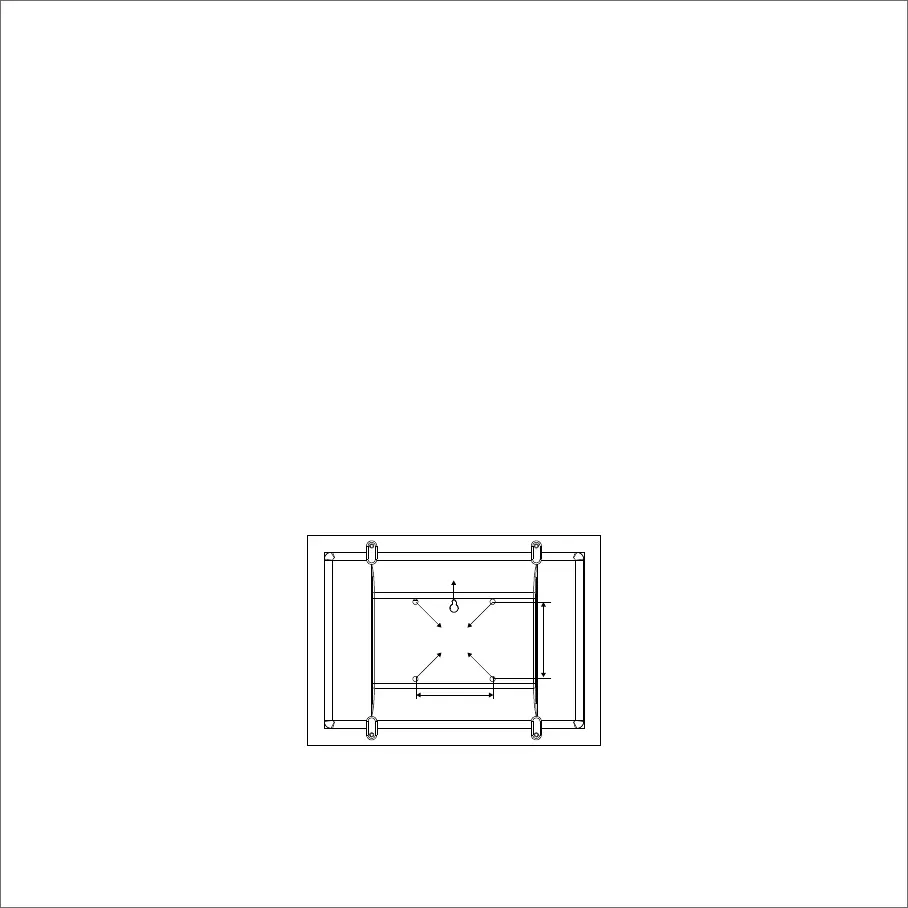
You have two ways to mount your frame on the wall.
1)Drill a screw on the wall, leave a 10mm gap between the wall and the head of screw. Mount the
frame onto the screw by wall mount hole and slide down to lock into place.
2)Prepare a VESA mount bracket*. Lock the VESA mount bracket into the VESA holes on the back
side of the frame. Then you can hang the frame on the wall.
*It is not included in our merchandise.
5 WALL MOUNT YOUR FRAME
VESA Holes*4
75mm
75mm
Wall mount hole



 To Next Page