12
NAVIGATING YOUR FRAMEO
Swipe left or right to go through your photos.
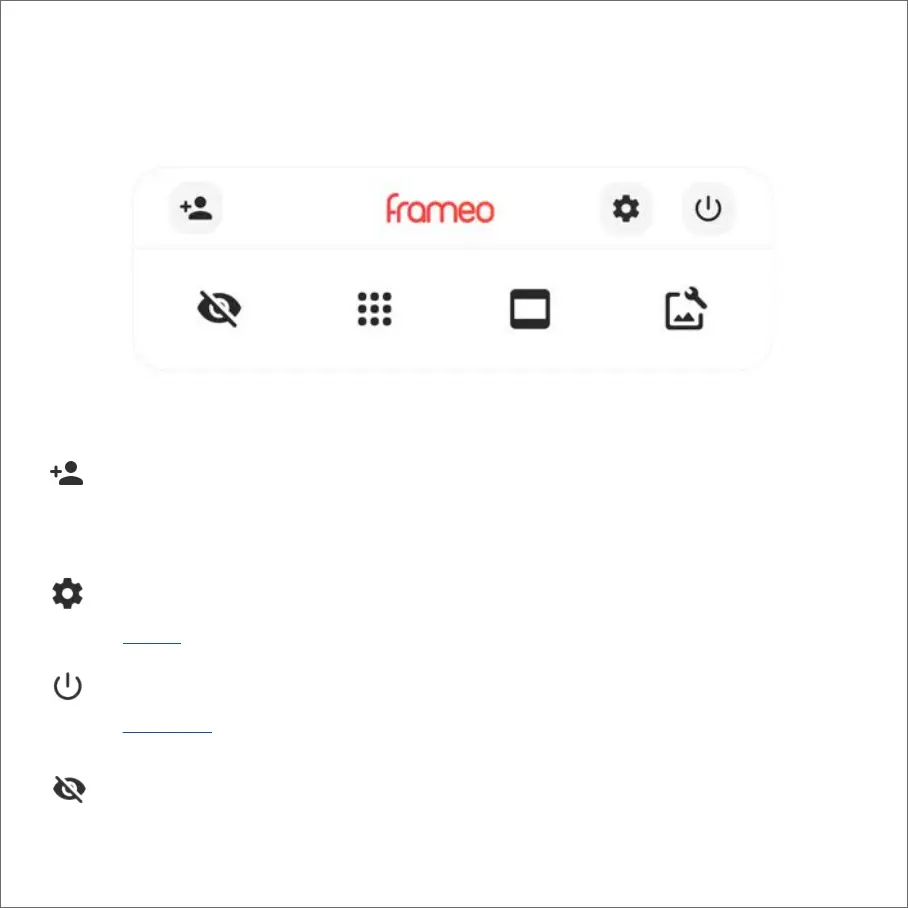
To access the menu, simply tap once on the screen.
In the menu you will find the most used features.
This will generate a code that you can share with your friends and family so they can connect and send photos to
your frame.
Opens the Settings.
Add friend
Settings
Opens the Power menu
Hides the current photo. This means that the photo will no longer be shown in the slideshow. If needed the photo
can be shown again through the settings menu.
Power menu
Hide photo



 To Next Page