5
• Wi-Fi router with a 2.4GHz internet connection
• Android mobile device with OS 6.0 or higher, or Apple mobile device with iOS 10.0 or higher
NOTE: These products are NOT compatible with Linux or Windows phones
3 SYSTEM REQUIREMENTS
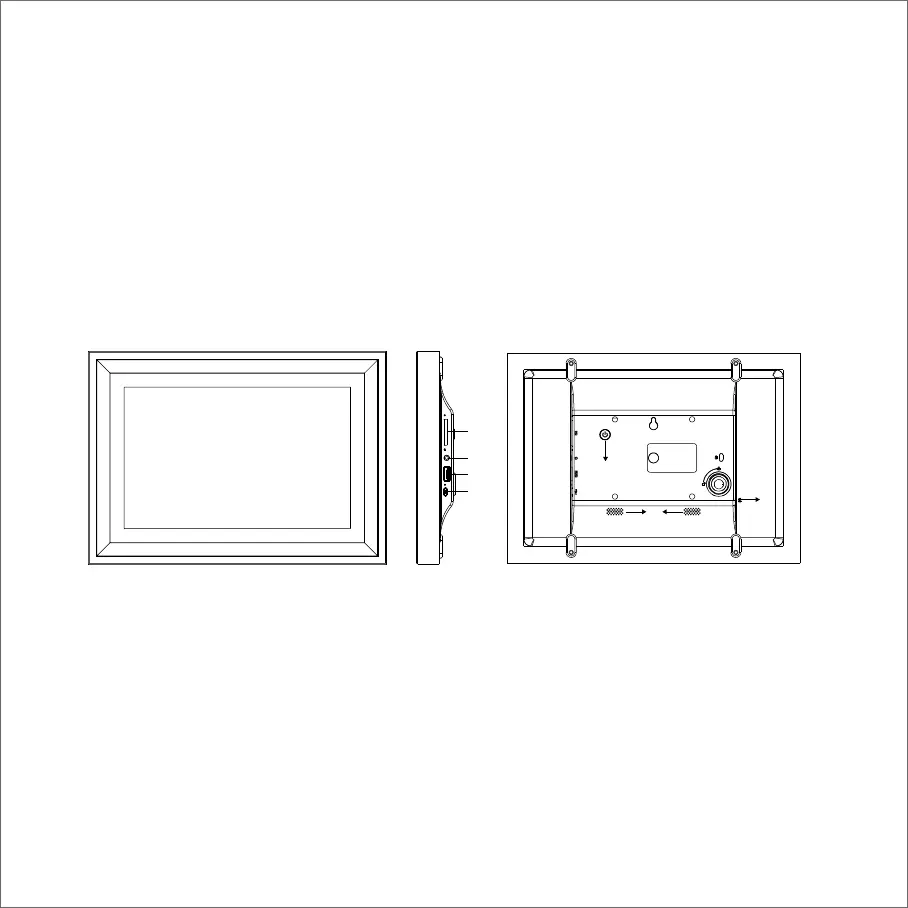
A: Power Button
Turns the Digital Frame on or puts it into standby. Long press around three seconds for turning
on/off, short press for standby.
B: SD/SDHC Card Slot
Import photos to the digital photo frame from a SD card(max 32GB).
C: Headphone/Speaker Port
Connect your headphones or speakers.
D: USB Port
Import photos to the digital photo frame from a USB drive(max 32GB).
4 FRONT AND BACK SIDE OF FRAME
Front of Frame Back of Frame
B
C
D
E
A
G
F



 To Next Page