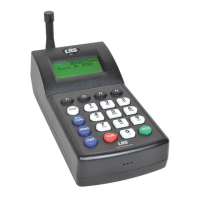
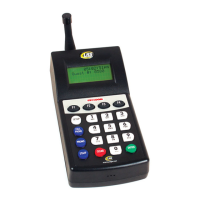
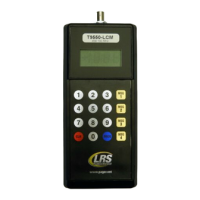
LRS Pagers Available for the T7400A
Using the 4-Line Alpha Numeric Pager
Menus
Selecting functions
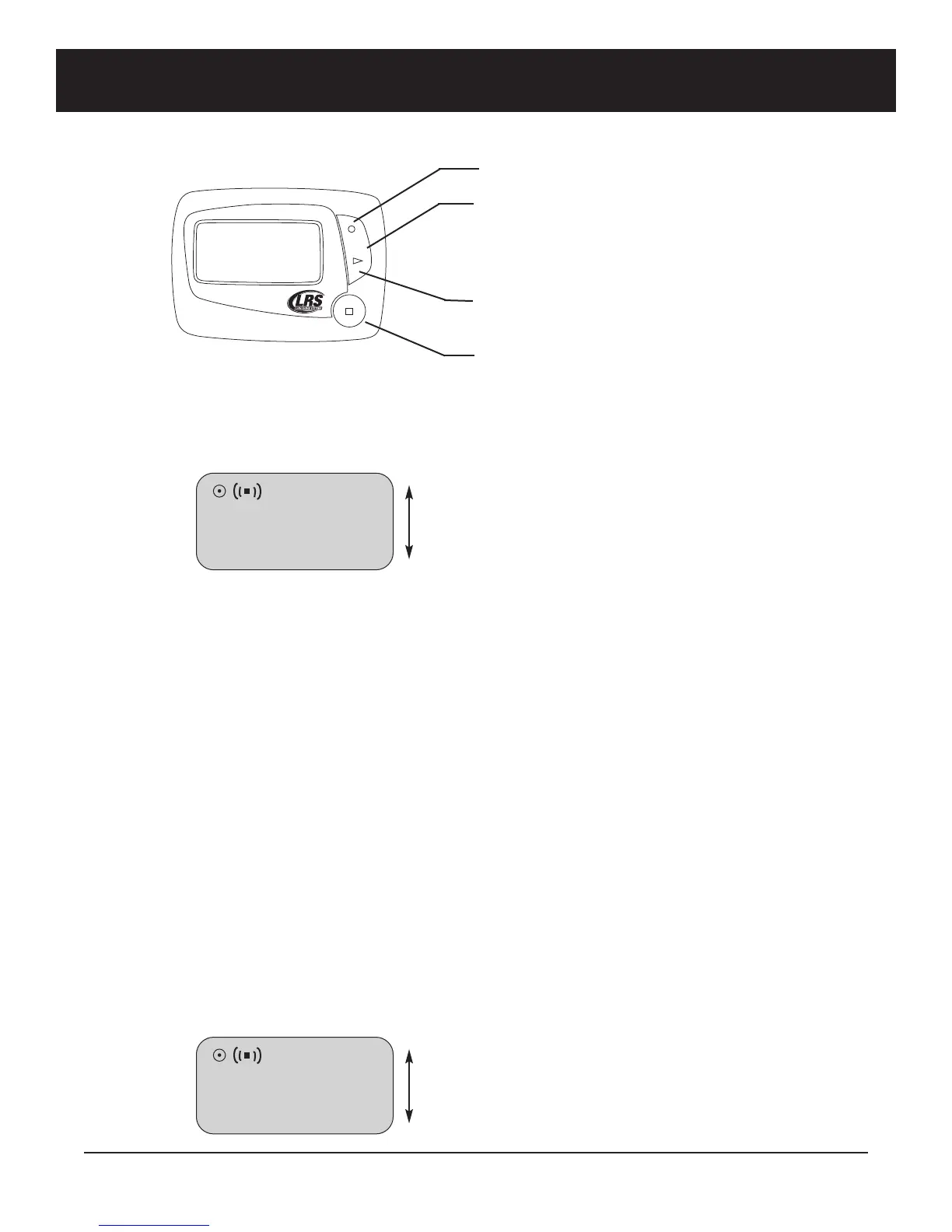
1. From Read All screen, press Up (or Dn) Scroll button until desired selection displays
2. Press Read/Select button to select item
3. Press Up (or Dn) Scroll button to choose/adjust
4. Press Read/Select to confirm/set
Power On/Off
Set ON (if unit is off)
1. Press and hold Scroll Up until YES/NO shows.
2. At “Power ON?” use Up (or Dn) Scroll button to select YES
3. Press Read/Select button to set
Set OFF
1. Using the Up (or Dn) scroll button scroll until display shows “Power OFF?”
2. Press Read/Select button to set power on/off
3. At “Power OFF?” screen, use Up (or Dn) Scroll button to select YES
4. Press Read/Select button to set
Read Message
R
R
e
e
a
a
d
d
A
A
l
l
l
l
1
1
0
0
/
/
2
2
5
5
1
1
0
0
:
:
3
3
8
8
a
a
m
m
UP
SCROLL
DN
UP
SCROLL DOWN
DOWN
SELECT/READ
BUTTON
R
R
e
e
a
a
d
d
A
A
l
l
l
l
1
1
0
0
/
/
2
2
5
5
1
1
0
0
:
:
3
3
8
8
a
a
m
m
UP
SCROLL
DN
Long Range Systems 33 T7400A User Manual



 To Next Page