• Set Alert Time (seconds) and press Read/Select to set
Vibe - Use the Up (or Dn) scroll button to select:
• Set Vibe Strentgh - Strong or Weak and press Read/Select to set
• Set Vibe Pulse - Cnst, P1, P2 or P3 and press Read/Select to set
•
Set Alert Time (seconds) and press Read/Select to set
B
oth - Use the Up (or Dn) scroll button to select:
• Set Vibe Strentgh - Strong or Weak and press Read/Select to set
• Set Alert Time (seconds) and press Read/Select to set
Battery
The RX-E 4-Line Alpha pager uses 1 AAA Battery.
Programming
To program the pager see pg. 25
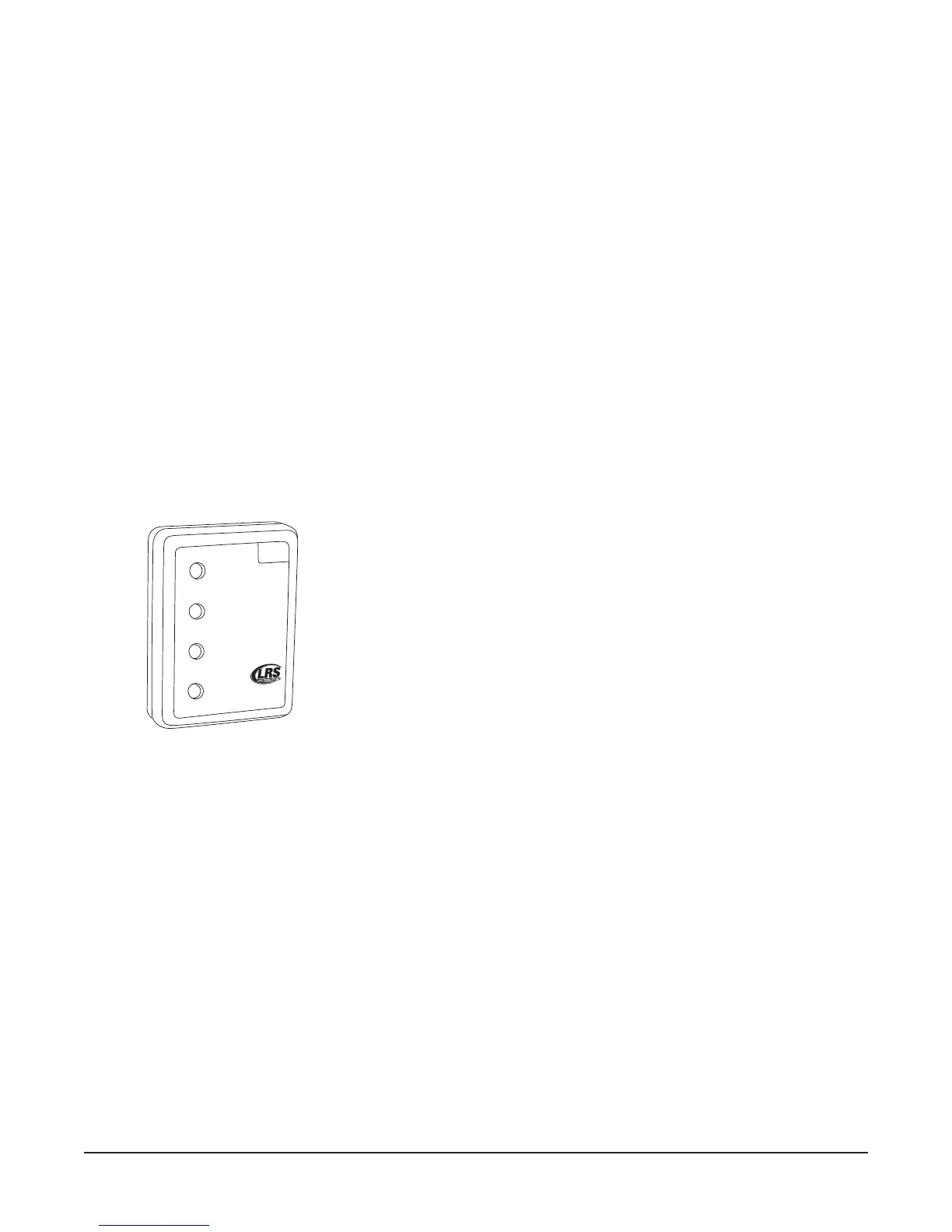
Using the Star Pager
Charging
Any rechargeable pager will require use of an LRS charger.
1. Place the pager in the charger.
2. Allow unit to fully charge overnight.
3. Remove from charger, and pager will vibrate and light all lights as a verification that it is working.
4. Replace the pager in the charger at the end of each day.
• Star Pagers usese the charger 9 (CH-R9)
Programming
To program the Staff Star Pager, see pg. 24
1
2
3
4
800
.
4
37.
4
9
9
6
w
w
w.
p
ager
.
net
1
4
Long Range Systems 35 T7400A User Manual



 To Next Page