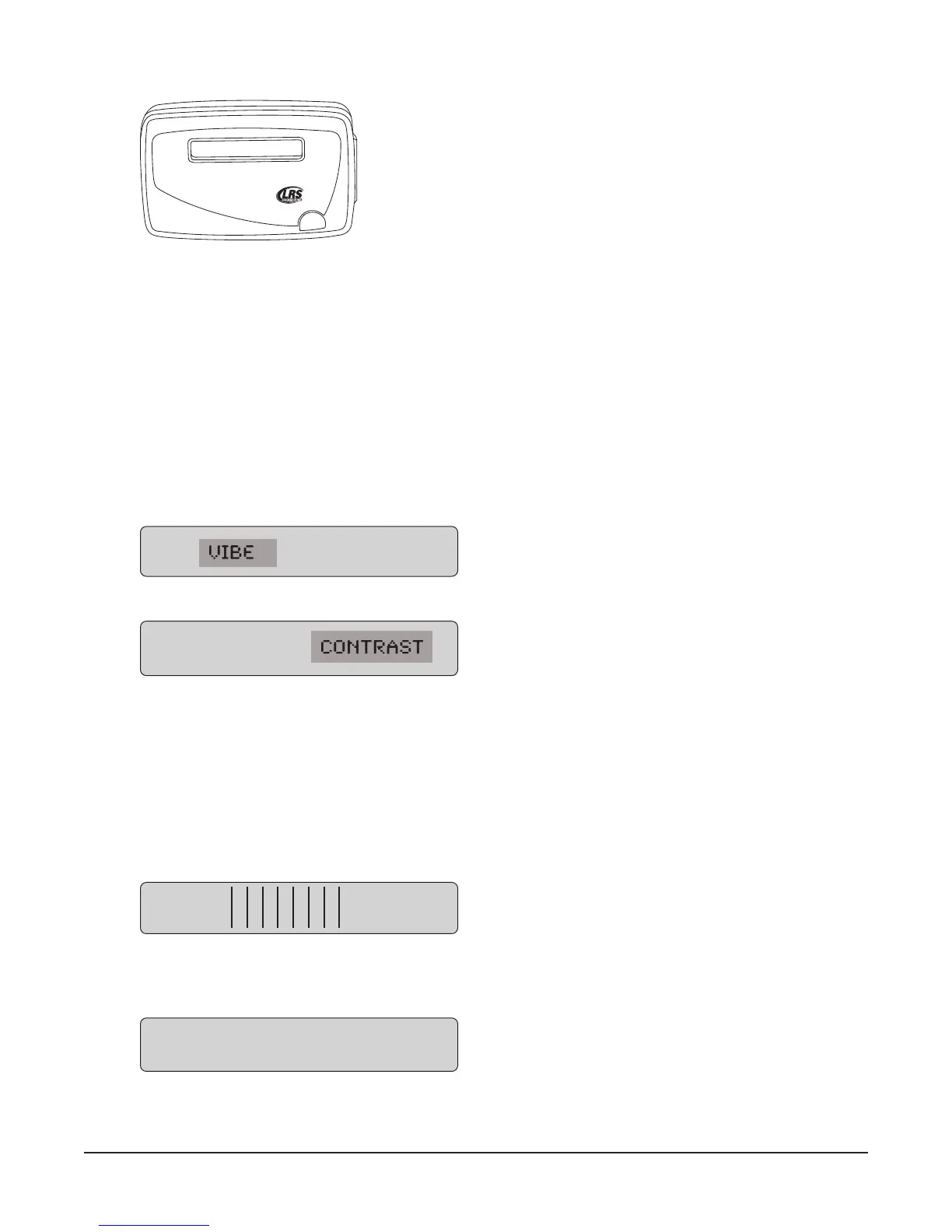
Using the SP5 1-Line Rechargeable Alpha Numeric Pager
Charging
The SP5 uses the Charger 5 (CH-R5)
1. Place the pager in the charger
2. Allow unit to fully charge overnight
3. Remove from charger, pager will vibrate or beep to show it is working
4. LCD will show the pager’s ID
5. Replace the pager in the charger at the end of each day
Menus
To access the vibe/contrast menu, remove the pager from the charger. While vibrating or beeping, press
and hold the Select button for 8 seconds. This top-level menu will display:
If you PRESS and RELEASE the SP5 pager button the menu will change to:
To exit this menu wait 8 seconds.
To re-enter the vibe/contrast menu at any time, reset the pager, and then hold the SP5 pager button.
Vibe
To set the Vibration Level
1. Enter the vibe/contrast menu as described above.
2. Highlight the Vibe selection then PRESS and HOLD the SP5 pager Button until the screen shows.
3. Press or hold the Select Button to the desired vibration level. The level will rise to max, Release
the Select Button and press or hold again until the level goes to minimum or desired level.
4. To exit, wait 8 seconds. And the pager will go back to the vibe/contrast menu.
VIBE CONTRAST
VIBE
VIBE CONTRAST
VIBE CONTRAST
Long Range Systems 36 T7400A User Manual



 To Next Page